Viewing Trusted Circles
On the Trusted Circles page, you can view Trusted Circles your organization belongs to and Public Trusted Circles you can join.
To view all Trusted Circles your organization is a member of:
-
Navigate to ThreatStream > Manage > Trusted Circles.
-
Click the My Trusted Circles tab.
The list of all Trusted Circles your organization belongs to is displayed.
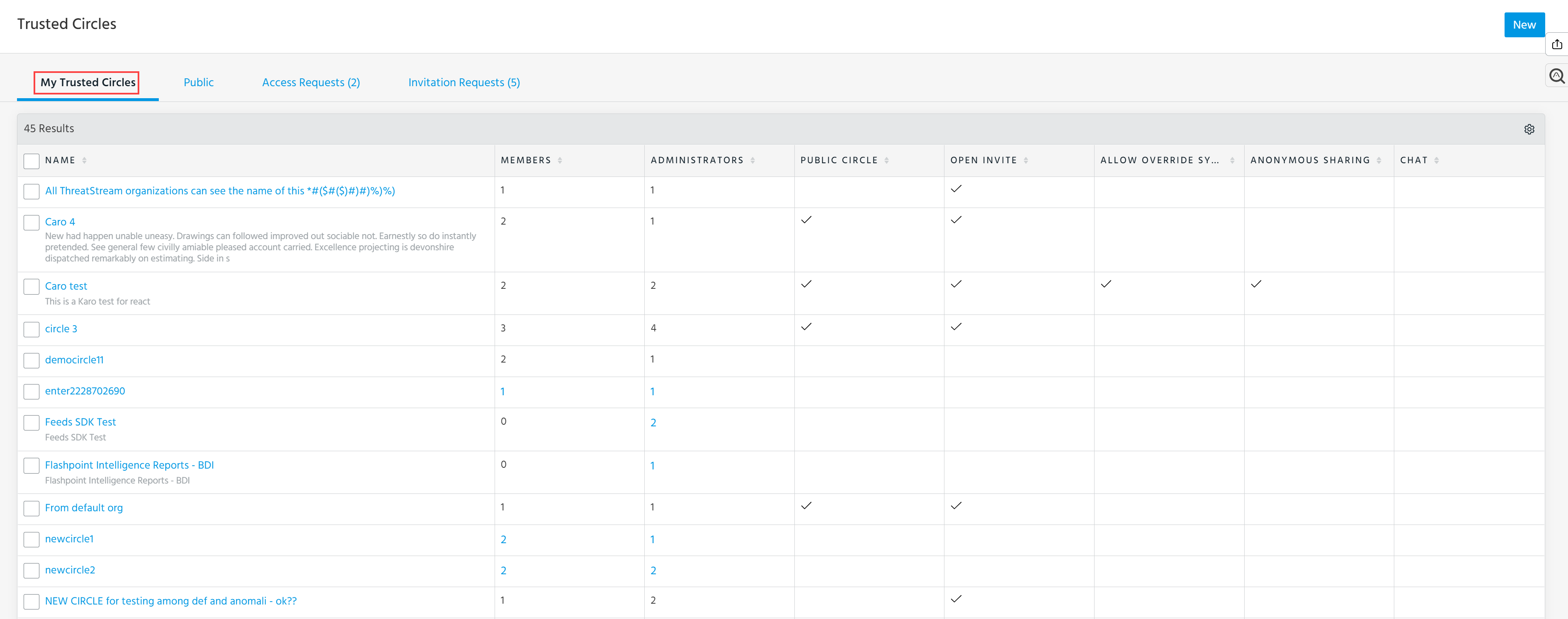
From this page, you can take the following actions:
-
Create new Trusted Circles. See Creating a Trusted Circle for more details.
-
Share Intelligence with Trusted Circles. See Sharing Data with Trusted Circles for more details.
-
Invite members of your organization to join Trusted Circles you administer. See Inviting Members to Join a Trusted Circle for more details.
-
Edit Trusted Circles you administer. See Editing a Trusted Circle for more details.
-
Leave Trusted Circles. See Leaving a Trusted Circle for more details.
To view all Public Trusted Circles:
- Navigate to ThreatStream > Manage > Trusted Circles.
-
Click the Public tab.
The list of all Public Trusted Circles is displayed.
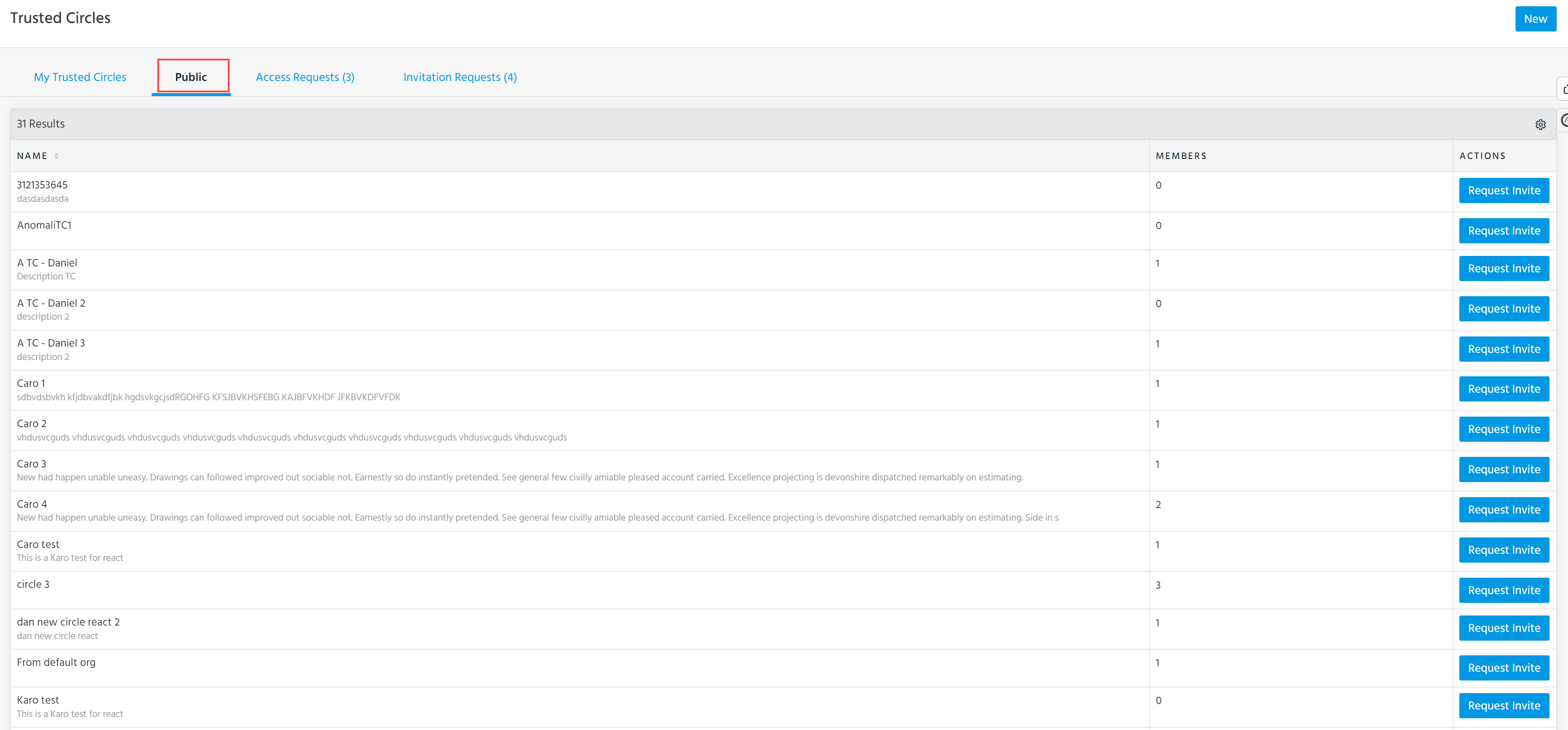
From this page, you can request membership invitations and create new Trusted Circles. See Joining a Trusted Circle and Creating a Trusted Circle for details.