Leaving a Trusted Circle
Note: You must be a Trusted Circle administrator to remove your organization from the circle. For more information, see Understanding the Role of a Trusted Circle Administrator.
To leave a Trusted Circle:
- Navigate to ThreatStream > Manage > Trusted Circles.
-
Select the Trusted Circle you want to leave from the My Trusted Circles list.
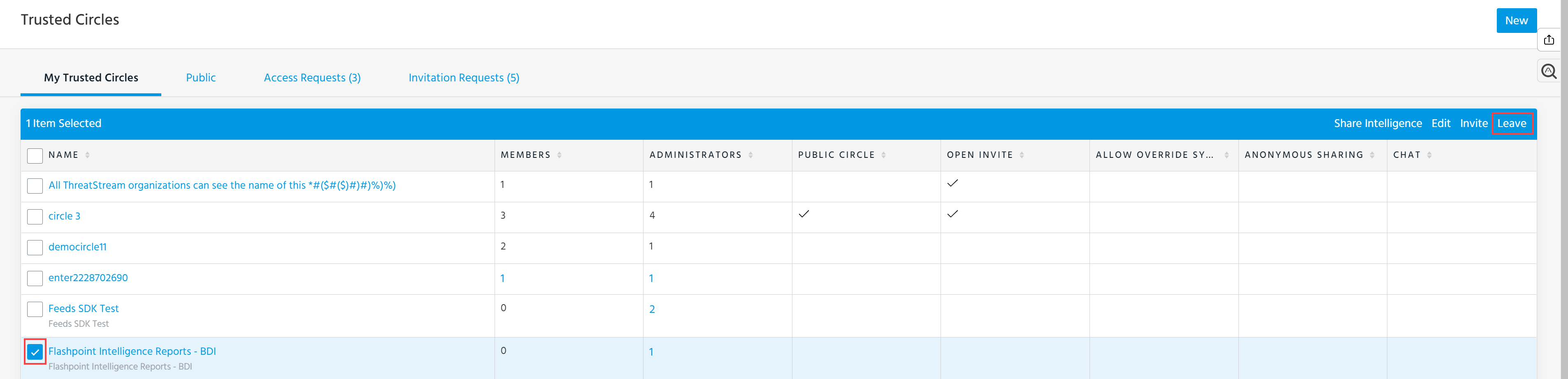
- Click Leave.
- In the window that opens, click Leave to confirm the action.