Joining a Trusted Circle
Note: You must be an organization administrator to join your organization to a Trusted Circle.
To become a member of a Public Trusted Circle, you must initiate the request for invitation.
To join a Public Trusted Circle:
- Navigate to ThreatStream > Manage > Trusted Circles.
- Click the Public Circles tab.
-
Identify the Trusted Circle you want to join and click the corresponding Request Invite button in the Actions column.
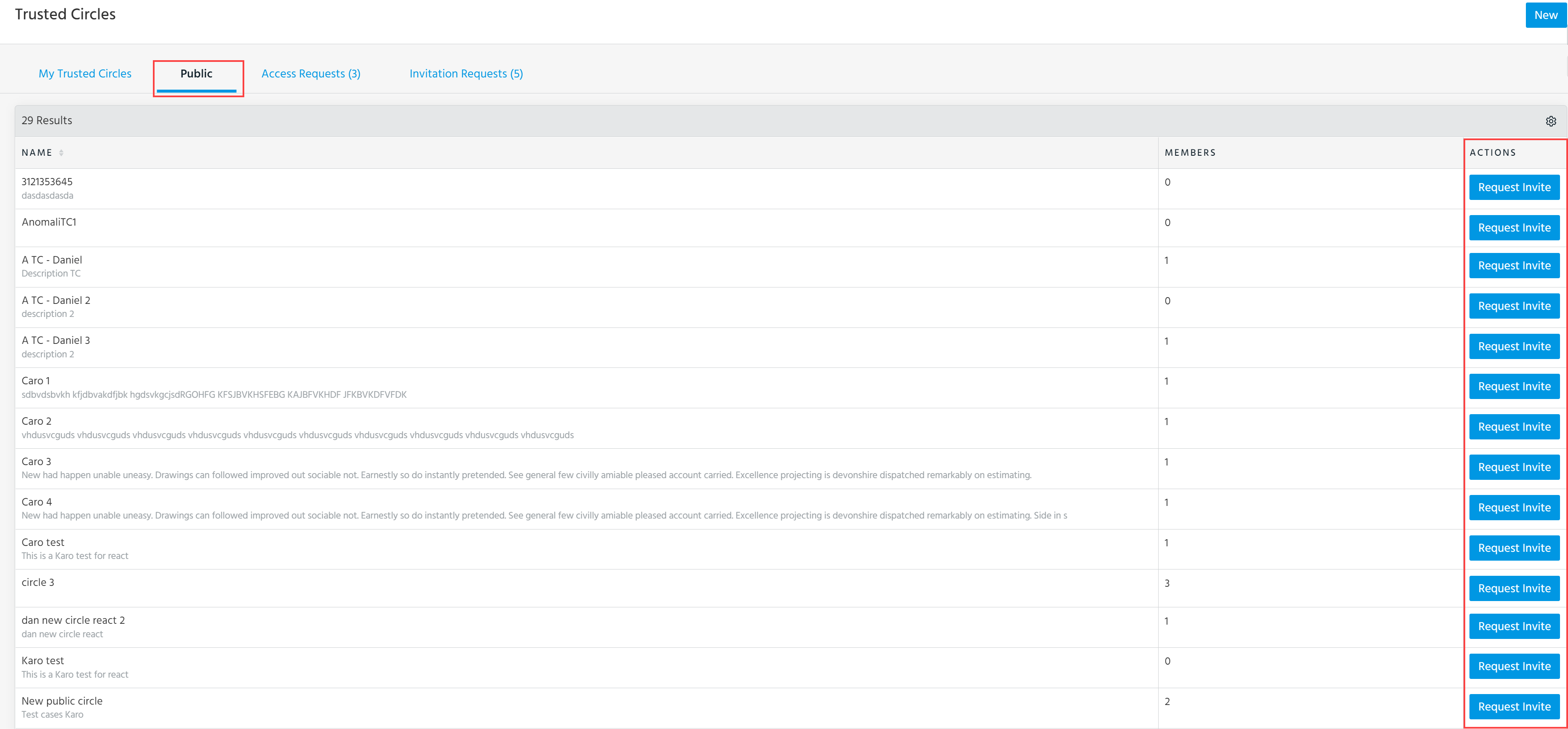
The request to the Trusted Circle administrator is sent. Once the request has been approved, the Trusted Circle is displayed in the My Trusted Circles list.
To join a Non-Public Circle, you must be invited by the Trusted Circle administrator or other members of that circle. Other members can only extend an invite to a Non-Public Trusted Circles if the Trusted Circle was created with the Open Invite setting enabled. See Privacy of Data in a Trusted Circle and Inviting Members to Join a Trusted Circle for more information.