Viewing Custom Macros (Classic UI)
On the Macros page, you can view all macros created by users of your organization. Macros created within your organization can be referenced in multiple searches without the need to rewrite the entire piece of query.
To view the list of custom macros, navigate to Manage > Macros.
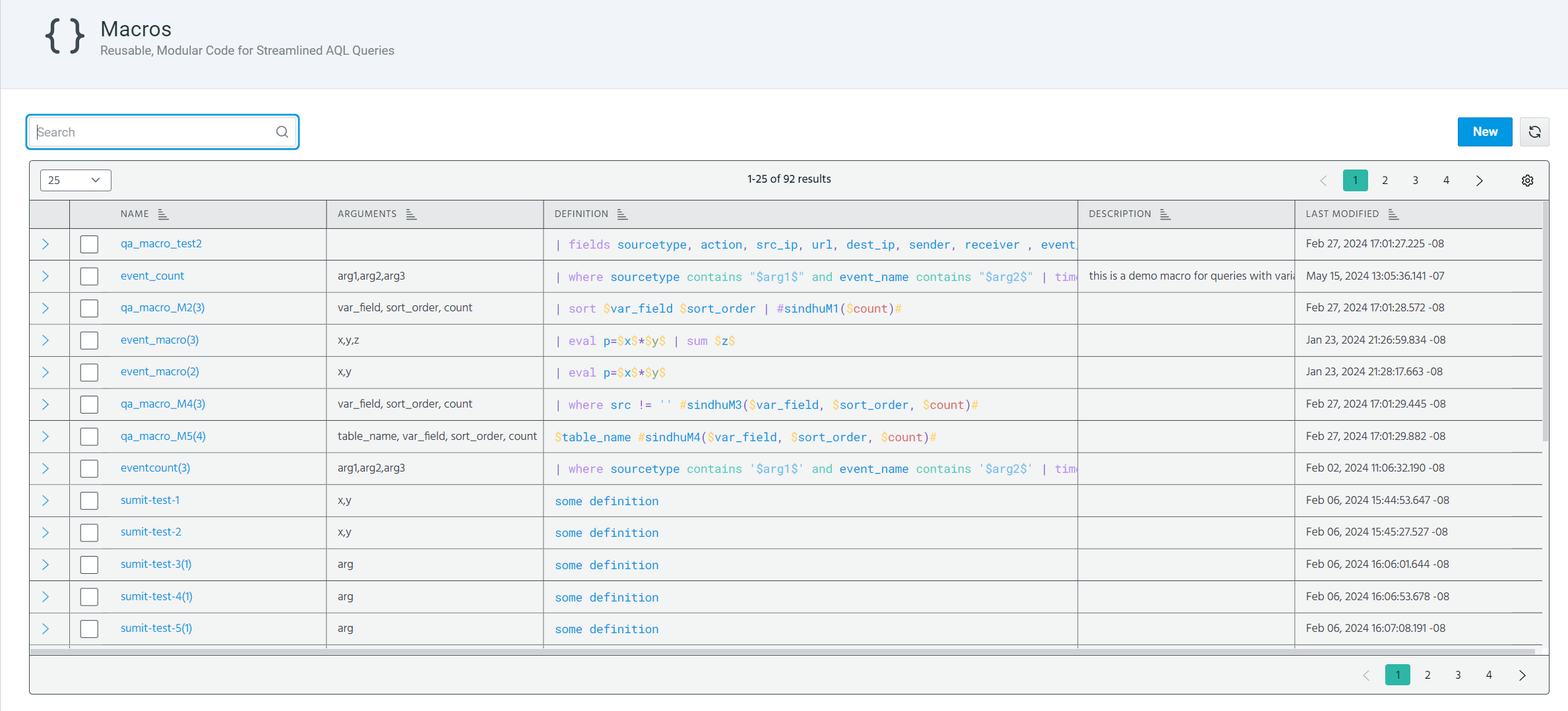
To view a macro definition, click the arrow next to the macro of your interest.
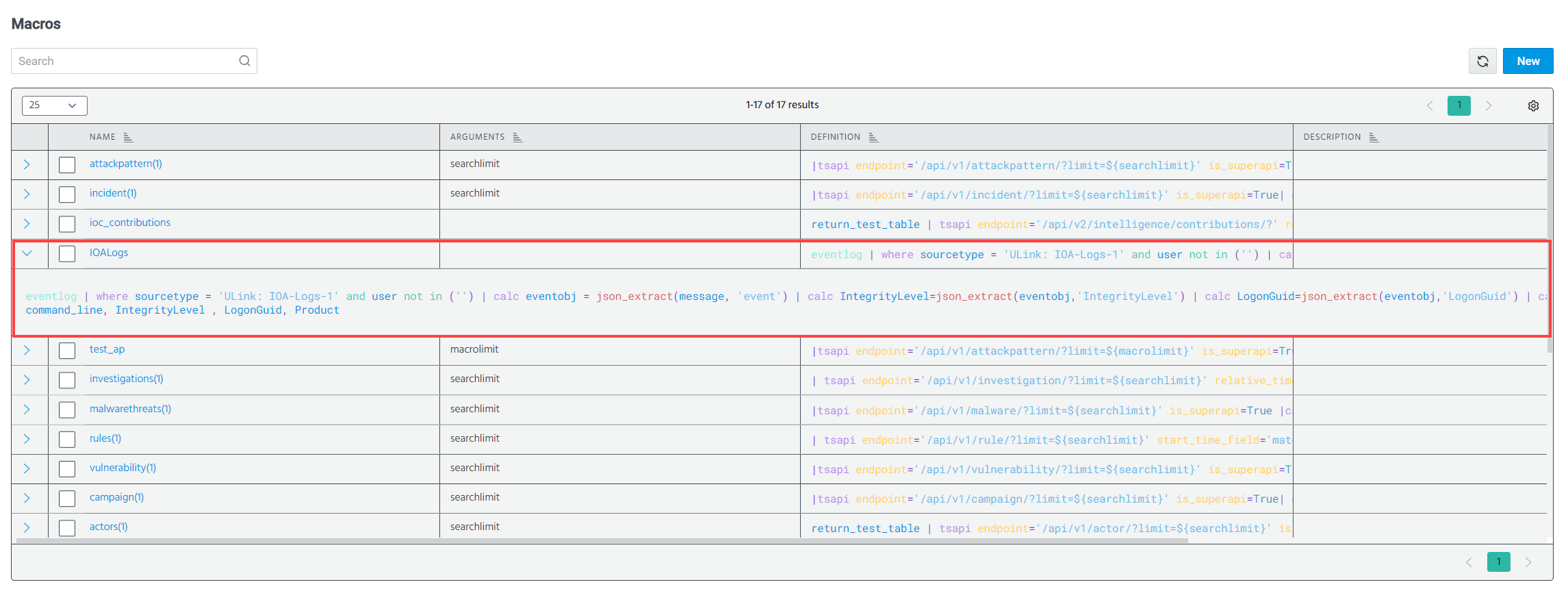
On the Macros page, you can take the following actions:
-
Create new macros. See Creating a Macro (Classic UI) for details.
-
Edit custom macros. See Editing a Macro for details.
-
Clone custom macros. See Cloning a Macro for details.
-
Delete custom macros. See Deleting a Macro for details.