My Attacks Report
My Attacks (also known as MyAttacks) report, which is generated on ThreatStream's downstream SIEM integrations and Security Analytics, contains information about matches that recently occurred on these integrations with the threat intelligence received from ThreatStream. You can configure your integrations to send this report to ThreatStream.
Note: My Attacks report does not collect or forward any information pertaining to your internal network, users, or assets.
Information in a My Attacks report is used in the following ways on ThreatStream:
-
To populate the My Recent Attacks widget in the Overview Dashboard of your organization on ThreatStream thus allowing you to quickly and centrally see all matches in your organization from the ThreatStream dashboard.
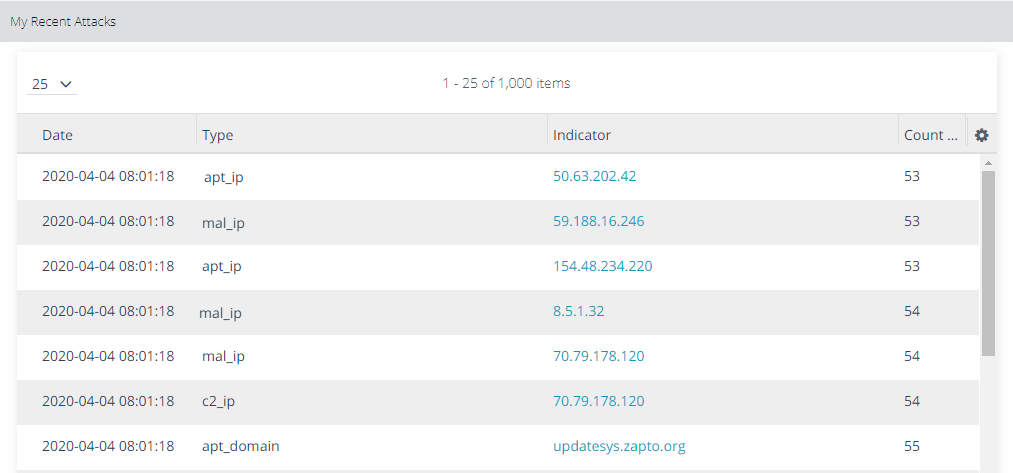
See My Recent Attacks for more information on the widget.
-
To create the My Events Map on ThreatStream for your organization thus allowing you to visualize the attack and its origination.
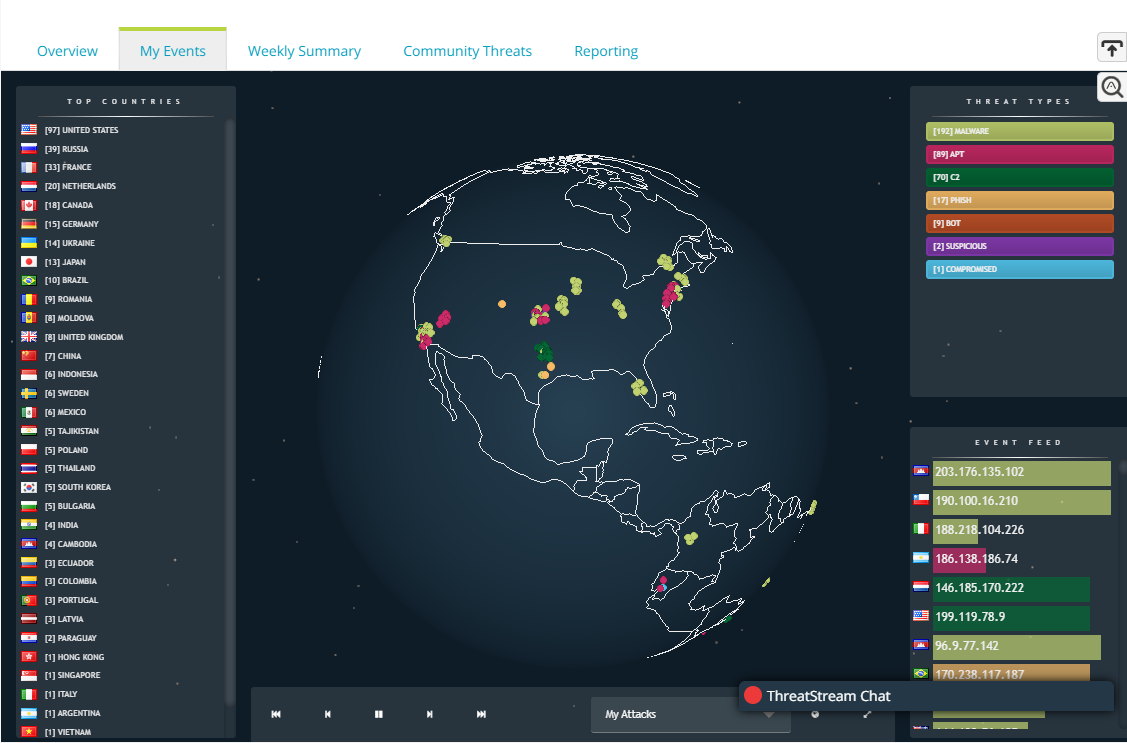
See Visualizing Threats With MyEvents Map for more information on this dashboard.
-
To provide you My Attacks and Matches information—another visual representation of attack data to gain a clear understanding of observables impacting your infrastructure and how they compare with other organizations in the ThreatStream community.
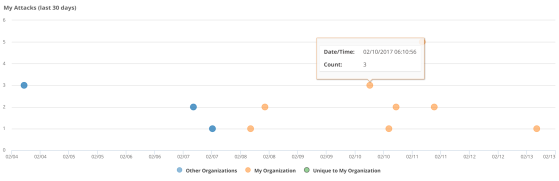
See Viewing Matches and My Attacks for more information.
Sources that can send My Attacks Report
The following sources or downstream integrations can send My Attacks report to ThreatStream:
- Security Analytics on-premise and Cloud
- Splunk App
- ArcSight ESM (via ThreatStream Integrator)
- QRadar (via ThreatStream Integrator)
- LogRhythm (via ThreatStream Integrator)
Information included in the My Attacks Report
The following information is included in a My Attacks Report:
| Field | Value |
|---|---|
| Attack Type |
|
| Attacker Address |
Indicator value. Examples: 50.63.202.42, updatesys.zapto.org |
| Count | Number of matches |
| Reported TS | Timestamp |
| Device Source |
Source of the My Attacks report:
|