Upgrade Link Software
Universal Link 5.0.32 and later can be upgraded from the Security Analytics Settings > Links page.
Note: Anomali Link for Splunk and earlier versions of Universal Link must be upgraded manually. For details, see the installation guide for the Anomali Link software.
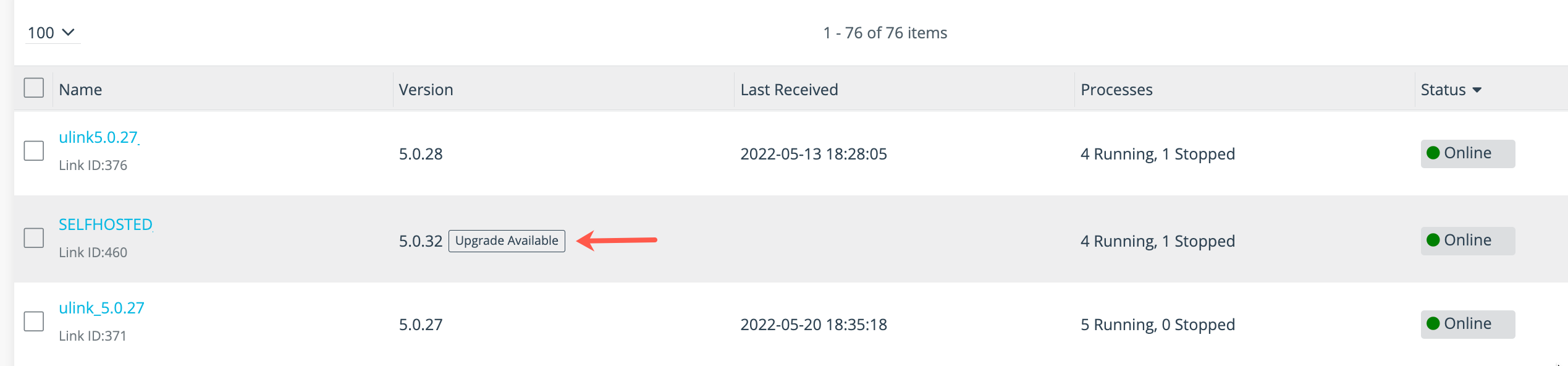
The Link Summary page displays and Upgrade Available notification in the Version column when a new version is available.
To upgrade:
-
Click the Settings icon
 in the left navigation panel and select Security Analytics.
 -
Click Links.
-
Click Universal Links.
-
Click the hyperlink name of Link that shows an upgrade available to display the Link Details page.
-
Click Upgrade in the Link tools panel to initiate the upgrade.

-
Confirm you want to upgrade the software.