Feedback:
Modifying Search Settings
You can enable the AQL Search auto-complete feature or change display to a dark or light theme for the Search and Dashboards app pages. The preference is saved per user.
To modify preferences:
-
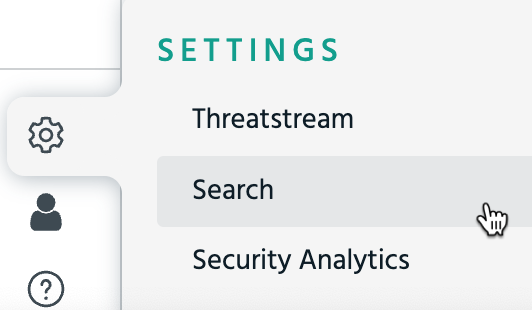
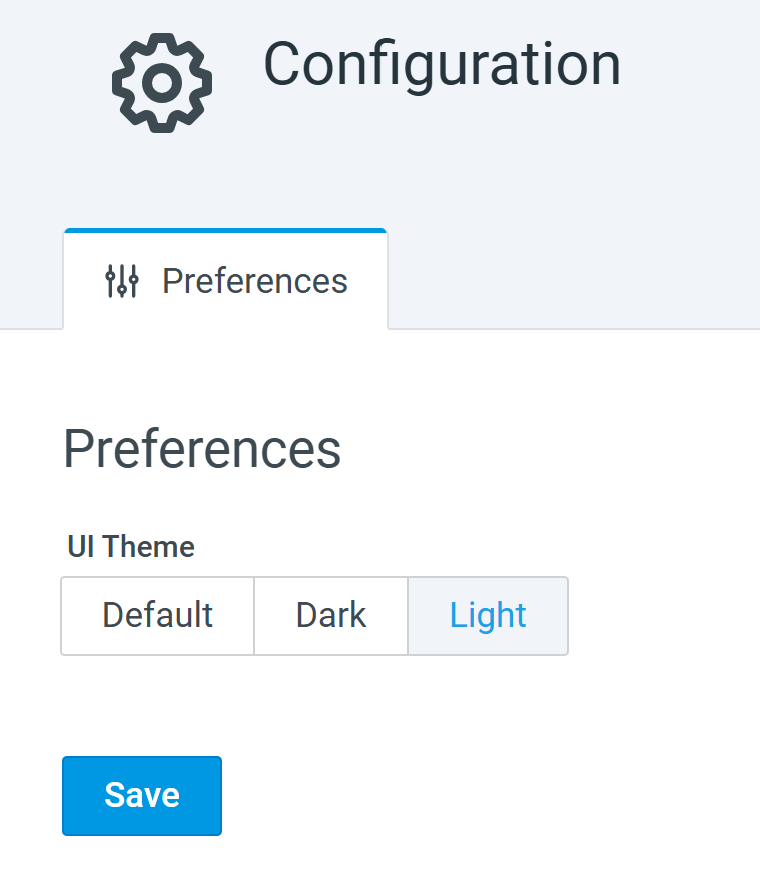
In the left navigation panel, navigate to Settings > Search. This page displays the Preferences.
-
Change to your preference.
-
UI Theme: Select a theme for the AQL Search and Dashboards.
-
-
Click Save.