Using Anomali AI in ThreatStream Next Gen
Anomali AI transforms threat intelligence and telemetry into actionable decisions for modern security teams. By delivering AI-driven insights, it helps analysts investigate threats faster, respond more effectively, and operationalize threat intelligence and analytics with confidence.
Within the ThreatStream Next Gen platform, Anomali AI serves as an intelligent assistant that understands natural language. You can use it to ask questions about threat intelligence, search for observables in your environment, and generate reports—all without leaving the platform.
Anomali AI searches the threat intelligence and data accessible to the signed-in user, including premium and open-source intelligence feeds configured for the organization, threat models, investigations, and PIRs.
You can open Anomali AI from anywhere in ThreatStream Next Gen using either of these options:
-
Chat bar — A persistent input bar appears at the bottom of every page. Click it and start typing to begin a conversation.

-
Anomali AI icon — Click the Anomali AI icon (
 ) in the interface to open the full chat panel.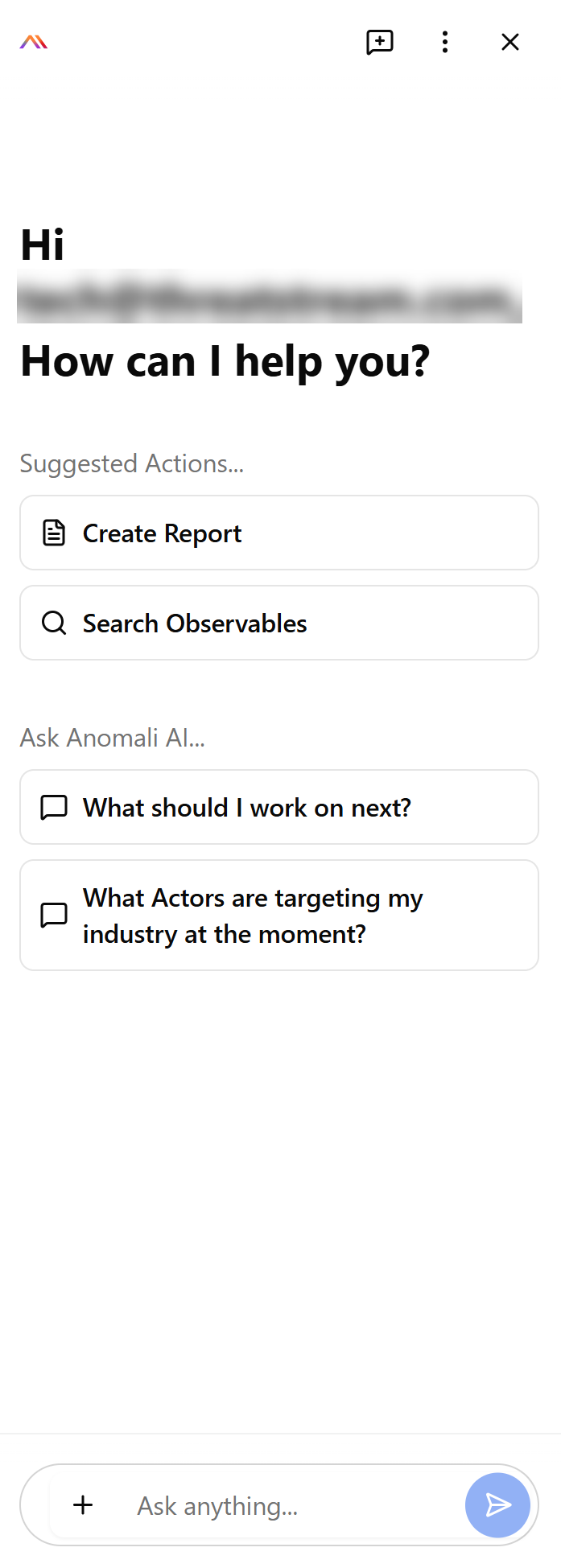
What You Can Do
Once the chat panel is open, Anomali AI offers the following capabilities:
-
Ask a Question
Type any question in natural language and click the Send button.
For example:
"What are trending actors in the IT industry now?"
"What should be my next steps after detecting this suspicious login?"
-
Create a Report
Click Create Report to generate an intelligence report. For step-by-step instructions, see Creating Reports with Anomali AI
-
Search Observables
Click Search Observables to find observables available in your environment.
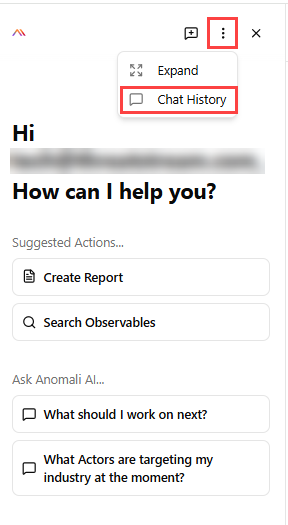
All conversations with Anomali AI are automatically saved and accessible at any time through Chat History.
-