Integrations Marketplace
Integrations Marketplace is your one-stop place for managing all types of ThreatStream Next Gen integrations.
They include:
-
Feeds (coming soon)
-
Intelligence channels (coming soon)
-
Enrichments (coming soon)
-
Direct integrations (coming soon)
To access Integration Marketplace, navigate to ThreatStream NextGen > Integrations Marketplace.
(Click the image to enlarge it.)
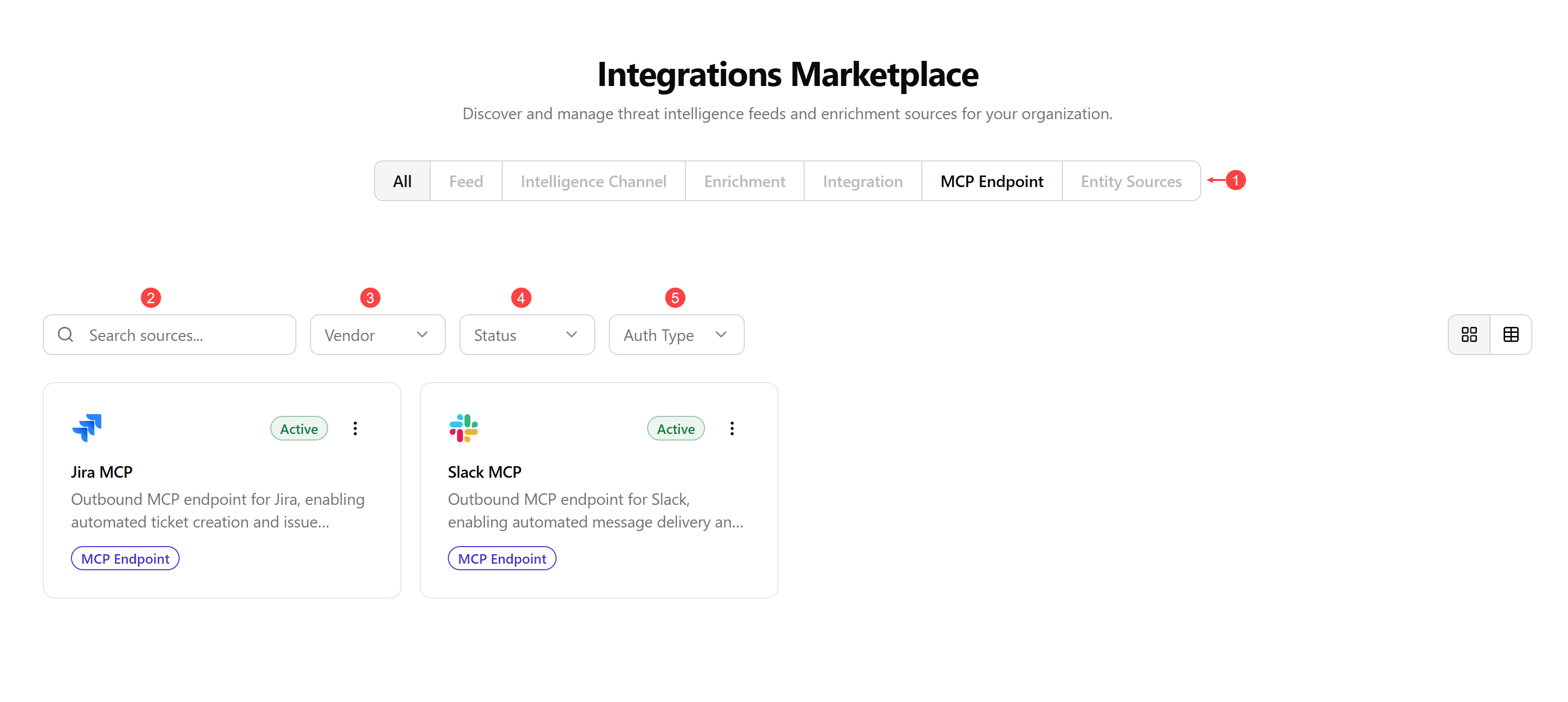
 Integration Types. Click any available tab to filter integrations by their integration type.
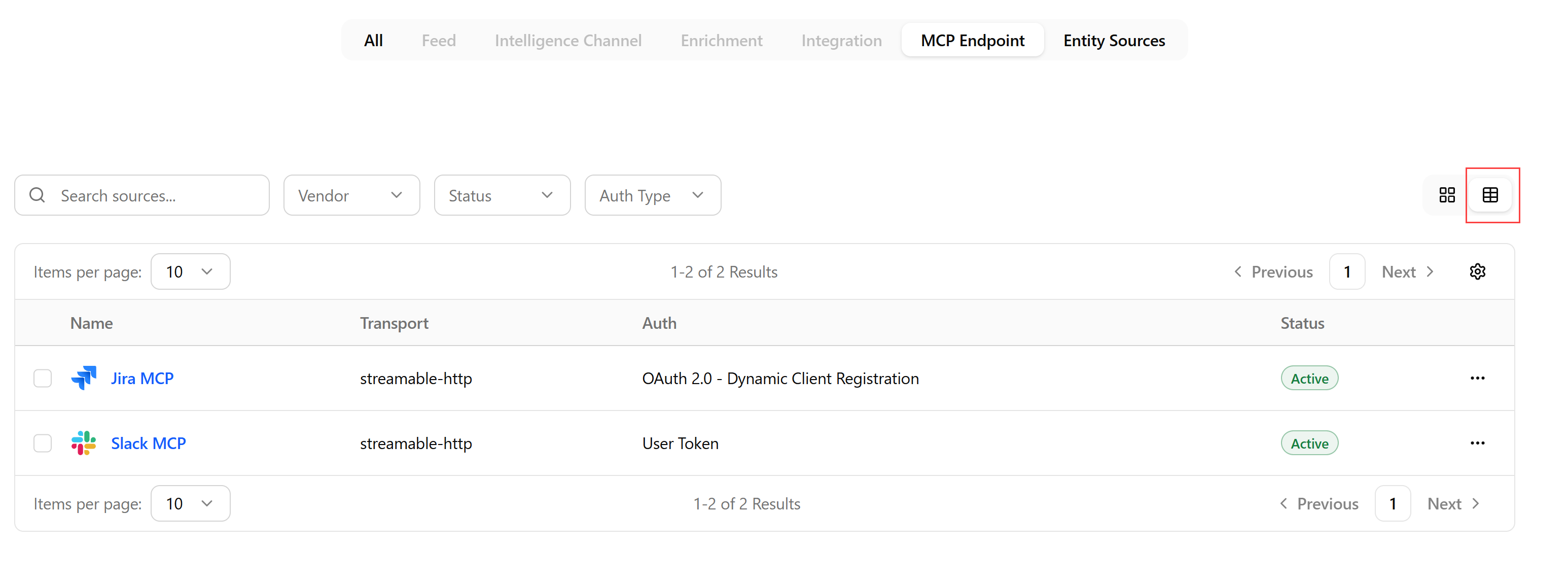
On every integration type page, you can switch to the list view. The list view also gives you access to the integration actions menu. See Managing Integrations for details.
 Search sources: Search integrations by their name.
 Vendor: Filter integrations by a vendor's name.
 Status: Filter integrations by their status—Not Configured, Active, or Inactive.
 Auth Type: Filter integrations by their authentication type—Bearer Token or Oauth.