Threat Model Dashboard
Note: For background information on the Anomali Threat Model, see Using the Anomali Threat Model.
The Threat Model dashboard displays the five most recent Threat Model entities of each type that were updated on ThreatStream.
To visit the Threat Model dashboard, navigate to ThreatStream > Analyze > Overview.
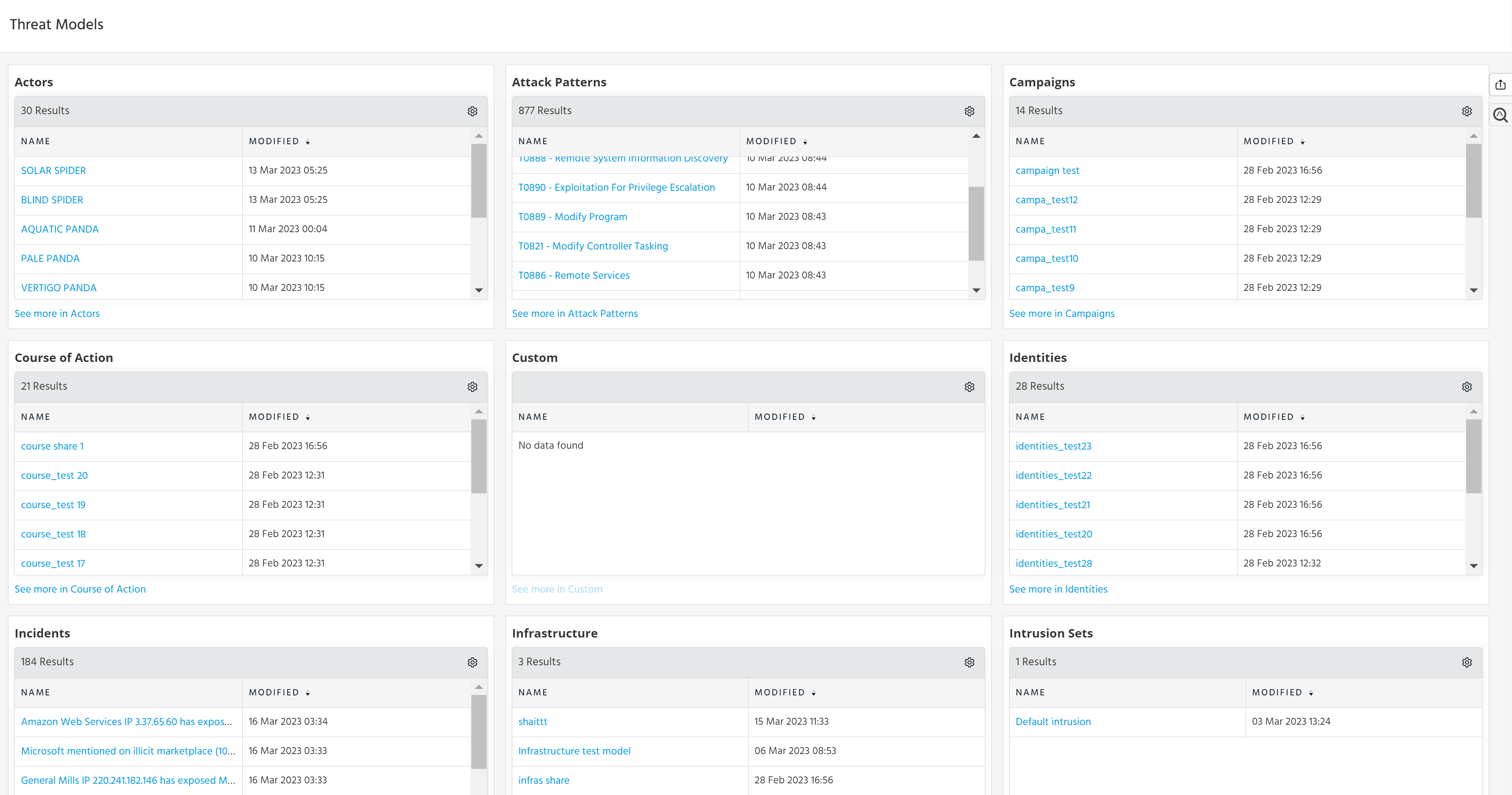
To view the entire list, not just the top 5, click the "See more in..." link at the bottom of each widget in the dashboard.
To dig deeper into a specific entity, click on it. The Details page provides additional information such as aliases associated with an Actor, last activity date, and known victims.