Managing OAuth 2.0 API Credentials 
Anomali API endpoints support the OAuth 2.0 Client Credentials flow — an industry-standard method for authenticating and authorizing API clients. This approach uses short-lived access tokens instead of static API keys, reducing the risk of credential exposure and enhancing overall security.
If you have the Use OAuth 2.0 API Credentials permission on the Anomali platform, you can create up to 5 sets of OAuth 2.0 API credentials (Client ID and Secret Key), edit their names, or delete.
Creating OAuth 2.0 API Credentials
To create a set of OAuth 2.0 API credentials:
-
Navigate to Profile > Account Settings.
-
Click New.
-
In the dialog box that opens, enter a meaningful name for the set of credentials.
-
Click Create.
The Client ID and Secret Key are generated.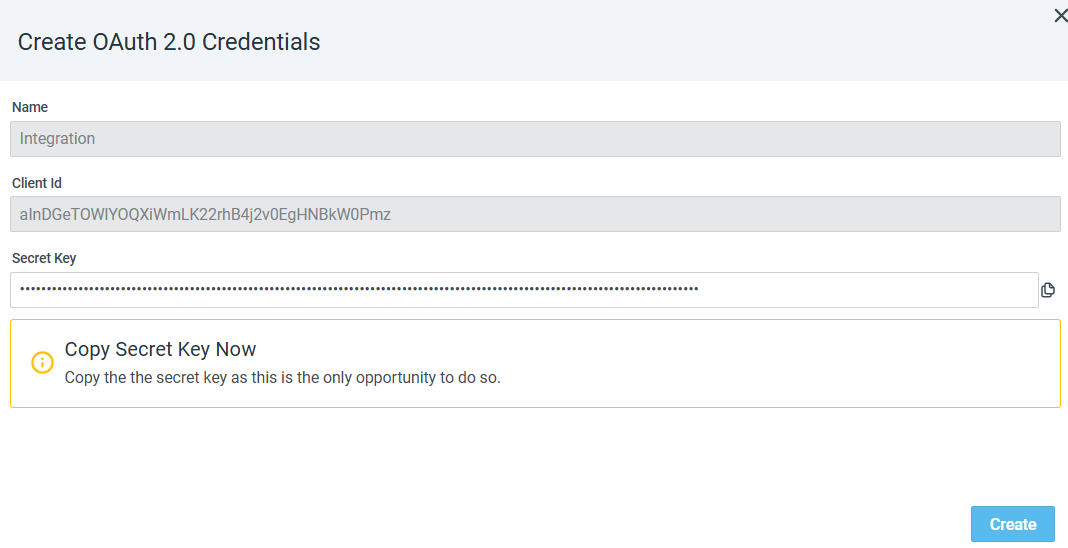
-
Copy the value of the generated Secret Key because after leaving this page, there is no way to retrieve it. If you do not save it, you will need to generate a new set of OAuth 2.0 API credentials.
-
Click Create.
The generated Client ID is added to the list of OAuth 2.0 API Credentials.

Once you have your Client ID and Client Secret, you need to obtain a token to access ThreatStream API endpoints. For details on how to generate and use a token to access API endpoints, refer to Authenticating to ThreatStream with an OAuth 2.0 Token in ThreatStream API Reference.
Editing OAuth 2.0 API Credentials
You can edit names of active OAuth 2.0 API credentials.
To edit a name of the set of OAuth 2.0 API credentials:
-
Navigate to Profile > Account Settings.
-
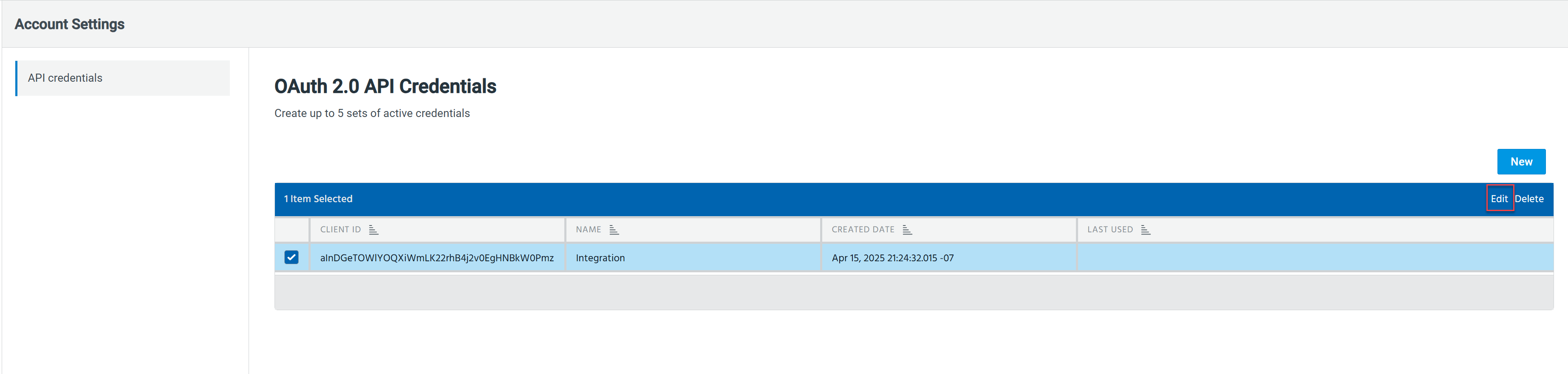
Select the set of credentials whose name you want to change.
-
Click Edit.
-
In the Edit OAuth 2.0 Credentials dialog box, modify the name of the credentials.
-
Click Save.
The name of the OAuth 2.0 API credentials is updated.
Deleting OAuth 2.0 API Credentials
If an integration is decommissioned or your OAuth 2.0 API credentials are compromised, you can always delete them.
To delete a set of OAuth 2.0 API credentials:
-
Navigate to Profile > Account Settings.
-
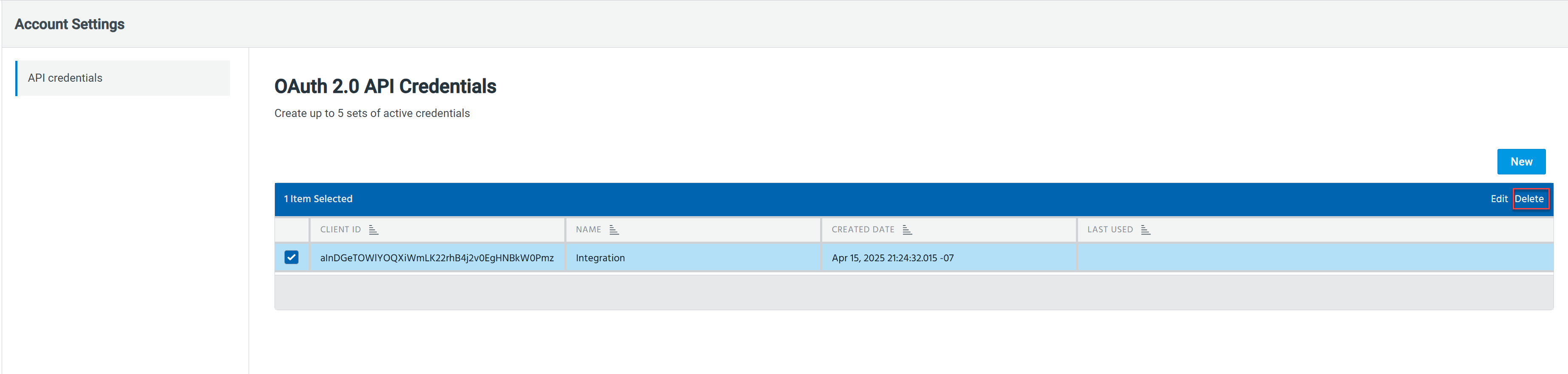
Select the set of credentials that you want to delete.
-
Click Delete.
-
Click Delete in the conformation pop-up window.
The OAuth 2.0 API credentials are deleted.