Adding Sandbox Reports to Investigations
You can add sandbox reports to a new or existing investigation. See Investigating Threats in ThreatStream for more information about investigations.
To add a sandbox report to an investigation:
- Navigate to ThreatStream > Research > Sandbox.
- Select one or more sandbox reports you want to add to an investigation.
-
Click Start/Continue Investigation.

-
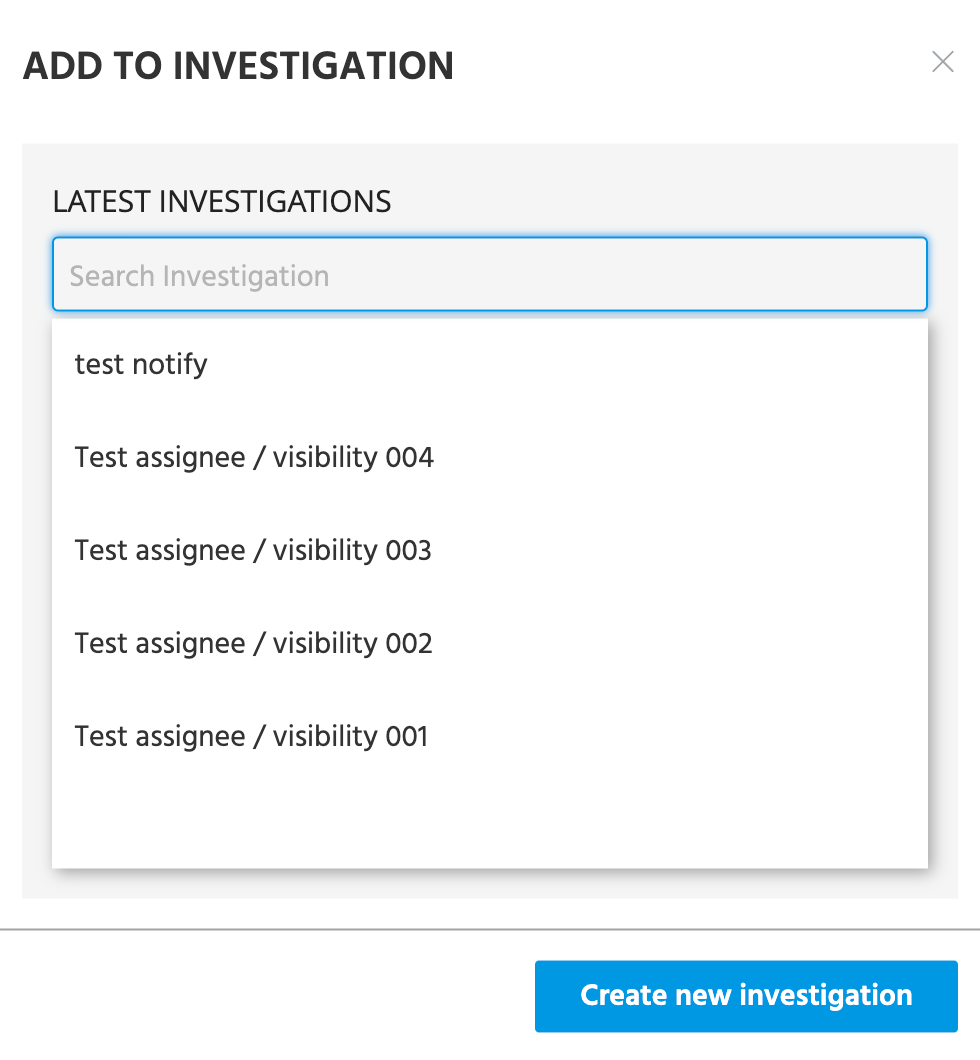
Use the search box to find and select an existing investigation or click Create new investigation to start a new one.