Importing Observables from a Sandbox Report
If you select Import Observables when submitting Malware to the sandbox, an import session is automatically created if Malware is found to be "Malicious" or "Suspicious." Import sessions must be approved before the observables will become part of your threat intelligence on ThreatStream.
To import observables from a detonation report:
- Follow the process to view the detonation report as described in Viewing Sandbox Reports.
-
If an import session is available, click the link available that shows the Import ID.
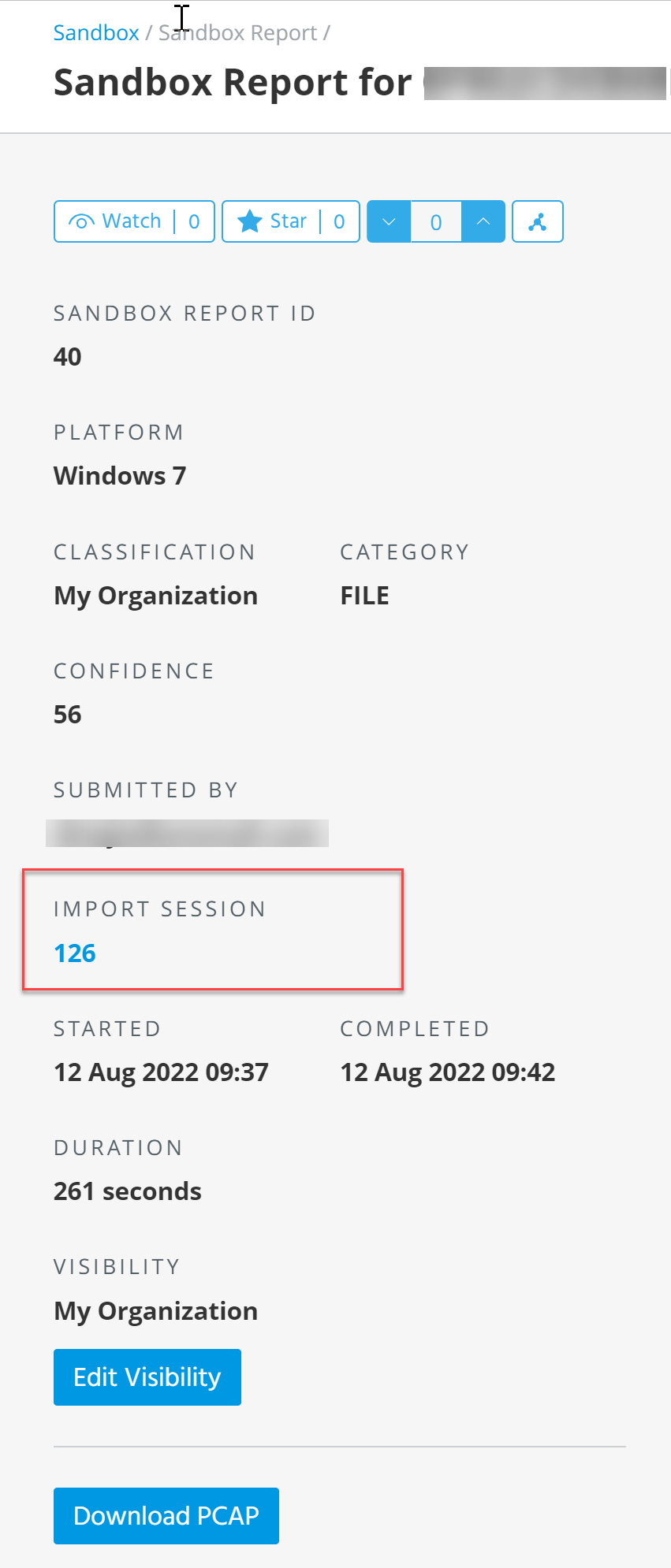
The Import Review page is displayed.
-
If you do not have the Approve Import user privilege, select the observable and click Send Admin Review Request.
If you do have the Approve Import user privilege, see Approving Import Jobs for further instruction on completing the import process.