Deleting Investigations
Note: Only Organization Administrators and users with the Manage CTI Investigations permission or the CTI Investigator system role can delete investigations. See Managing Roles and Using System Roles for details.
If you finished analyzing investigations, you can always remove them from the Investigations list.
To delete an investigation:
-
Navigate to ThreatStream > Research > Investigations.
-
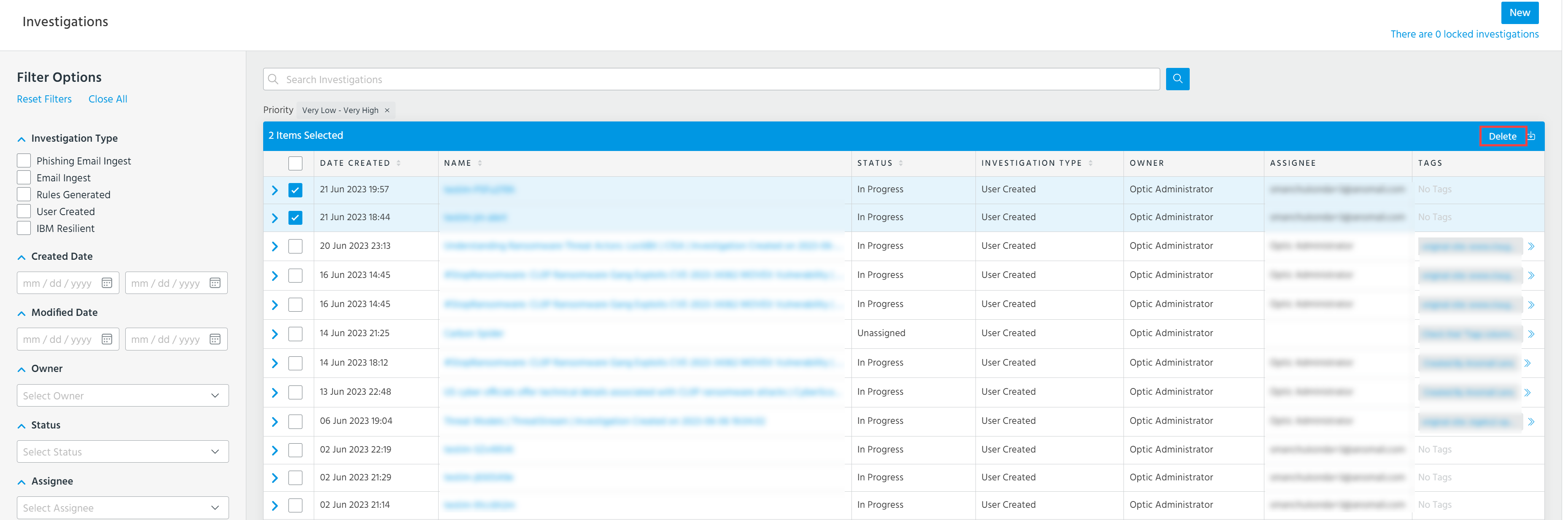
Select the investigation you want to delete.
-
Click Delete.