Requesting the Anomali PDRP Service Trial Activation
To get access to the free PDRP trial version:
-
Navigate to ThreatStream > APP Store > APP Store.
-
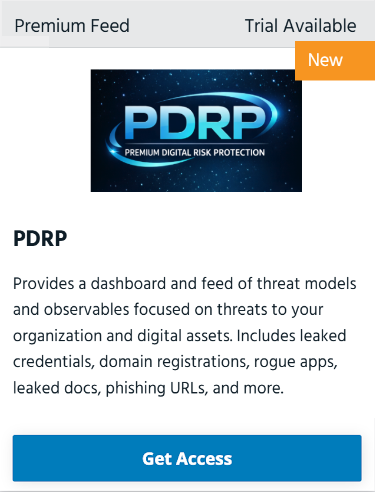
Locate the PDRP feed and click Get Access.
-
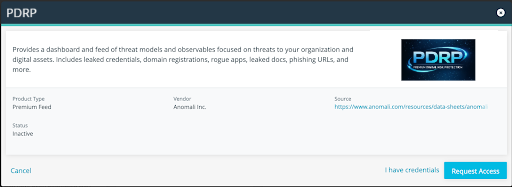
On the next page, click Request Access. The status changes to Access requested.
An Anomali Customer Support representative will contact you and request to fill out a questionnaire. -
Fill the questionnaire and email it back to your assigned Customer Support manager. Anomali will configure your personalized PDRP feed and send you the API key.
-
Use the API key to activate the PDRP feed from the ThreatStream APP Store. For activation details, see Activating the Anomali PDRP Enhanced Feed.