Activating the Anomali PDRP Enhanced Feed
To activate the Anomali PDRP Enhanced premium feed, you must obtain the API key from Anomali Customer Support and to prepare the list of assets you want the feed to monitor.
To activate the Anomali PDRP Enhanced premium feed:
-
Navigate to ThreatStream > APP Store > APP Store.
-
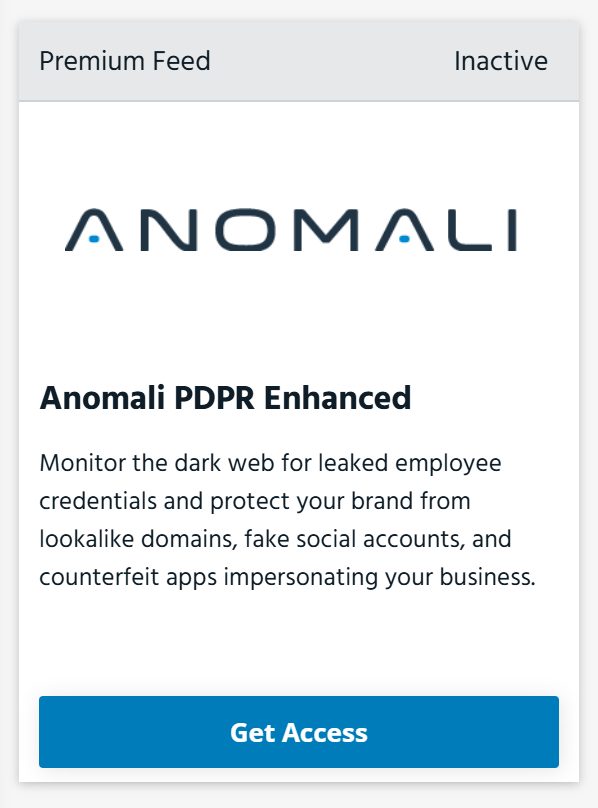
Locate the Anomali PDRP Enhanced tile.
-
Click Get Access.
-
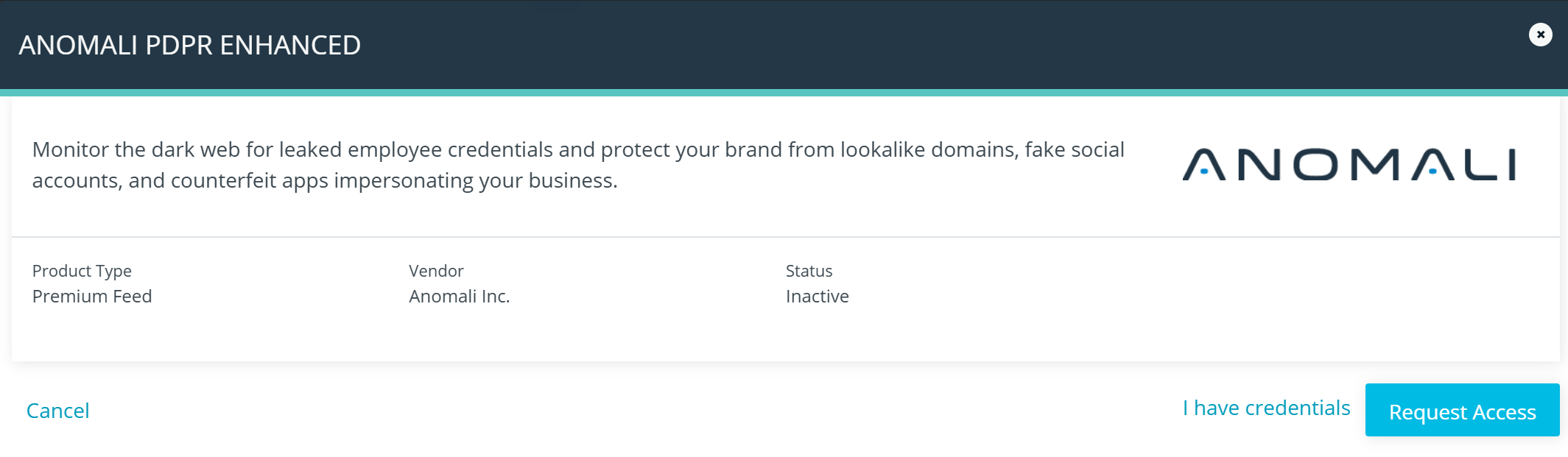
On the next page that opens, click Request Access. Anomali will provide the API key required to activate the feed. Once you receive the API key, proceed to the next step.
-
Locate the Anomali PDRP Enhanced feed again and click Manage.
-
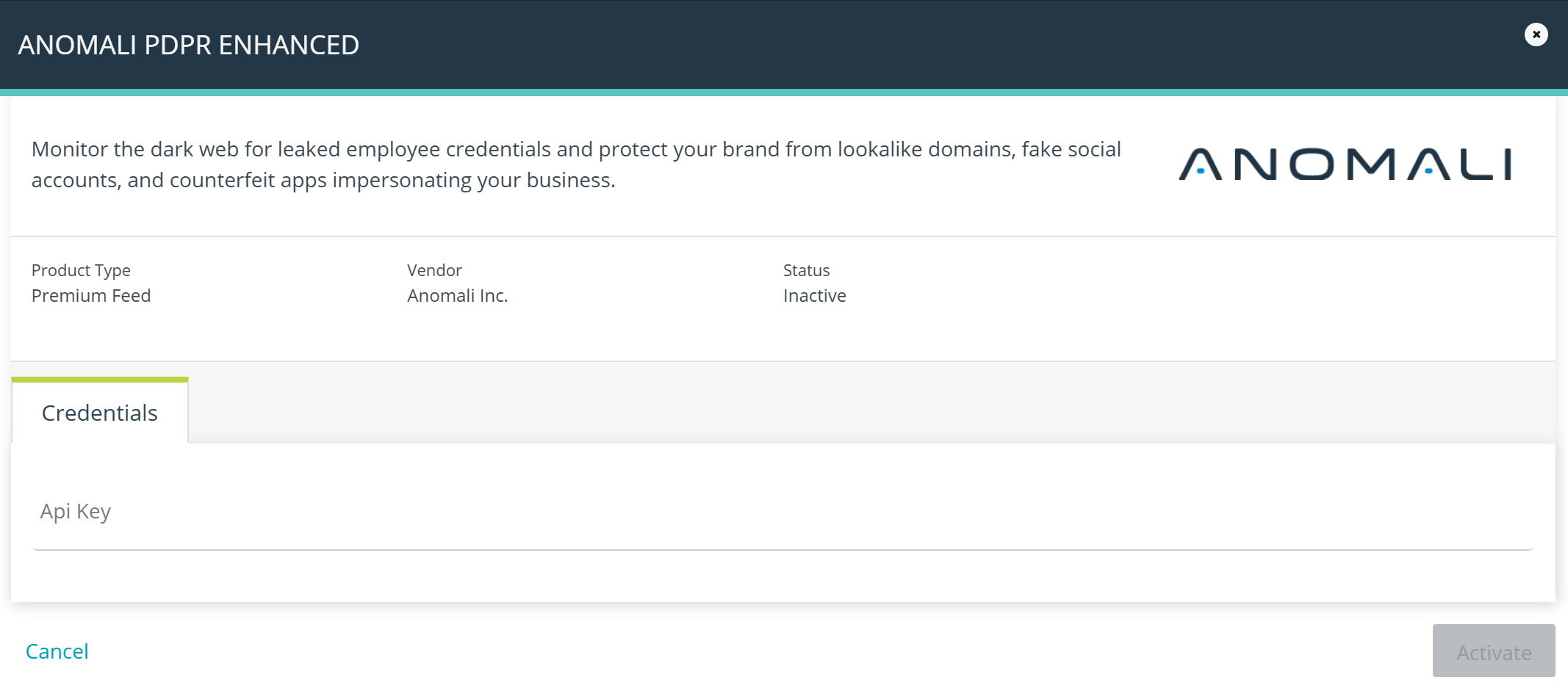
On the next page that opens, click I have credentials.
-
On the next page that opens, click Credentials and enter the API key provided by Anomali.
-
Click Activate. The status of the feed changes to Active on the tile.
-
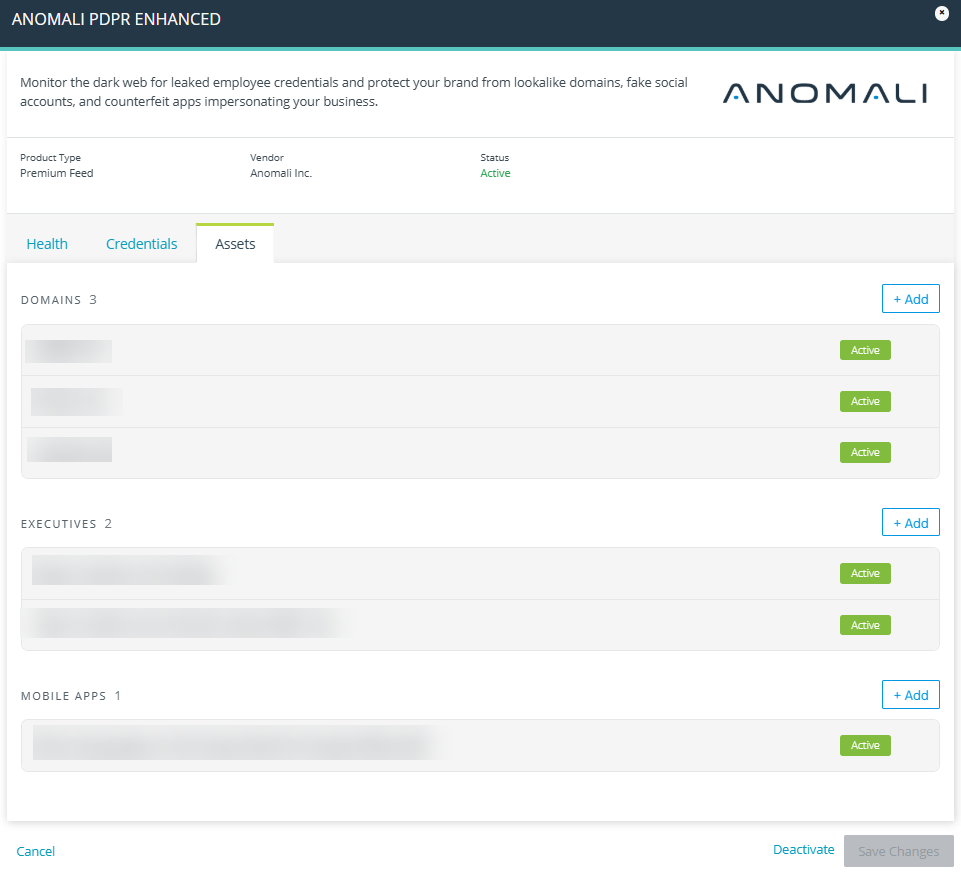
Locate the Anomali PDRP Enhanced feed again and click Manage > Assets.
On the Assets page, add fully-qualified domains, social media profiles, and mobile apps that you want to monitor.You can add assets individually using the + Add button or in bulk.
To add multiple assets of the same category in bulk, enter them separated by commas or new lines.
If an asset is added successfully, the Active status is displayed next to it. If adding an asset results in an error, try adding it again. If the error persists, verify that the asset is accessible and reachable.Supported social media platforms:
-
Facebook
-
Instagram
-
LinkedIn
-
Snapchat
-
TikTok
-
X (Twitter)
-
YouTube
Supported App Stores:
-
Apple App Store
-
Google Play
-
Huawei App Gallery
-
Samsung Galaxy Store
-
Xiaomi Store
-
-
Click Save Changes.
The assets are configured for the PDRP service.