Creating Attack Flows
On the Attack Flows page, you can upload attack flow files in either JSON or structured Excel format. When a file is uploaded, ThreatStream automatically parses the file to extract relevant TTPs and generates an attack flow. Newly created attack flows are only visible to your organization users. If needed, imported attack flows can be modified. See Updating Attack Flows for details.
Only MITRE attack flows v2.0 can be imported as JSON files.
Excel file upload support is the Beta feature.
To create an attack flow:
-
Navigate to ThreatStream > Analyze > Attack Flow.
-
Click New in the top right corner of the page.
-
Drag and drop or browse to select an attack flow file that you want to import.
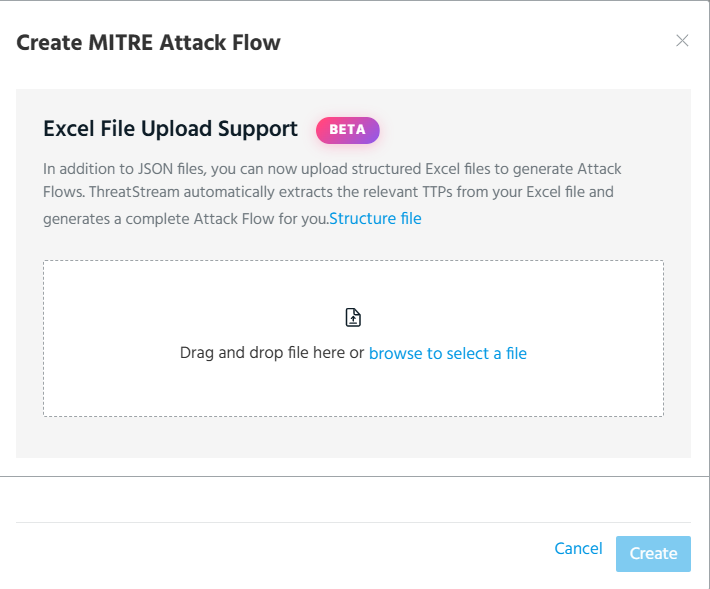 Note: To generate an accurate attack flow from an Excel file, use the structure file template. To download the structure file template, click the Structure file link.
Example of the Excel file ready for upload:
-
Click Create.
The imported attack flow appears on the list of attack flows.