Integrating with IBM Resilient
The ThreatStream integration with IBM Resilient enables you to export investigation information to IBM Resilient in the form of Incidents.
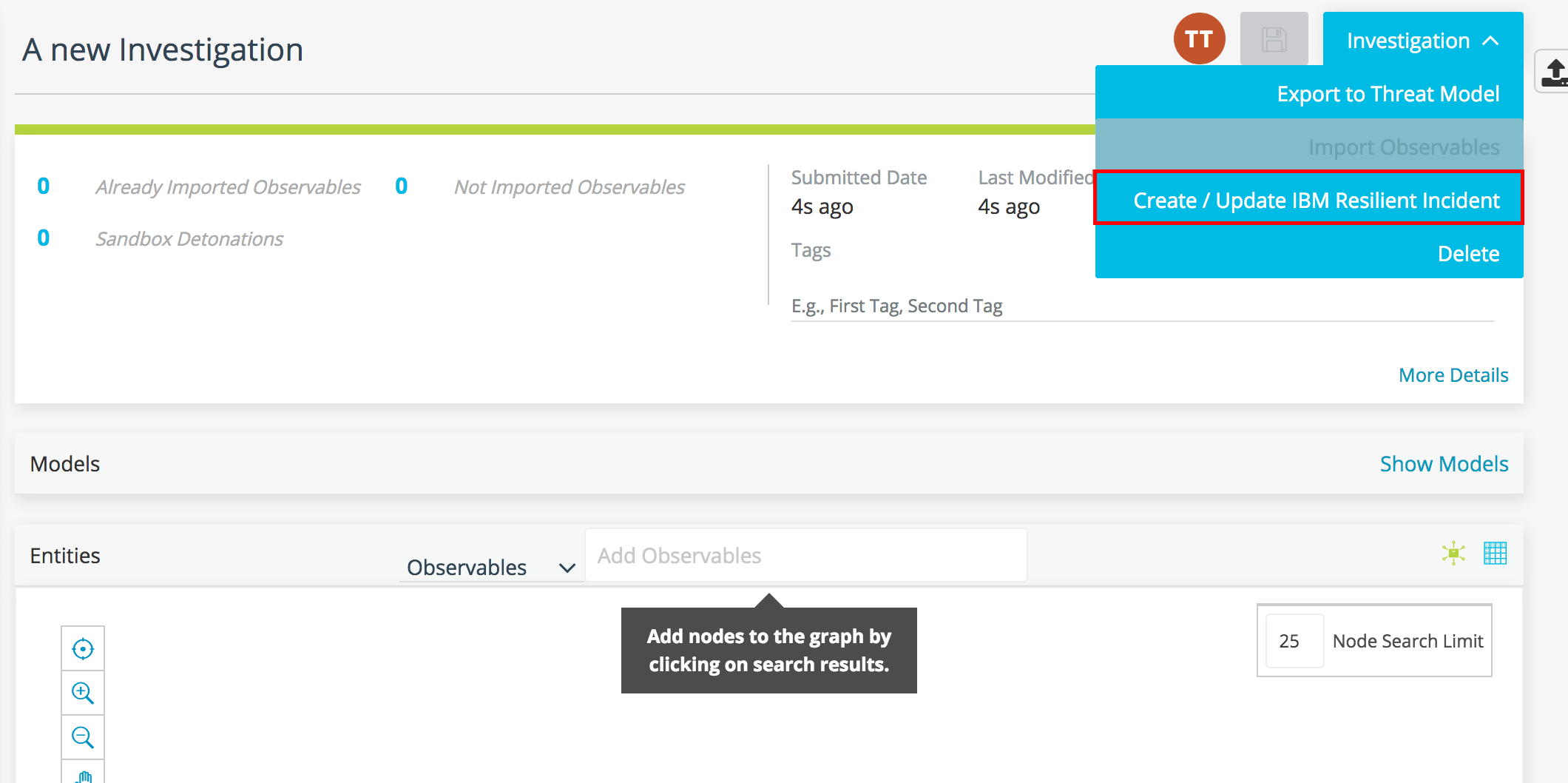
After activating the integration, a Create/Update IBM Resilient Incident option is available from the Actions menu within investigations on ThreatStream.
The table below lists the ThreatStream investigation fields included in exports and the IBM Resilient fields to which they are mapped in resulting Incidents.
| ThreatStream Investigation Field | IBM Resilient Incident Field |
|---|---|
| Description | Description |
| Observables | Artifacts |
| Priority | Priority |
| Title | Title |
Note that only the following observables that are listed as active on investigations are exported as artifacts to IBM Resilient:
-
Domains
-
Emails
-
Hashes
-
IPs
-
Strings
-
URLs
Export of Threat Models is not supported.
In addition to creating new IBM Resilient Incidents through the integration, you can run the integration on previously exported ThreatStream investigations to update corresponding Incidents within IBM Resilient.
In order to send investigation information to IBM Resilient, you must activate the integration. To activate the integration, you must have a subscription to IBM Resilient.
To activate IBM Resilient integrations:
-
In the bottom-left corner of the side navigation panel, click
 > ThreatStream and then click Integrations.
 - Click Activate in the IBM Resilient box.
-
Enter your IBM Resilient Instance URL.
- Enter your IBM Resilient Organization Name.
- Enter your IBM Resilient Email.
- Enter your IBM Resilient Password.
- Click Save.