Managing Organization Never Scan Lists for Anomali Copilot
ThreatStream Org Admins can create and manage an organization Never Scan list for users in their organization who use the Anomali Copilot browser extension, formerly known as Lens + browser extension. For more information, see https://www.anomali.com/products/copilot.
The Never Scan list prevents users from scanning the domains, IP addresses, or URLs you configure. Entries on the organization-level list cannot be edited or deleted.
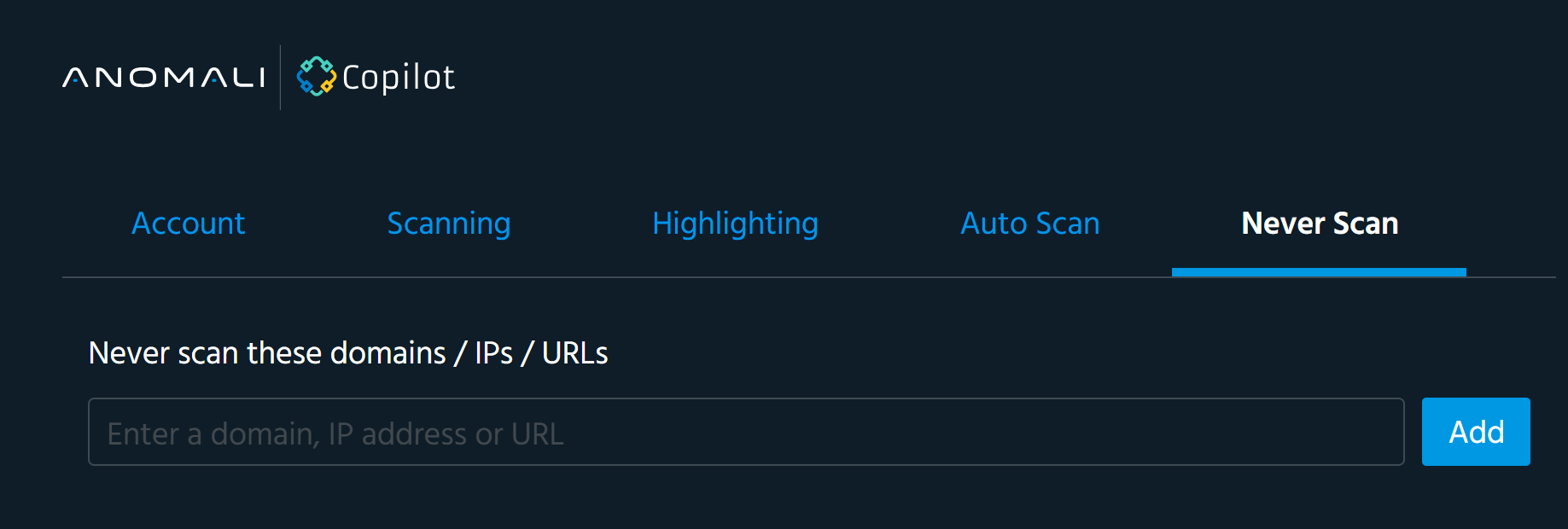
To add entries to your organization Never Scan list:
- In the bottom-left corner of the side navigation panel, click
 > ThreatStream and then click Copilot.
 - Click Add in the Actions menu.
-
Add the domains, IP addresses, or URLs you want to prevent users in your organization from scanning. If entering multiple entries, separate each entry with a new line or comma.
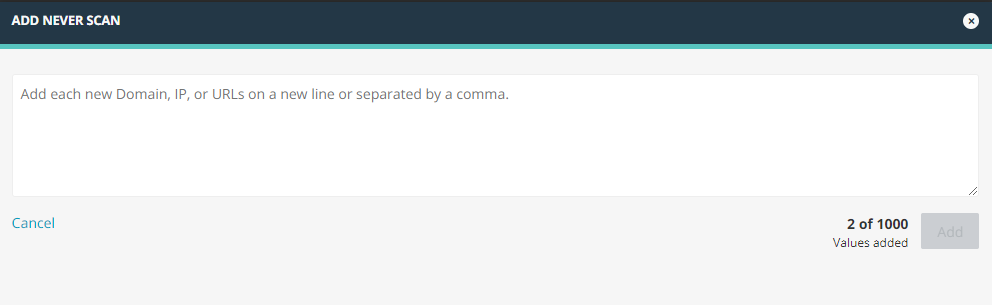
- Click Add.
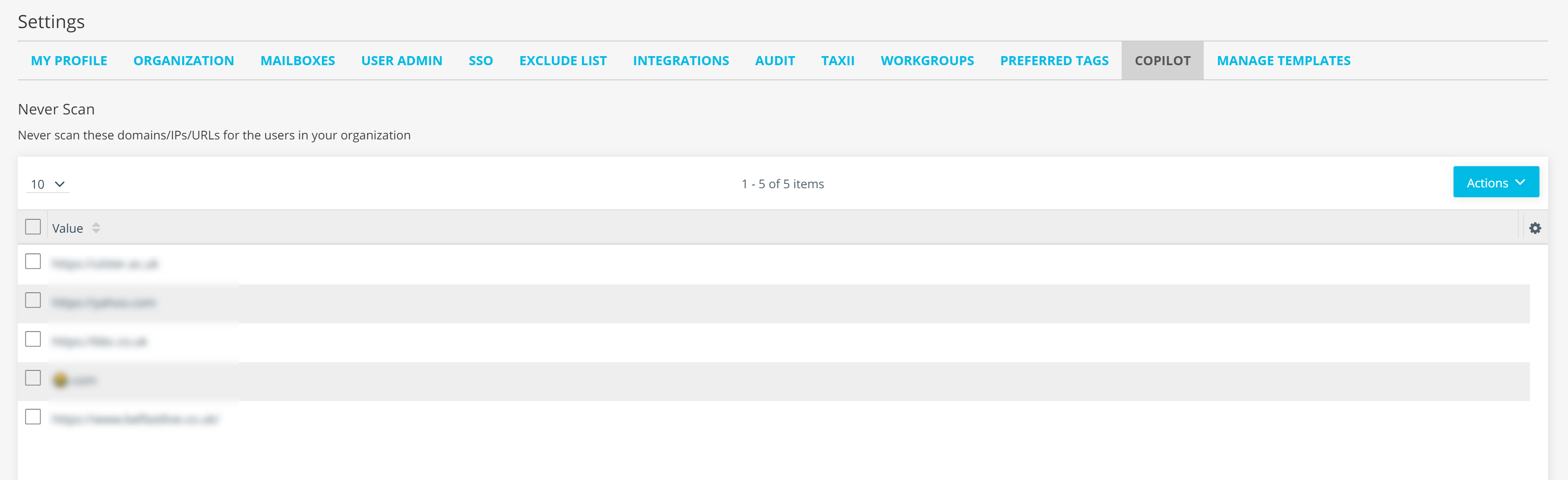
The entries have been added. The organization Never Scan list synchronizes with Anomali Copilot every 10 minutes.
To delete entries from your organization Never Scan list:
- In the bottom-left corner of the side navigation panel, click > ThreatStream and then click Copilot.
-
Navigate to the Copilot tab.
- Select the entries you want to delete.
- Click Delete in the Actions menu.
The entries have been deleted.