Editing Custom Dashboards
You can edit dashboard parameters, including the dashboard name and description, visibility setting, and whether the dashboard is your default dashboard. Dashboards can only be edited by their creators.
To edit your custom dashboard:
- Click Dashboard in the top navigation menu.
- Navigate to the dashboard you want to edit.
- Click Edit Dashboard in the Actions menu.
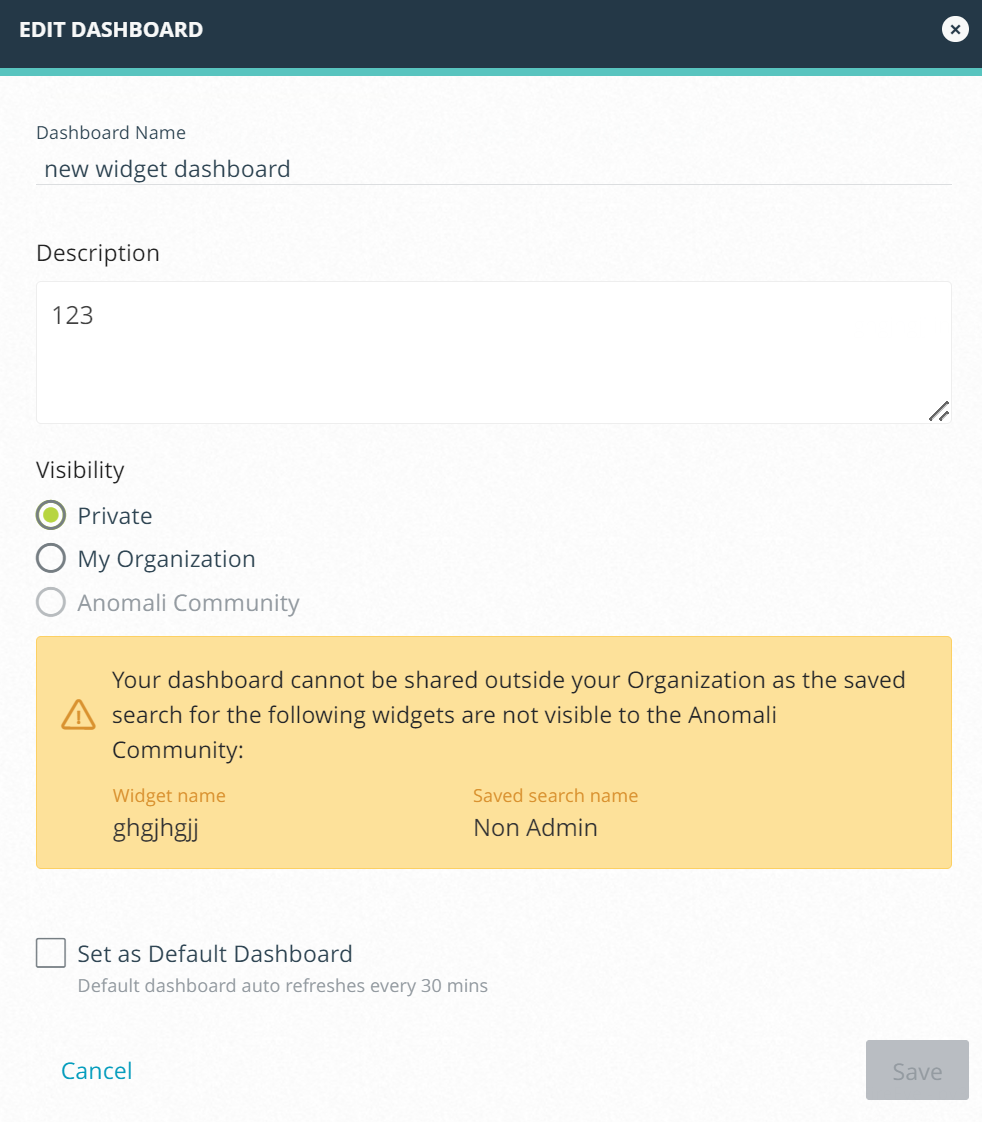
- Make desired changes.
- Click Save.