Deleting Observables
Observables that are owned by your organization and assigned the My Organization visibility setting can be deleted. Once deleted, observables cannot be restored. All associations between deleted observables and threat model entities are broken.
You must have the Approve Import privilege to delete observables. Observables can be deleted from observable details pages.
To delete an observable:
- Navigate to the details page of the observable you want to delete.
-
Under Intelligence, locate the instance of the observable that is owned by your organization and click Delete.
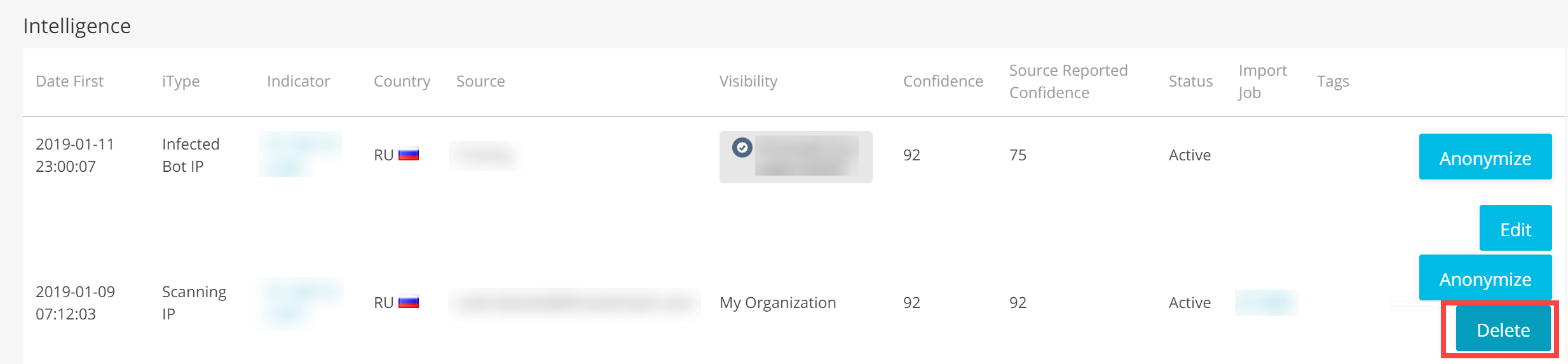
Note: In the case that multiple instances of a single observable exist in ThreatStream, only the instance imported by your organization can be deleted.
- Click OK to confirm.