Creating Description Templates From Threat Models
You can save description templates for further use with threat models.
To save a description template:
-
Navigate to Analyze > Threat Model.
-
Click a threat model with a description that you want to use a template.
-
Click Actions > Edit.
-
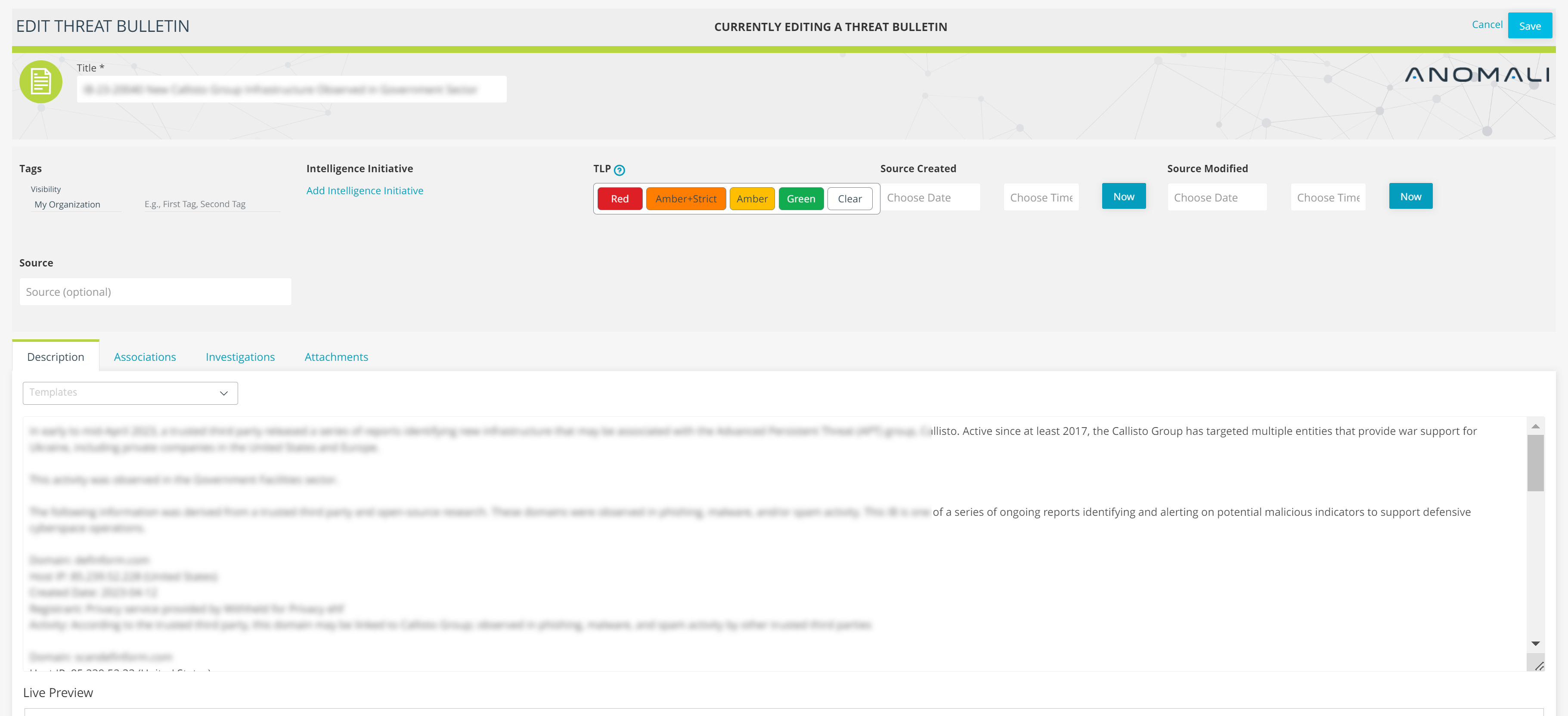
Click the Templates drop-down list.
-
Click Save as a Template.
-
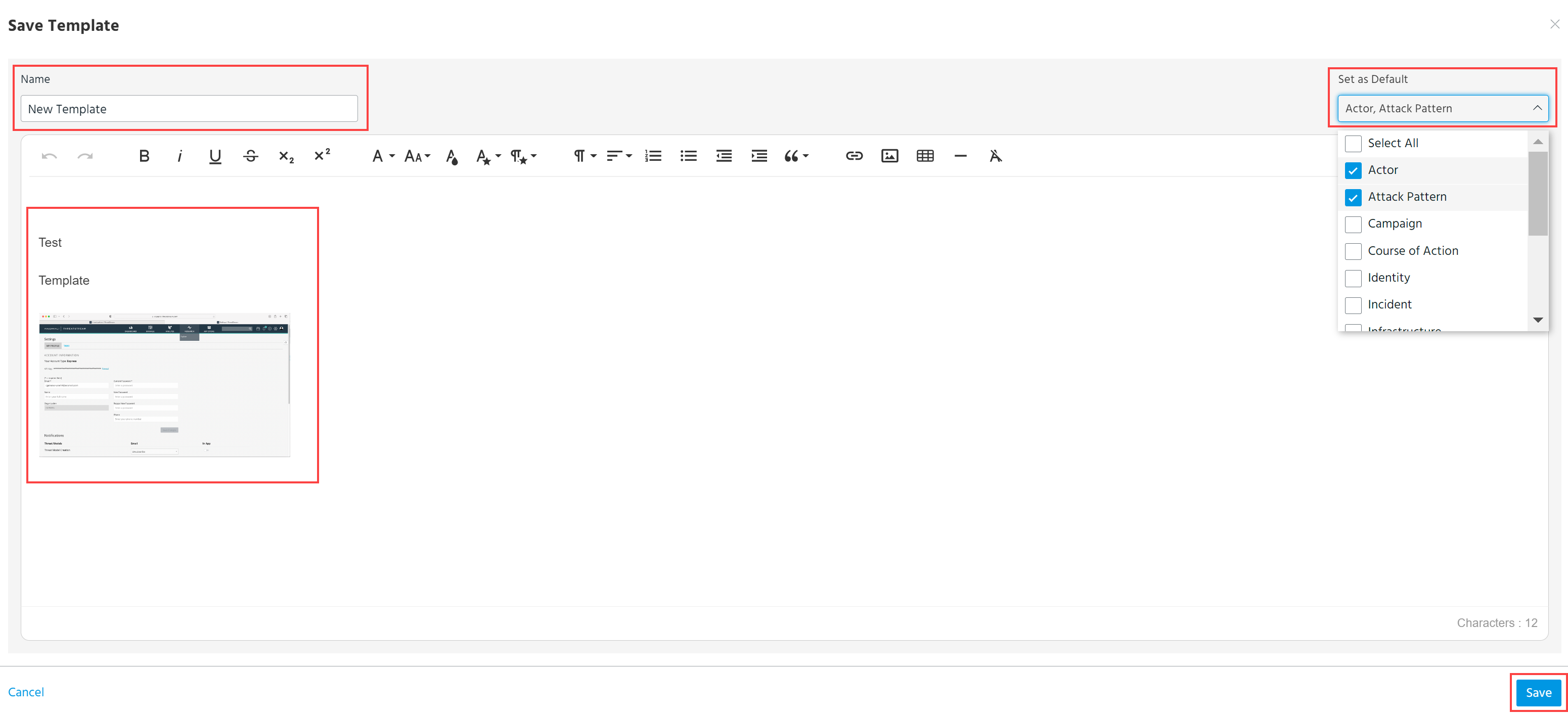
In the dialog box that opens, enter a name for the template and select to which threat model type you want to apply this template. Modify the description, if necessary.
-
Click Save.
The newly created template can be found in ThreatStream Settings under the Manage Templates tab and on the list of Templates in threat models. See Managing Description Templates for details.