Configuring the New User Email Template
Organization Administrators can customize the default email sent to new users when they are added to their organization on the Anomali platform. If an organization requires additional steps from users the first time they log in to the Anomali platfrom, new users can be notified automatically via new user emails.
To create a new user email:
-
In the bottom-left corner of the side navigation panel, click Settings (
 ) > User & Role Management.
 -
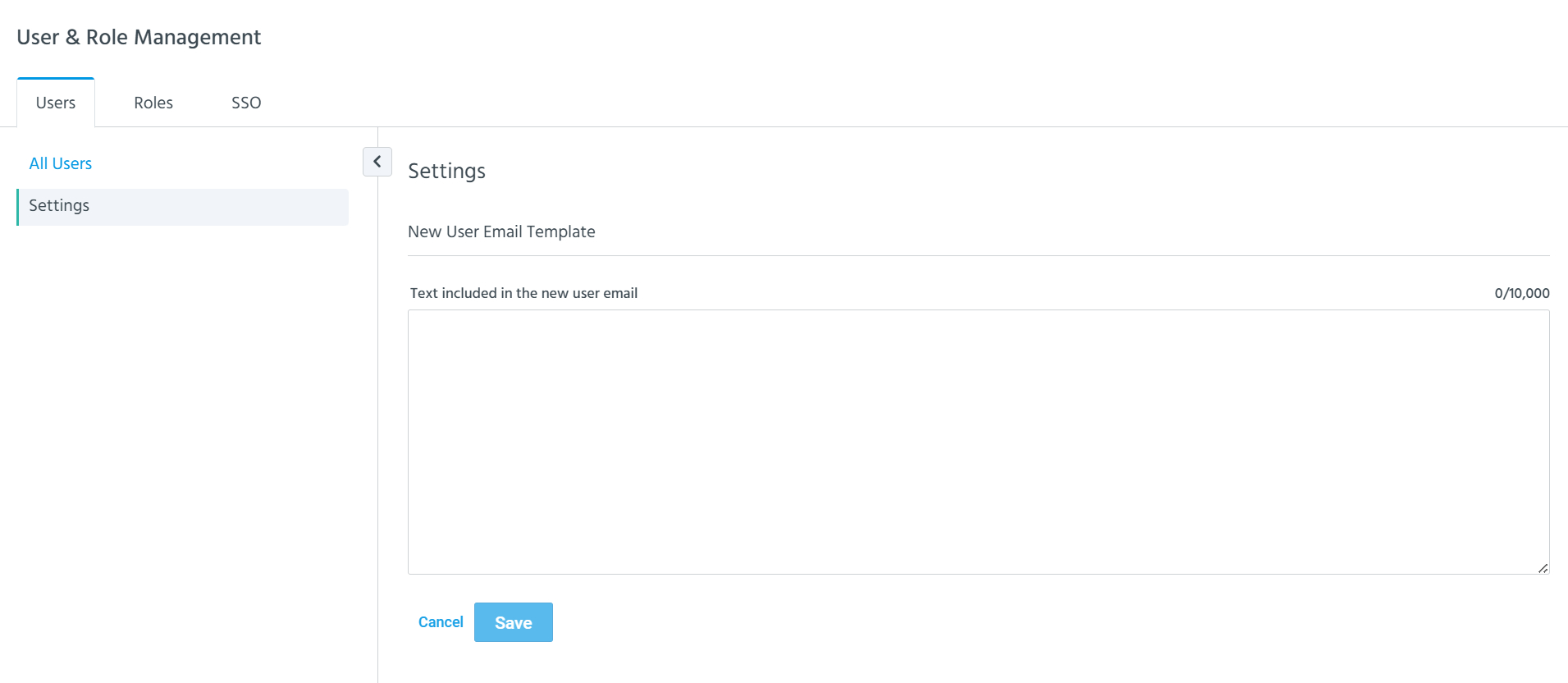
Under the Users tab, click Settings.
-
Enter your custom email text. Custom text can be a maximum of 10,000 characters.
-
Click Save.