Exporting Search Results
You can export basic
- CSV
- Snort
- OpenIOC
- STIX 1.1.1
- STIX 1.2
- STIX 2
- STIX 2.1
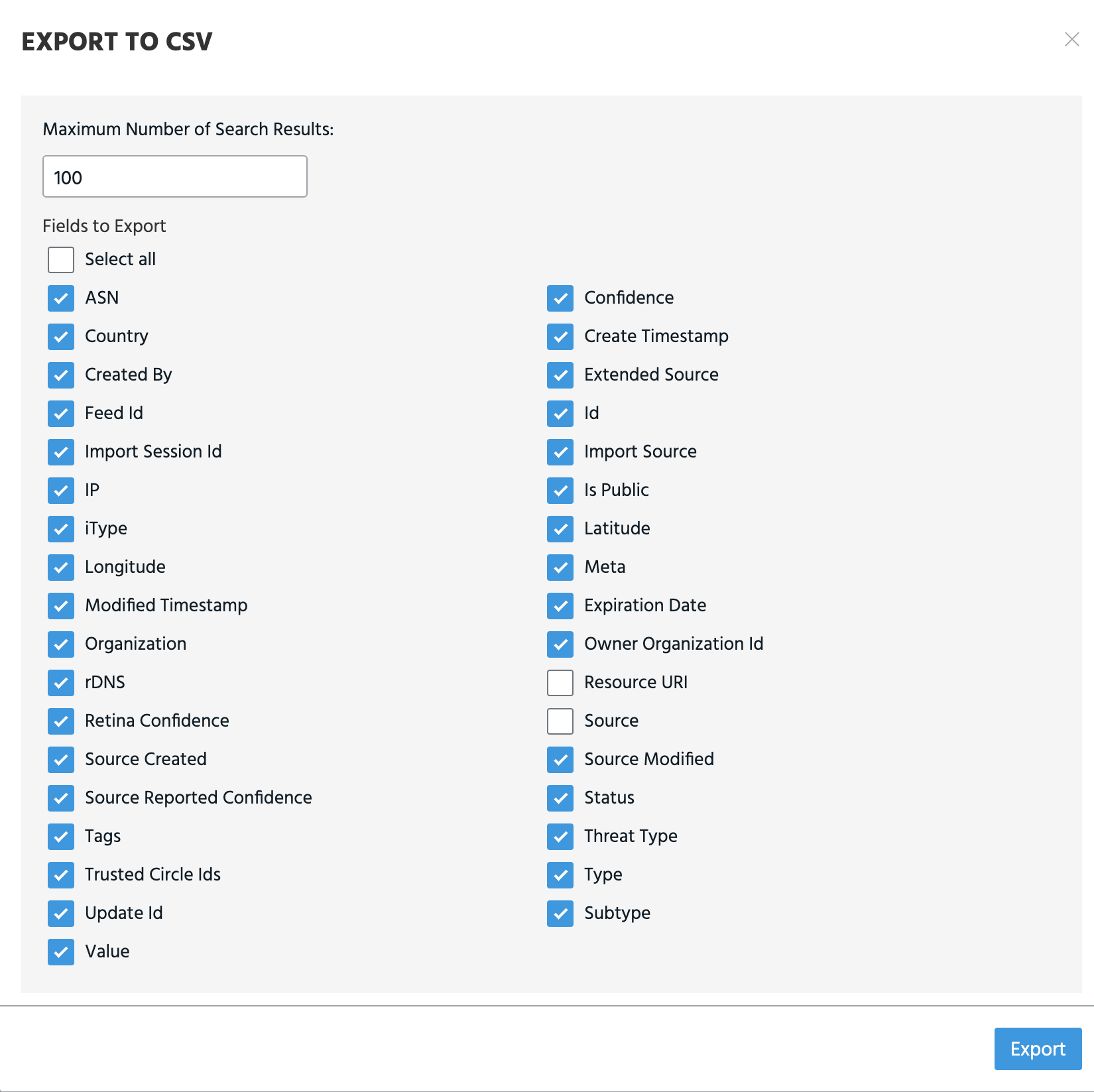
For CSV exports, you can select columns you want to export.
Org Admins can configure the maximum number of search results included in search result exports from the Org Settings page. To read more, see Organization Administration.
To export search results:
- Perform the desired search.
-
Click the export icon.

-
Select a file format. Your download will start automatically.
-
If you selected Export To CSV, you can specify a Maximum Number of Search Results. The limit is 10,000. You can also select specific Fields to Export.
Note: For ThreatStream OnPrem users only: when viewing search results in a merged view—with both local and remote observables displayed—the CSV export limit is 1,000. When viewing local or remote only search results, the limit is 10,000.
If you selected Export To STIX 1.1.1, Export To STIX 1.2, Export To STIX 2, specify a Maximum Number of Search Results. The limit is 100.
Note: All timestamps are displayed in UTC when exported.