Performing Bulk Observable Searches
ThreatStream allows you to look for a large number of keywords with the bulk search feature. When using bulk search, ThreatStream looks for the specified keywords that are ORed together. Bulk search works only for observable values.
To search for a large number of keywords:
-
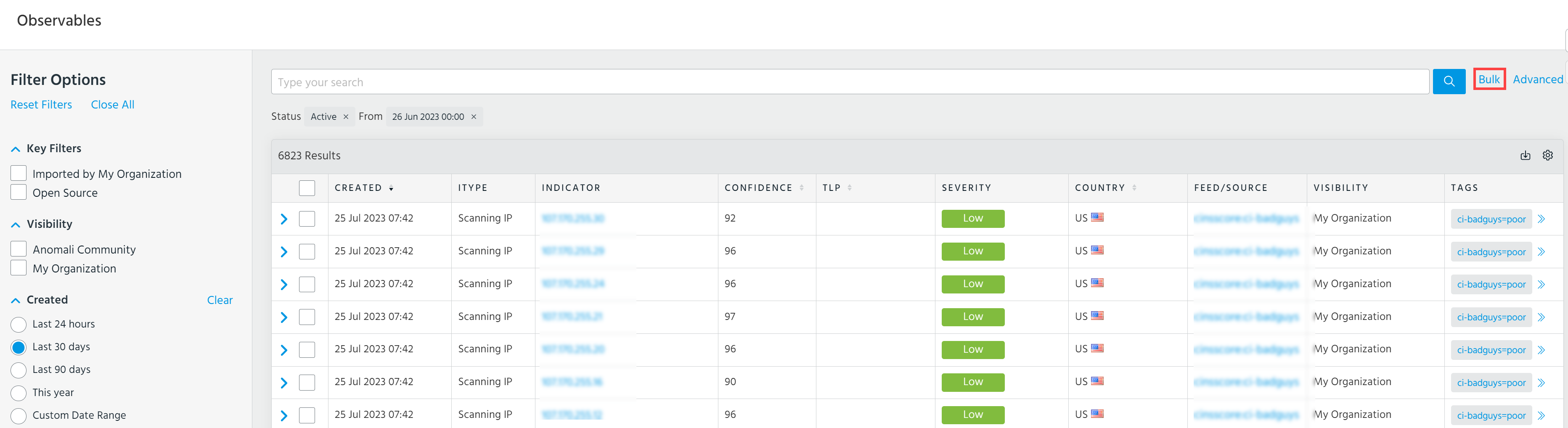
Navigate to ThreatStream > Analyze > Observables.
-
Click Bulk.
-
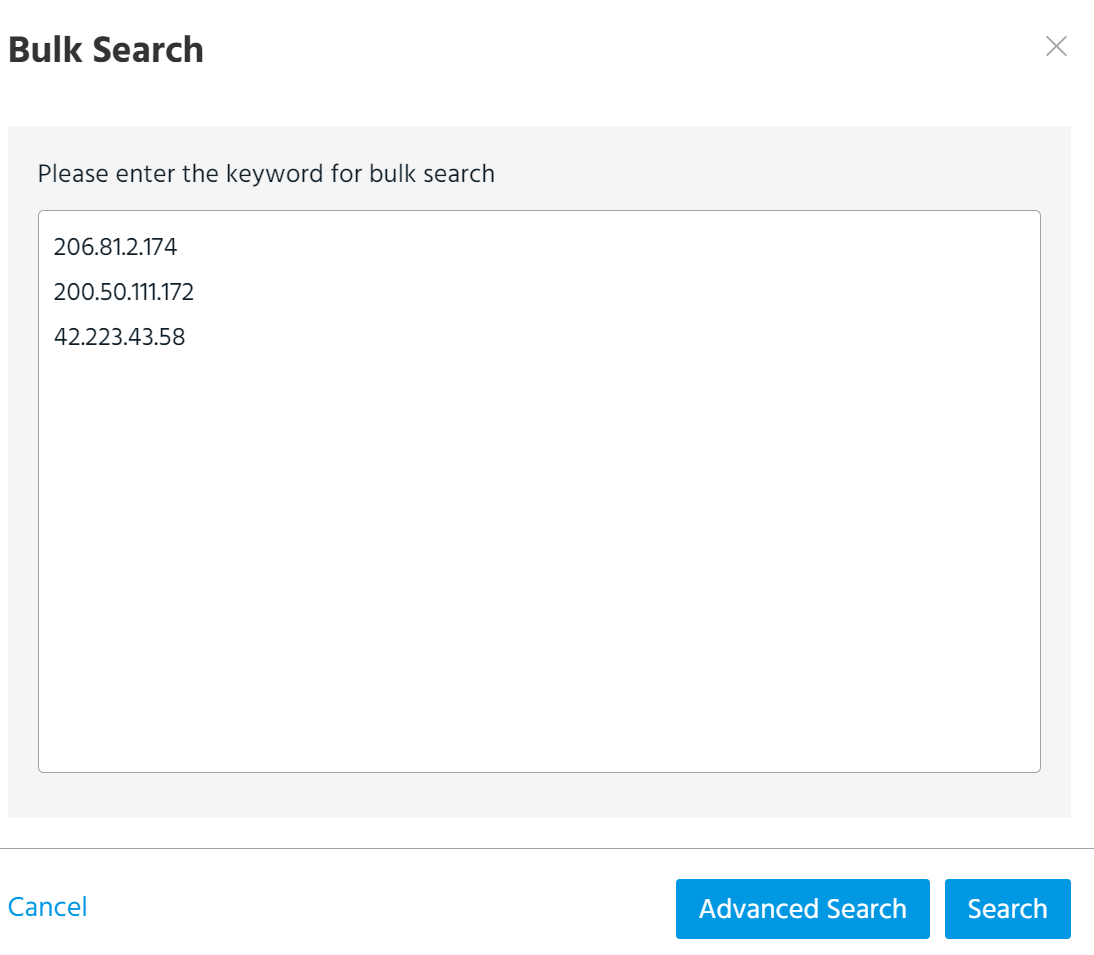
In the window that opens, enter keywords separated by a comma, tab, space, or a new line. You can enter up to 2,000 characters excluding commas, tabs and spaces.
-
Click Search. The search returns all observables that match the specified keywords.
If you want to add additional filter criteria to this search, click Advanced Search. You are redirected to the Advanced search page. Make the required changes in the query and click the search icon.