Exporting Rules
You can export configured rules and rule matches to a CSV file.
- Navigate to ThreatStream > Manage > Rules.
-
Select the rules you want to export

OR
Leave rules unselected to export all configured rules.

- Click the export button.
-
When exporting all configured rules, specify a maximum Number of Records to Export.
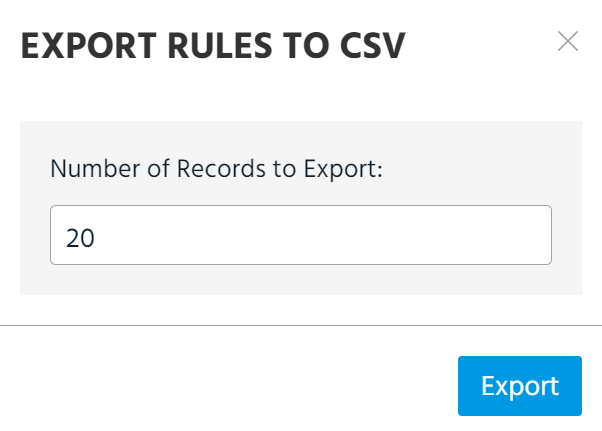
- Click Export.
The CSV file download starts immediately.
- Navigate to ThreatStream > Manage > Rules.
- Click the rule that contains the matches you want to export.
-
Select the matches you want to export.
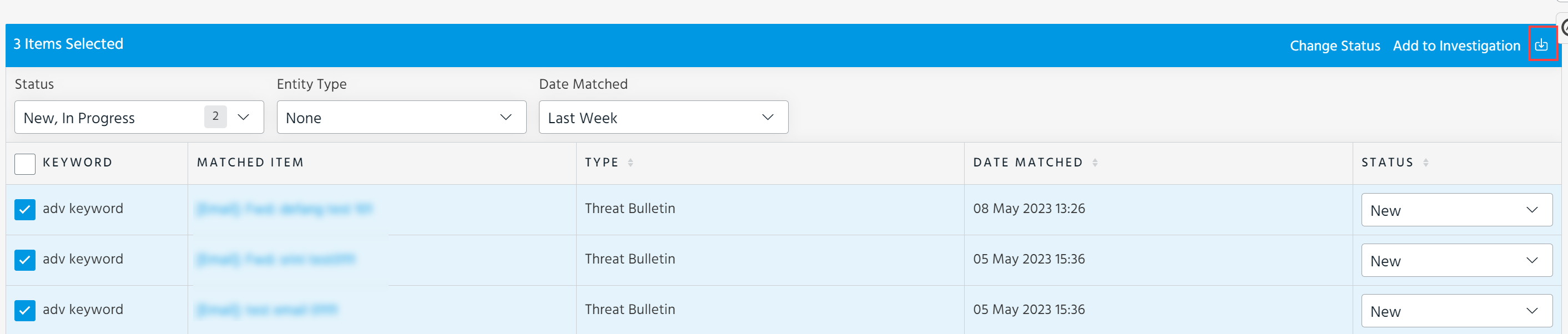
- Click the export icon.
- Specify a maximum Number of Records to Export.
- Click Export.
The CSV file download starts immediately.