Exporting MITRE ATT&CK Profiles
On the security coverage page of MITRE ATT&CK profiles, you can export the selected MITRE profile in JSON format.
To export a MITRE ATT&CK profile:
-
Navigate to ThreatStream > Manage > MITRE ATT&CK.
-
Select the profile you want to export.
-
Click Export.
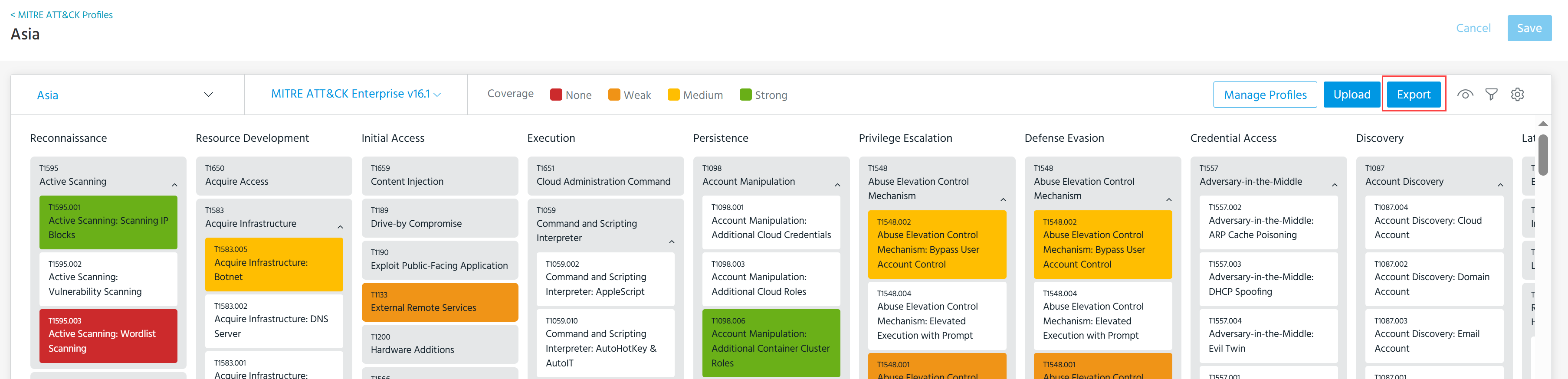
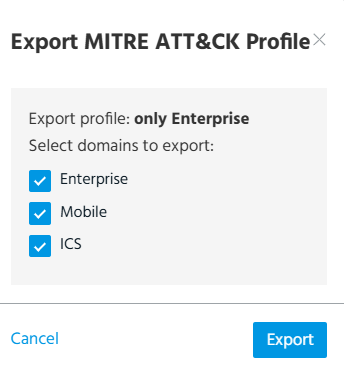
The Export MITRE ATT&CK Profile dialog box opens.
-
Select the domains you want to export.
-
Click Export.
The download begins immediately.