Viewing the Details of an Automated Task
You can view details, triggers, and action of the automated tasks that you have created or anyone from your organization has created and made visible to your organization.
To view the details of an automated task:
-
Navigate to ThreatStream > Manage > Task Automation.
-
In the list of automated tasks, click the name of the automated task which details you want to view.
-
On the page with the automated task details, you can view the following information:
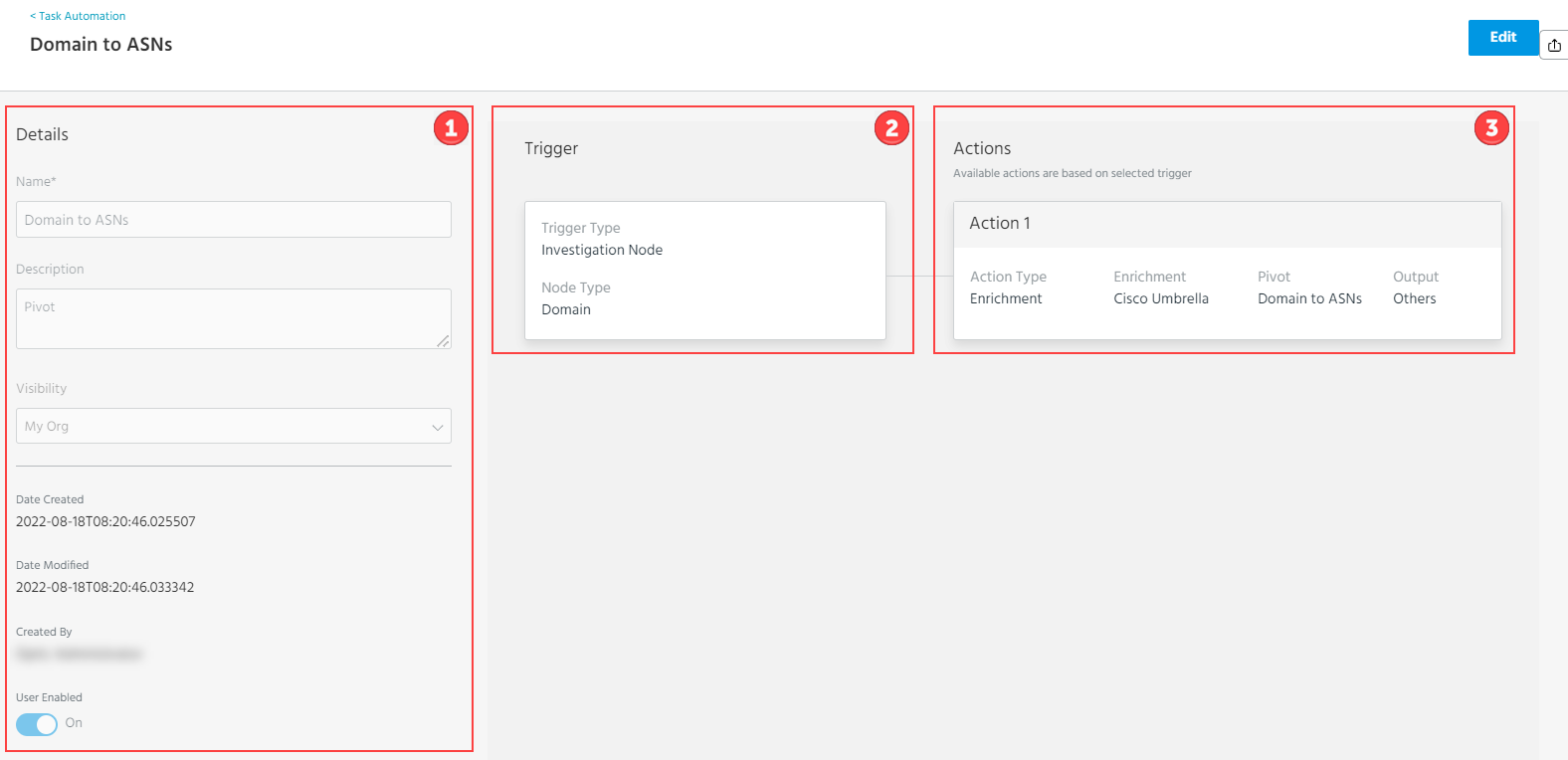
 Details: Task name, details, visibility, dates when the task was created and modified, the user who created the task, and whether the task is available in investigations.
 Trigger: Type of a trigger and type of a node on which the task can be run.
 Actions: Up to 20 actions that can be run on a node in a sequence.