Exporting Investigations to a PDF File
From investigation details pages, you can export investigations to a PDF file.
Tip: Toggle off the Auto-Arrange option before exporting an investigation to a PDF file if you want to preserve the order entities appear in the Entities Graph.
To export an investigation to a PDF file:
-
Navigate to ThreatStream > Research > Investigations.
-
Select the investigation that you want to export.
-
Select Export to PDF from the Export menu.
-
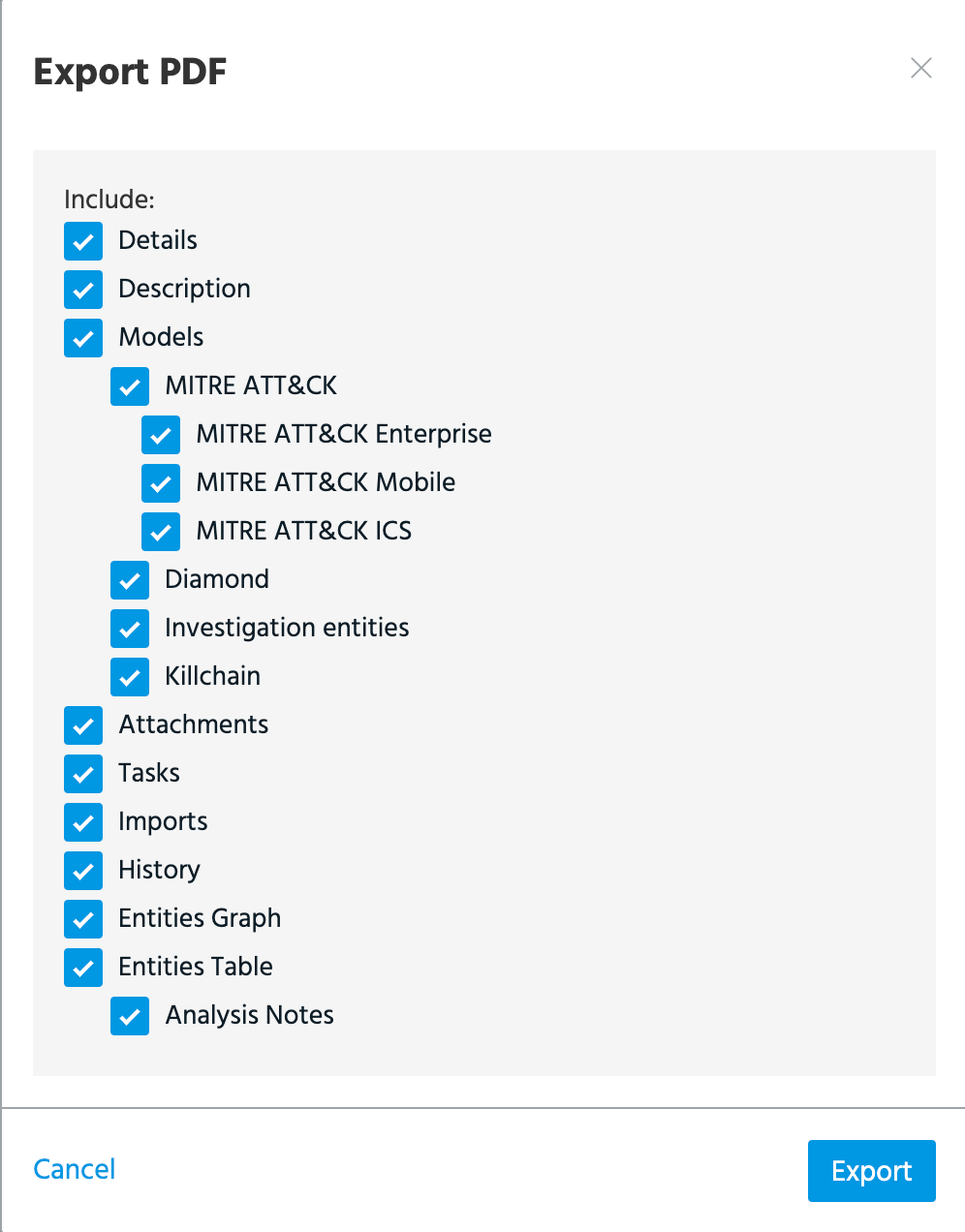
Select the investigation parts that you want to include in the export.
-
Click Export.
The downloading process begins immediately.