Exporting Attack Flows from Investigations
An attack flow created within an investigation, can be exported to the attack flow library. For more information on the attack flow library, refer to Attack Flow Library.
To export an attack flow:
-
Navigate to the investigation that includes the attack flow that you want to export.
-
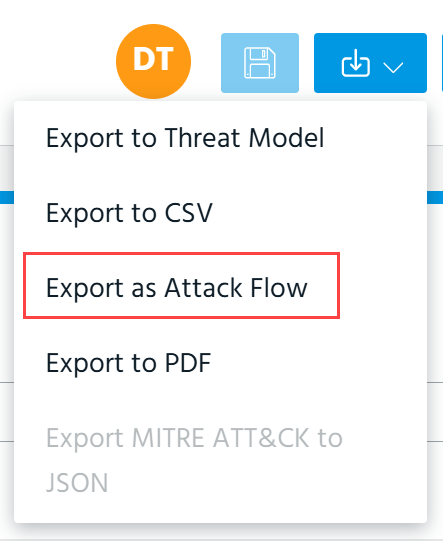
Select Export as Attack Flow from the Export menu.
-
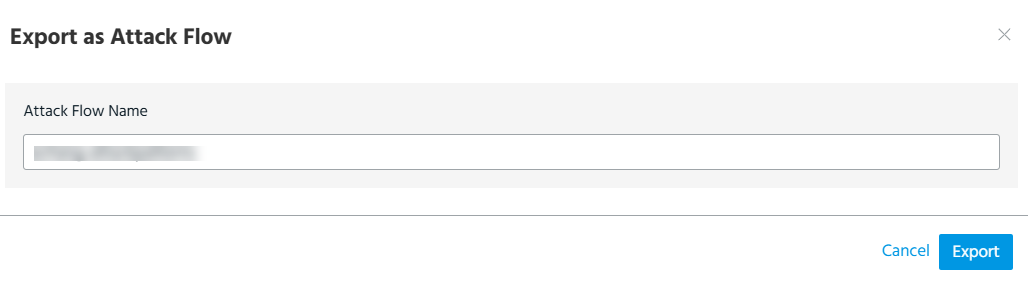
In the Export as Attack Flow dialog box, enter the attack flow name. By default, the name of the attack flow is similar to the investigation name.
-
Click Export.
The attack flow is added to the attack flow library.
To view details of the exported attack flow, click the link in the notification message at the top right corner of your screen.
