Viewing the Intelligence Initiatives Dashboard
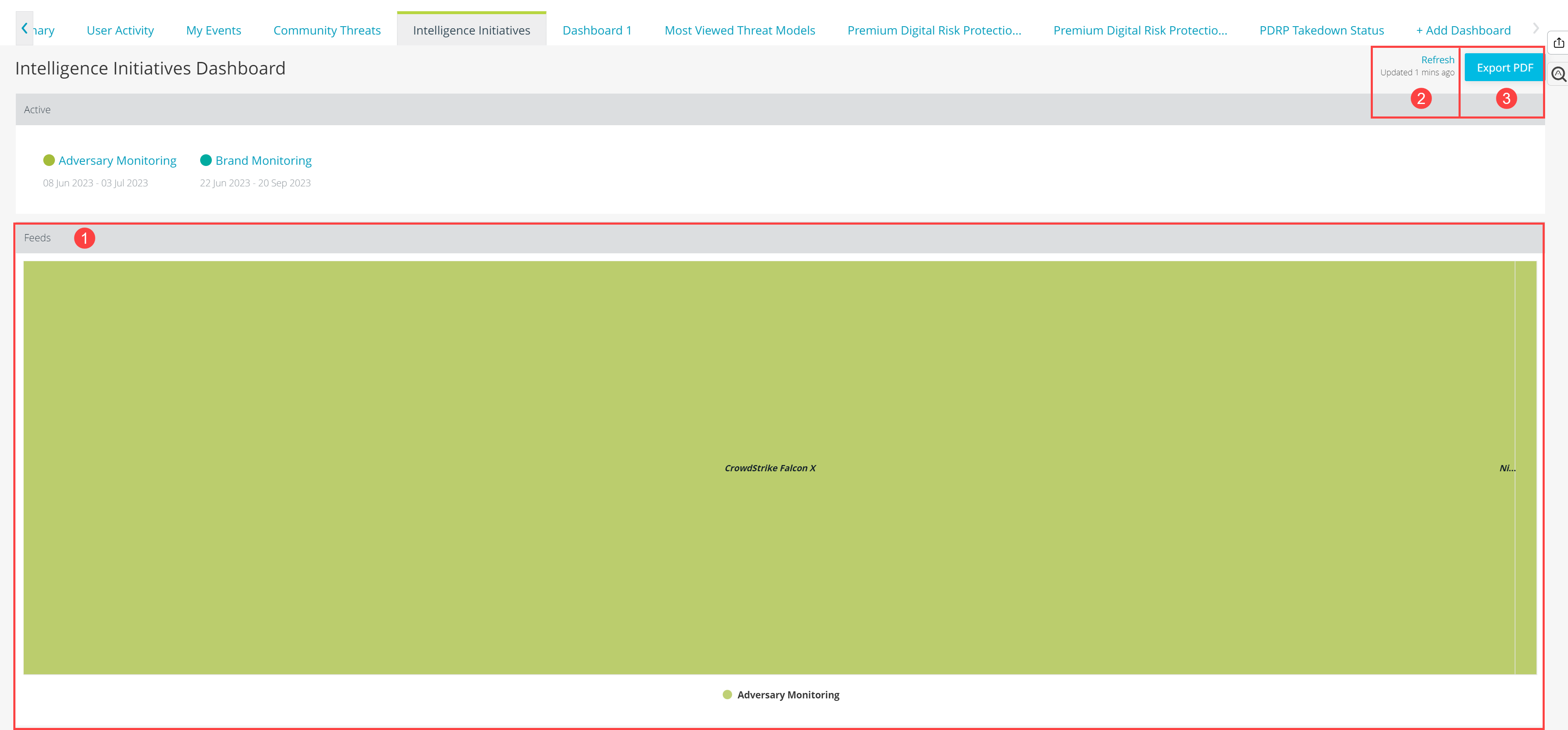
The Intelligence Initiatives dashboard gives you a high level view of open intelligence initiatives created by your organization.
Note: Read Only users cannot view the Intelligence Initiatives dashboard.
 Widgets: The following widgets are available:
| Widget | Description |
|---|---|
| Active | Displays current open intelligence initiatives. Click an initiative type to drill down. |
| Collections | Pie chart displaying threat intelligence feeds (Collections) associated with open intelligence initiatives by percentage. |
| Import Sessions | Pie chart displaying import sessions associated with open intelligence initiatives by percentage. |
| Investigation Contributors | Bar chart displaying a count of investigation assignees associated with open intelligence initiatives. |
| Investigations | Pie chart displaying investigations associated with open intelligence initiatives by percentage. |
| My Investigations by Intelligence Initiatives | Bar chart displaying a count of investigations associated with intelligence initiative types. |
| Observables | Pie chart displaying observables associated with open intelligence initiatives by percentage. |
| Sandbox Detonations | Pie chart displaying sandbox detonations associated with open intelligence initiatives by percentage. |
| Feeds | Threat Intelligence feeds currently associated with open intelligence initiatives. Feeds are color coded and grouped by initiative type. You can click an initiative to expand the view of associated feeds. |
| Threat Models | Pie chart displaying investigations associated with open intelligence initiatives by percentage. |
 Refresh: Manually refresh the dashboard. The dashboard automatically refreshes every 30 minutes.
 Export PDF: Click Export PDF to download a point in time snapshot of the dashboard widgets. Your download begins immediately. If you use a popup blocker, you will see the following message:
Downloading the exported PDF was blocked by your pop-up blocker. Please click HERE to download the PDF instead.
Click Here to download your PDF.