Editing Observable Values Before Approval
ThreatStream enables you to easily edit and resubmit observables that you own. This prevents you from having to specify the correct values in a separate import job.
Both Included and Excluded observables can be edited. You can only edit pending observables when import jobs are in Ready To Review status.
Editing and Resubmitting Included Observables
To edit Included observables, navigate to the import job that contains the included observables you want to edit and resubmit.
To edit the observable value:
-
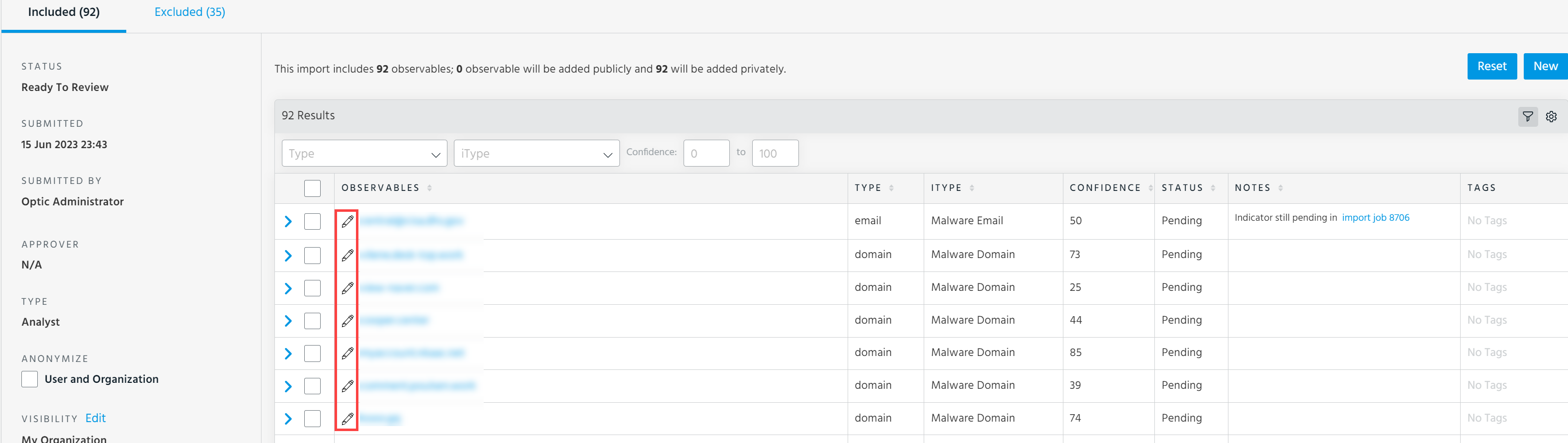
On the Included tab, click the edit icon next to the observable you want to edit.
-
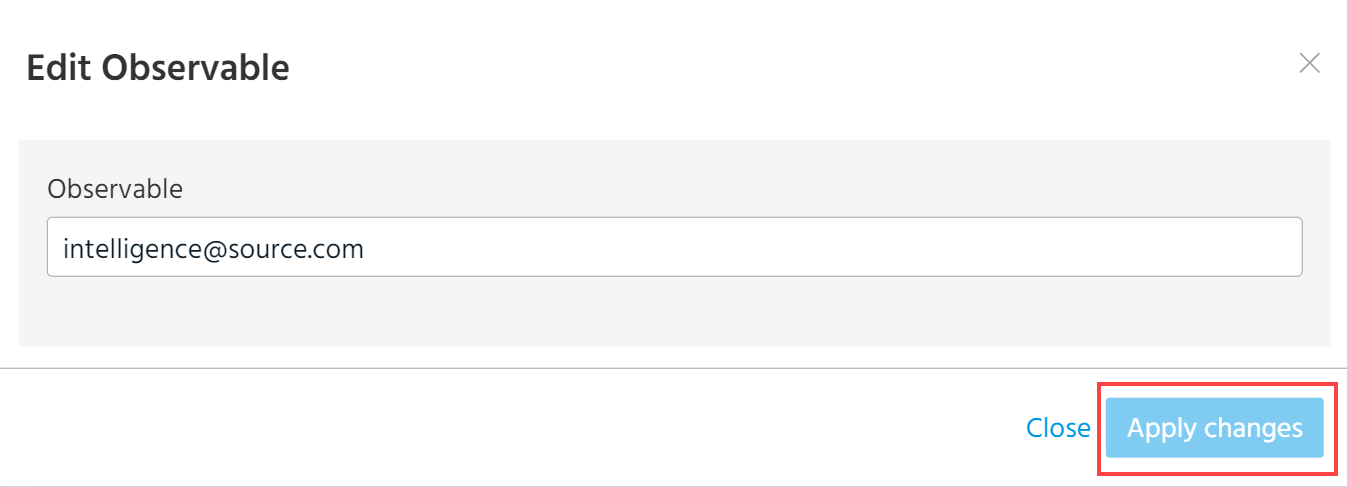
Edit the value of the observable and click Apply Changes.
To edit the iType mapping, expiration date, or confidence score assigned to the selected observables:
-
Select the observable of your interest and click Edit.
.png)
-
Make the desired changes to the observable iType, Confidence, or Expiration Date.
Note: The indicator type of an observable can only be changed to an indicator type of the same type. For example, actor_ip is the indicator type of the IP type, and it can only be changed to another indicator type of the IP type. See Indicator Types in ThreatStream for a complete list of indicator types.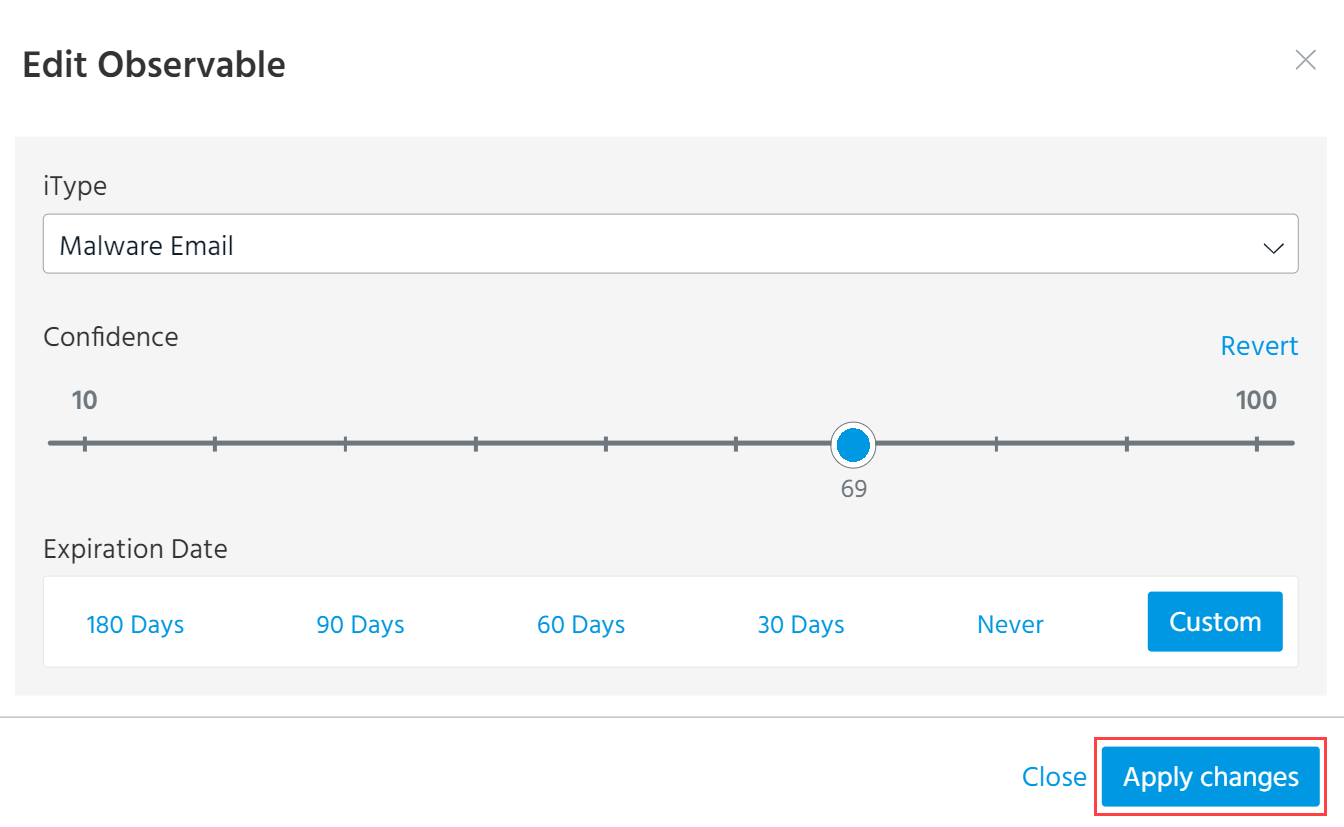
-
Click Apply Changes.
ThreatStream re-scores the observables based on the changes you made. Updated values are immediately reflected in the import job.
Editing and Resubmitting Excluded Observables
In some cases, observables are Excluded from import jobs due to typos in observable values. ThreatStream enables you to easily edit observable values and resubmit the import job. This prevents you from having to create a separate import job for the excluded observables.
To edit and resubmit excluded observables:
- Navigate to the import job that contains the excluded observables you want to resubmit.
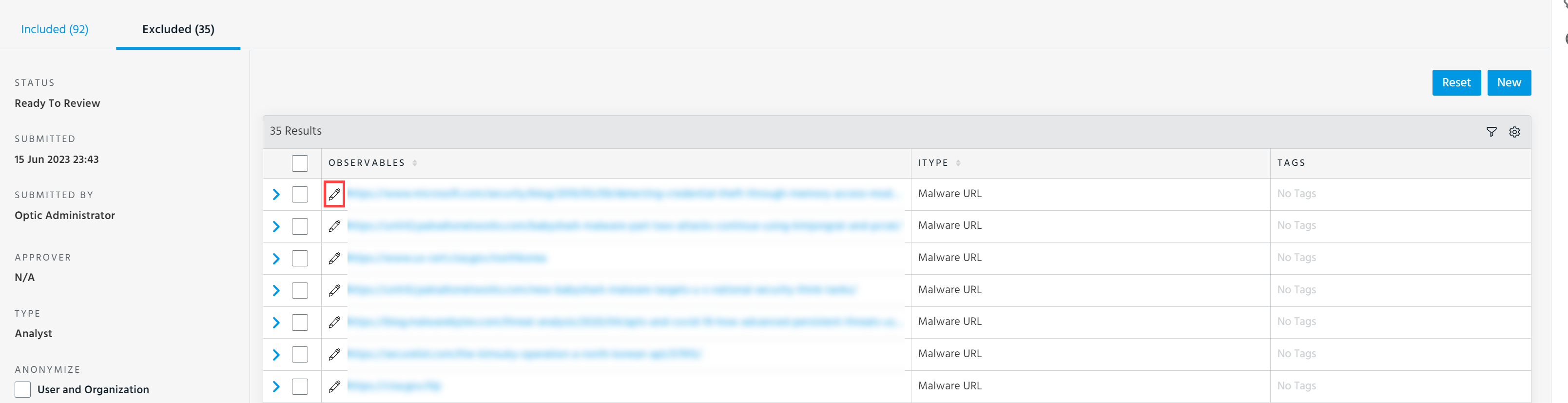
- Click Excluded.
-
Click the edit icon corresponding to the observable you want to edit.
-
Make the desired changes to the observable value or indicator type.
Note: The indicator type of an observable can only be changed to an indicator type of the same type. For example, actor_ip is the indicator type of the IP type, and it can only be changed to another indicator type of the IP type. SeeIndicator Types in ThreatStream for a complete list of indicator types.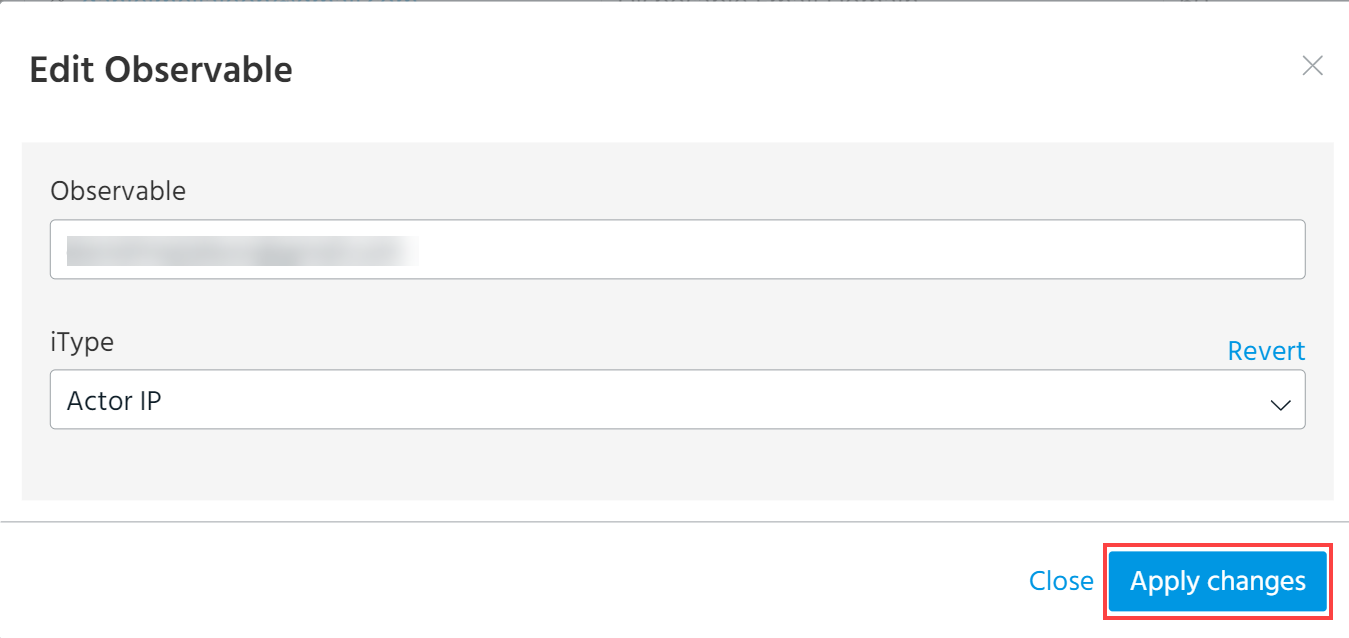
-
Click Apply Changes.
ThreatStream evaluates the changes you made. The observable is automatically moved to the Included tab if your changes result in a valid observable.