Rejecting Import Jobs
If you do not want observables included in import jobs to become part of your threat intelligence on ThreatStream, you can reject the import job. When you reject an import job, its status changes from Ready To Review to Rejected.
Note: If you do not have Approve Intel privileges, you cannot reject import jobs, but you can send a request to your organization administrator to review a specific job. Additionally, you can edit the import jobs you submit. See Managing Import Jobs for more information.
You can reject an import job from the Import page or from the Import Job Details page.
To reject an import job from the Import page:
- Navigate to ThreatStream > Manage > Imports.
-
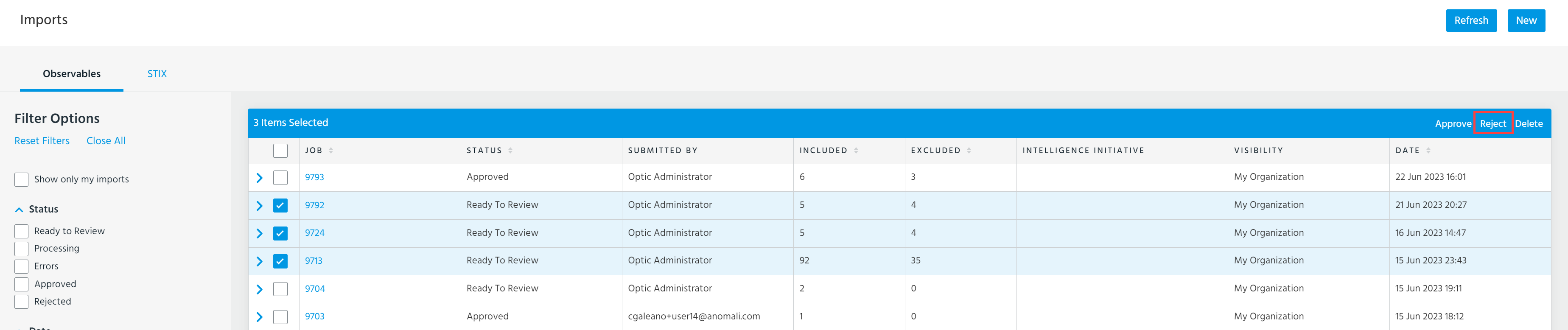
Select the job in the Ready To Review status that you want to reject.
-
Click Reject.
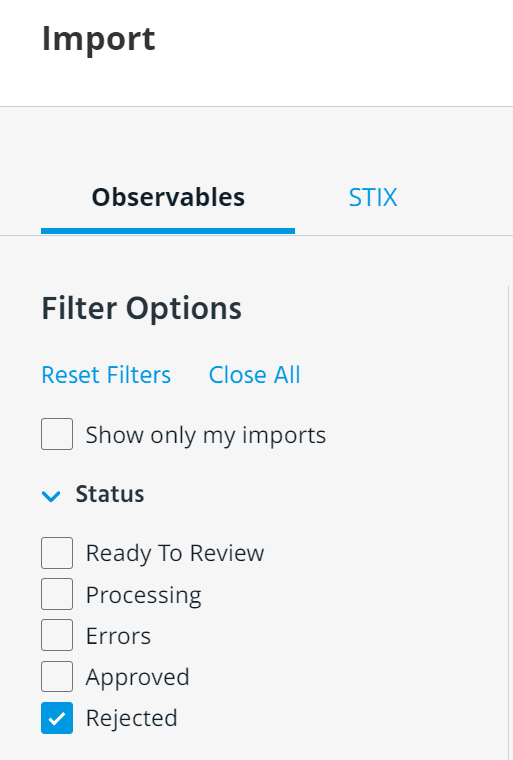
You can reference your rejected import jobs from the Import page using the Rejected status filter.
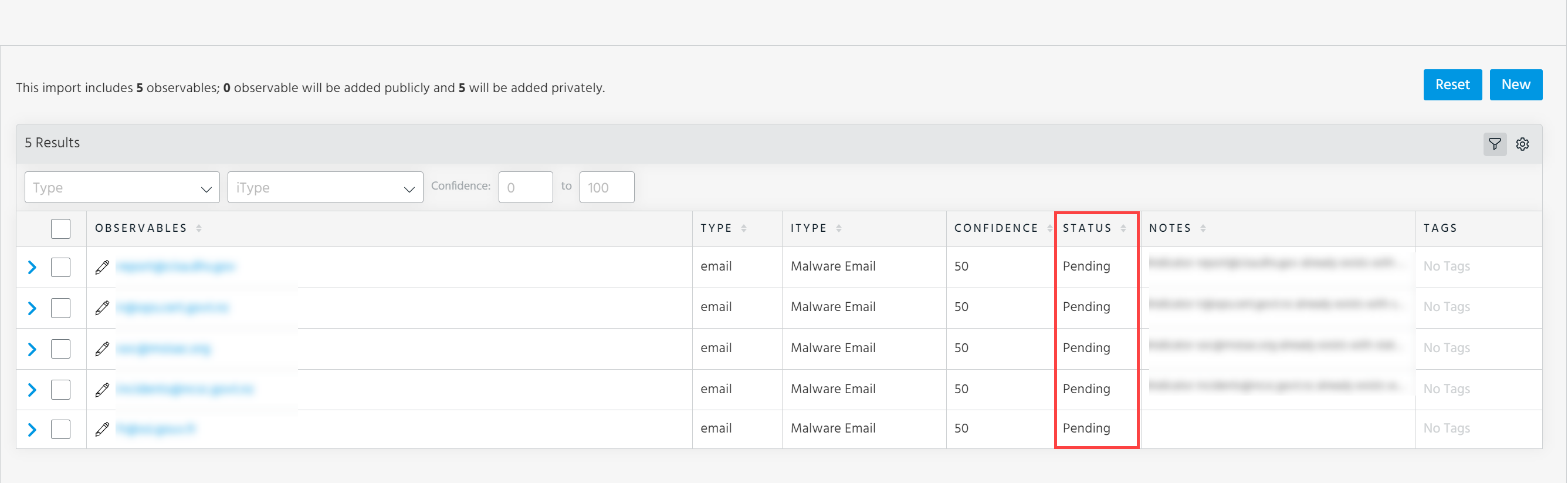
When you drill down on a rejected import job, observables which were Included and Excluded in the import job are listed with the status Pending.
To reject an import job from the Import Job Details page:
-
Navigate to ThreatStream > Manage > Imports.
-
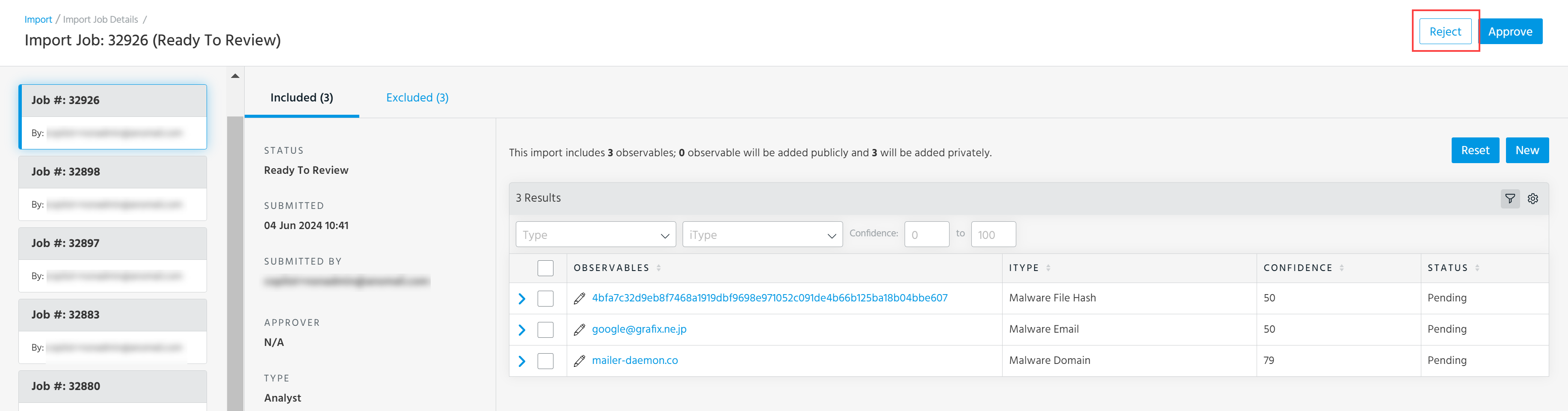
Click the import job in the Ready To Review status that you want to reject.
-
On the Import Job Details page that opens, click the Reject button in the top right corner.
-
In the window that opens, click Ok to confirm the import job rejection.