Exporting Feeds to a CSV File
You can export details of the feeds feeding your Threat Intelligence on ThreatStream in CSV format. When you trigger an export, the resulting CSV file contains information on all of the feeds displayed on the Feeds page.
To export details of feeds to a CSV file:
- Navigate to ThreatStream > Manage > Feeds.
- In the top right corner of the table, click the download button.
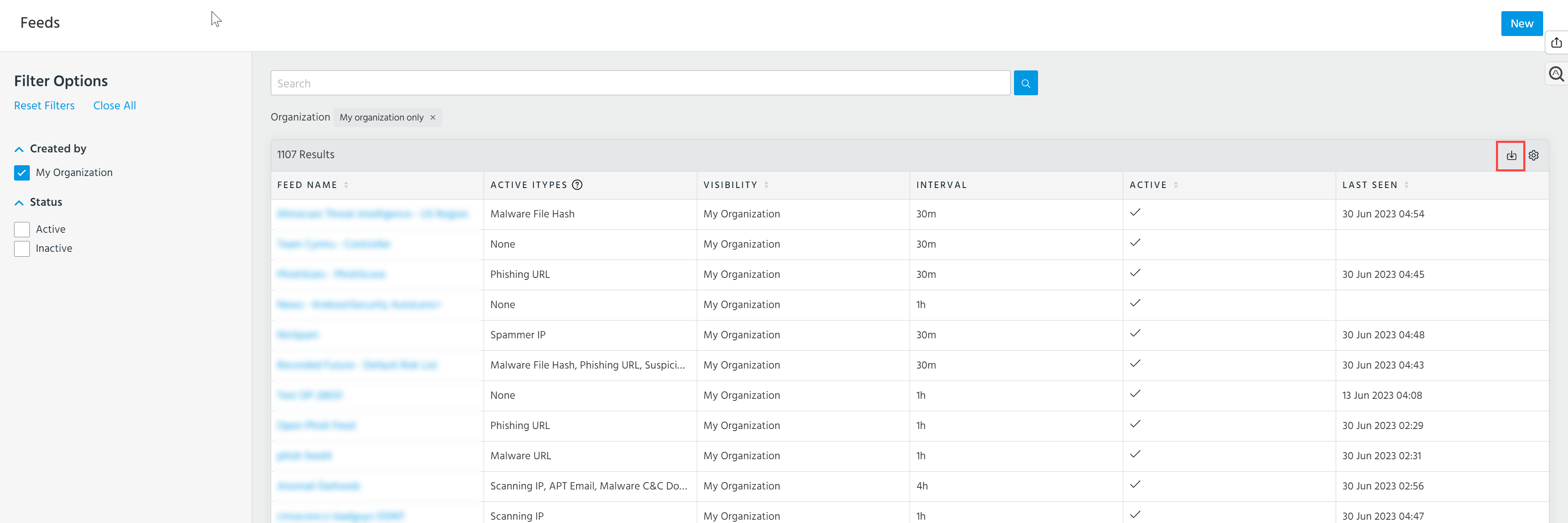
Your export begins automatically.
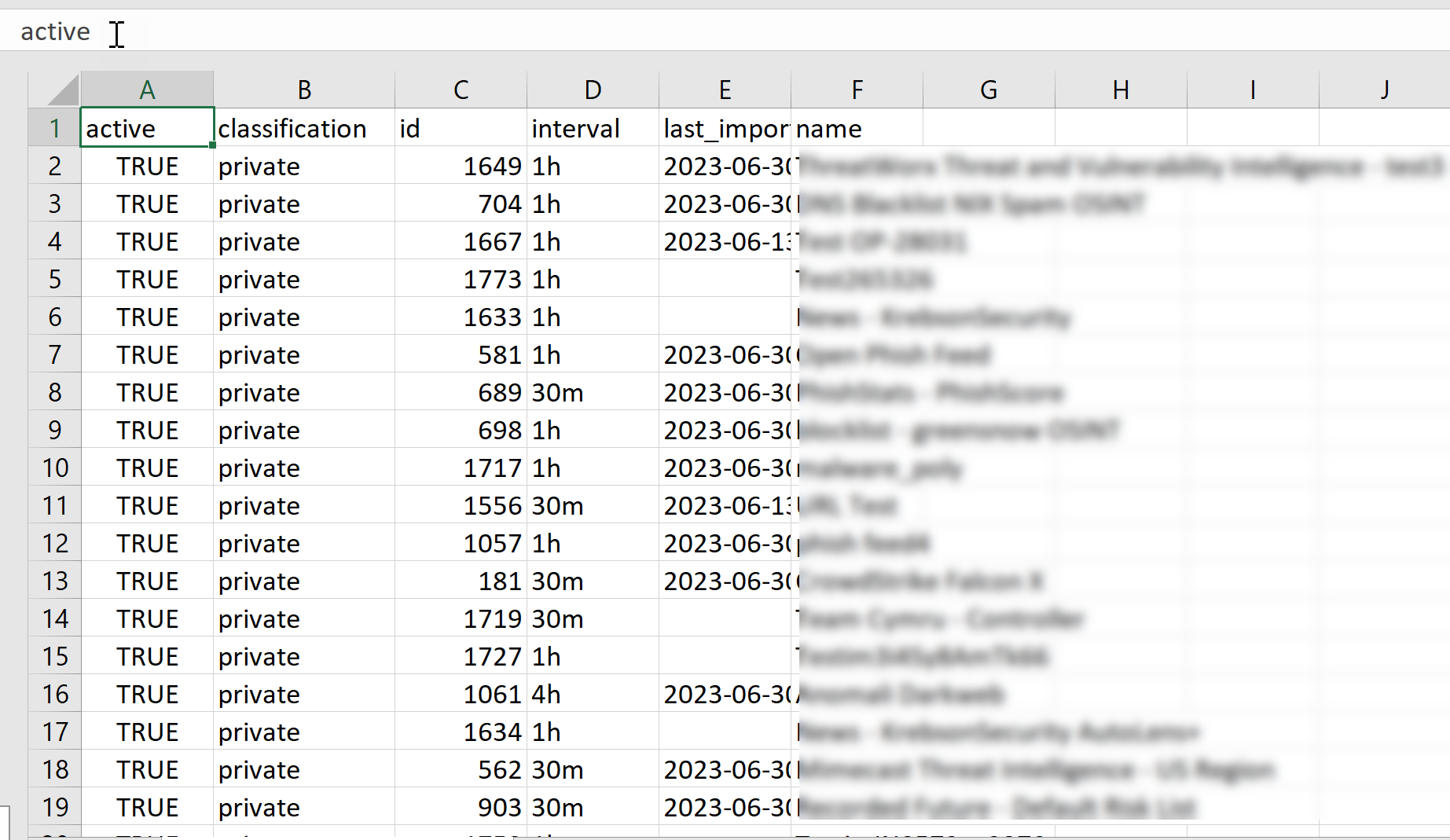
Exported details include:
- Feed status (
active) - Visibility (
classification) - Feed ID (
id) - Last Seen (
last_imported) - Feed Name (
name)
Below is the example of an exported list of feeds: