Exporting Explore Chart
Explore charts can be exported in one of two formats. You can export an image of the chart in PNG format, or a list of the intelligence included in the chart in CSV format.
To export your Explore chart:
-
Click the Export icon.
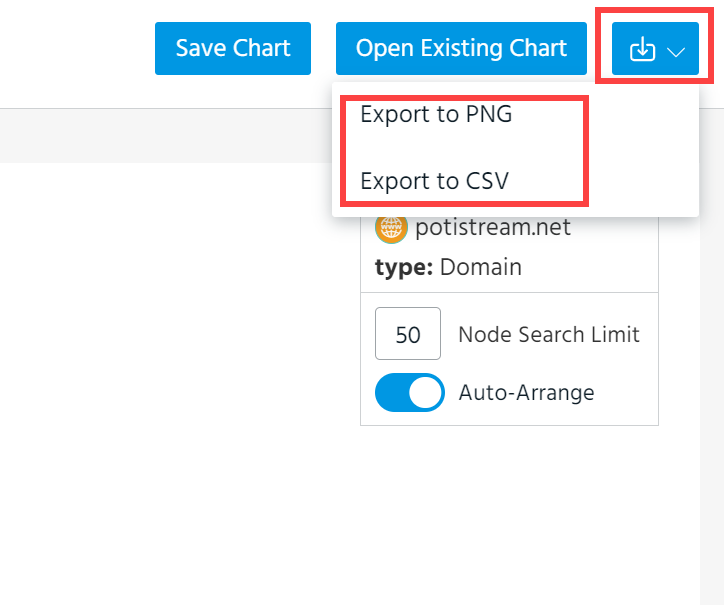
- Select Export to PNG or Export to CSV.
The downloading process starts automatically.