Chatting With Trusted Circles
Chat also enables you to chat with Trusted Circle organizations. Unlike chatting with your own organization, you cannot send direct messages to Trusted Circle users outside of your organization. Rather, each Trusted Circle which has Chat enabled can post in one of two circle-wide channels—Cybersecurity News or TC Announcements.
When you post in a Trusted Circle channel on Chat, your username is not visible to users outside of your organization.
To chat with a Trusted Circle:
- Navigate to Research > Collaborate.
-
Select the Trusted Circle chat room in which you want to chat.
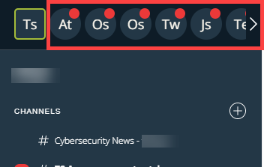
- Select the Trusted Circle channel within which you want to chat.
Messages you send will be seen by members of the Trusted Circle in the channel you selected.
Note: Content posted in Trusted Circle channels is visible to all members of the channel. Organization users are responsible for posted content and should exercise caution in posting restricted, personal, or otherwise sensitive content.
Enabling Chat for Trusted Circles
Chat is not enabled for Trusted Circles by default. A Trusted Circle administrator must enable Chat in order for the Trusted Circle to appear in the Circles list.
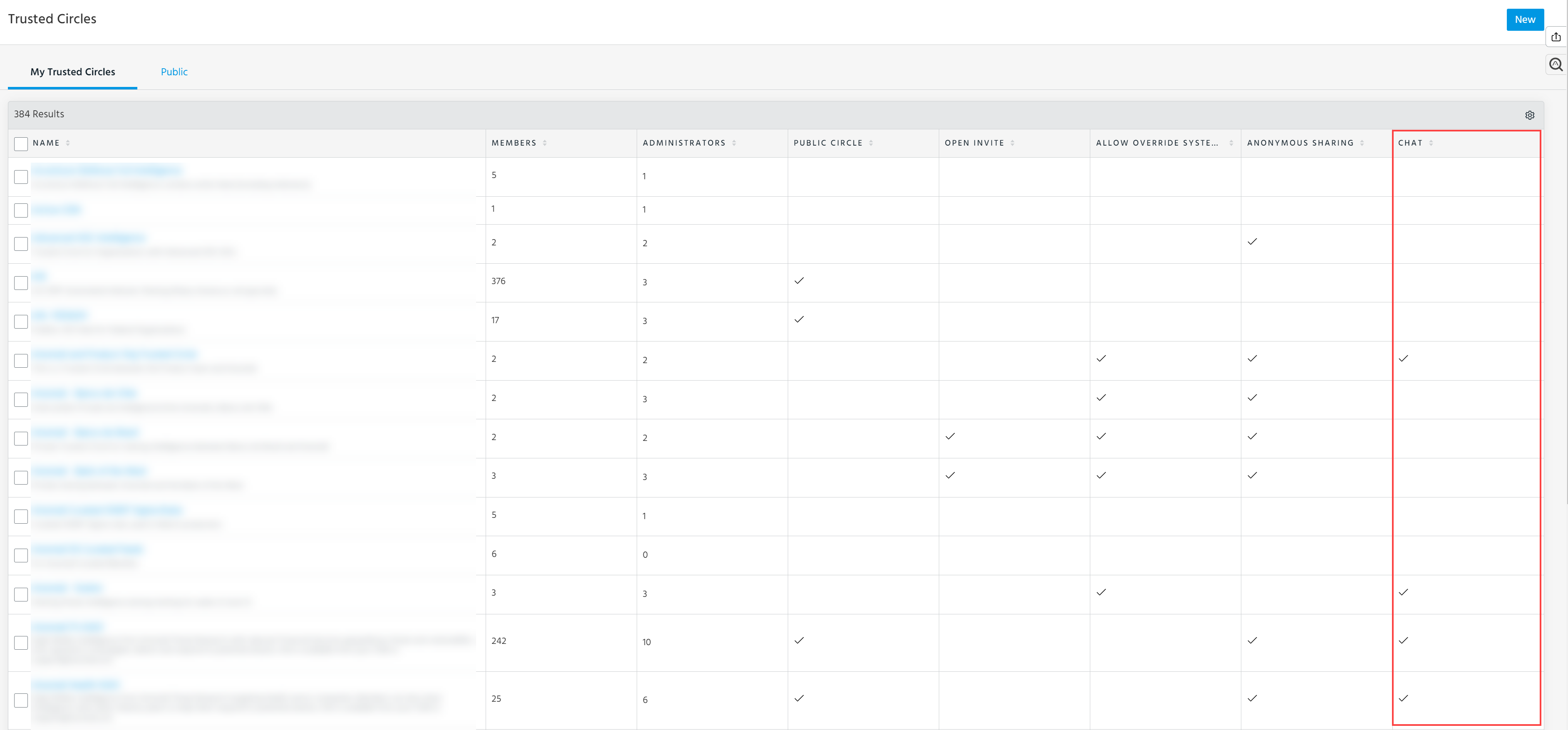
To enable Chat for a Trusted Circle:
Note: You must be an administrator of the Trusted Circle for which you want to enable Chat.
- Navigate to Manage > Trusted Circles.
-
Select the Trusted Circle for which you want to enable Chat and click Edit.
-
In the window that opens, select Chat.
- Click Update.
You can now chat with the Trusted Circle from the Chat screen.