Anomali Copilot Chat
The Anomali Copilot chat is part of the Anomali Copilot suite of generative AI solutions. It is designed to facilitate real-time discussions on threat intelligence and swiftly deliver precise responses by leveraging Anomali’s resources backed by verified sources and searches.
Anomali Copilot leverages agentic search techniques, including semantic search, to understand the meaning and intent behind natural language queries. By interpreting context rather than relying solely on exact keyword matches, Anomali Copilot delivers more accurate and relevant results. This allows analysts to retrieve critical data quickly and efficiently, even when queries are phrased in different ways.
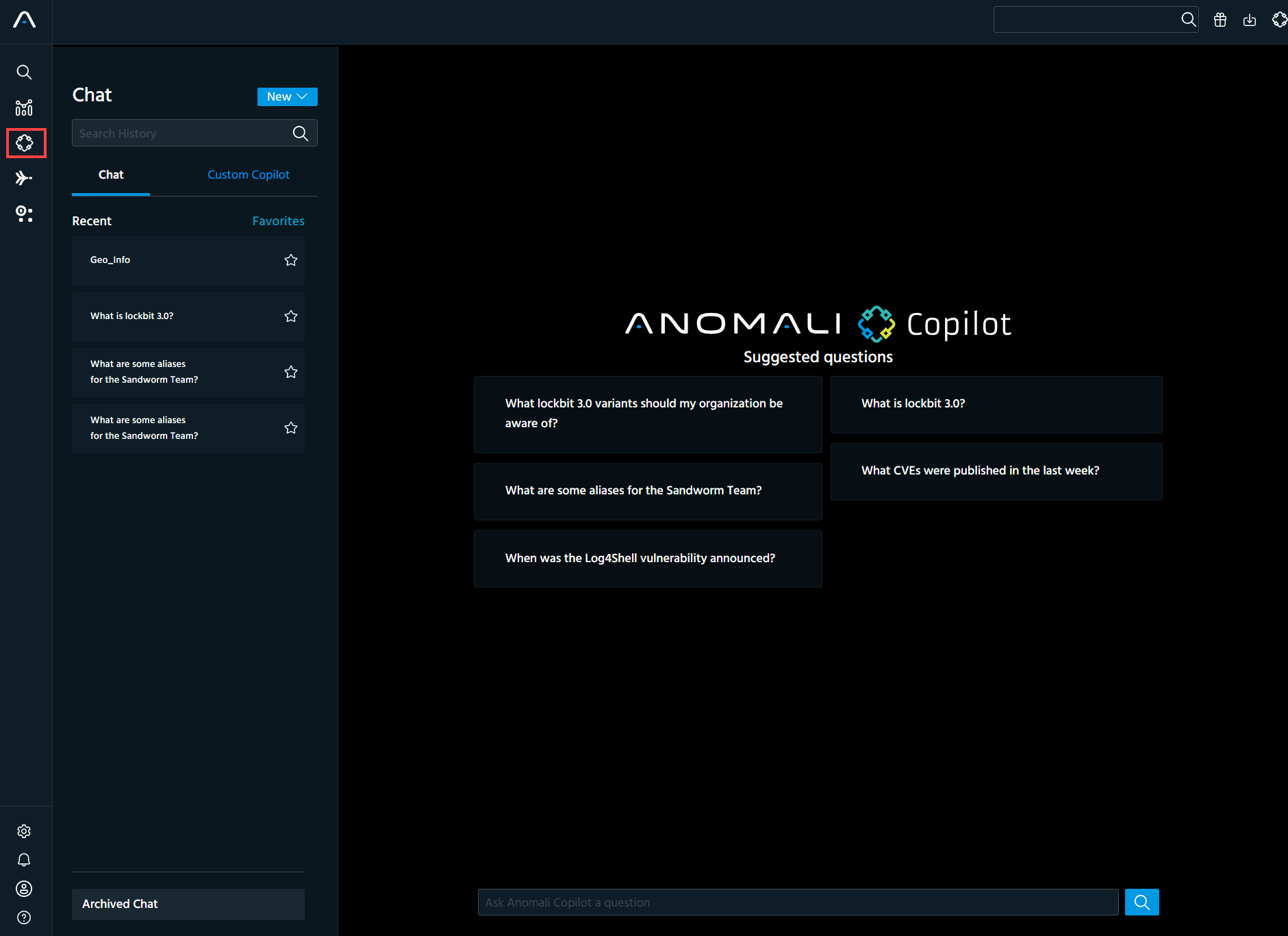
You can access Anomali Copilot chat by clicking  on the navigation panel.
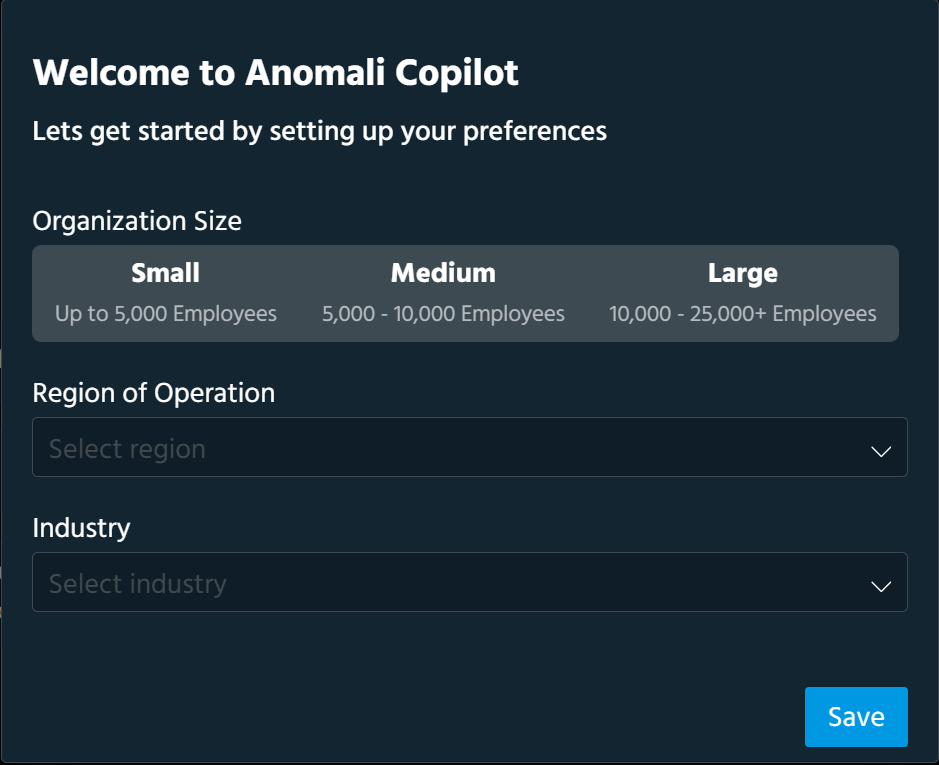
When accessing the Anomali Copilot chat for the first time, you are prompted to configure chat settings for your organization. Select your organization size, region of operation, and industry. Click Save when done. The chat settings will allow you to have chat conversations tailored to the needs of your organization.
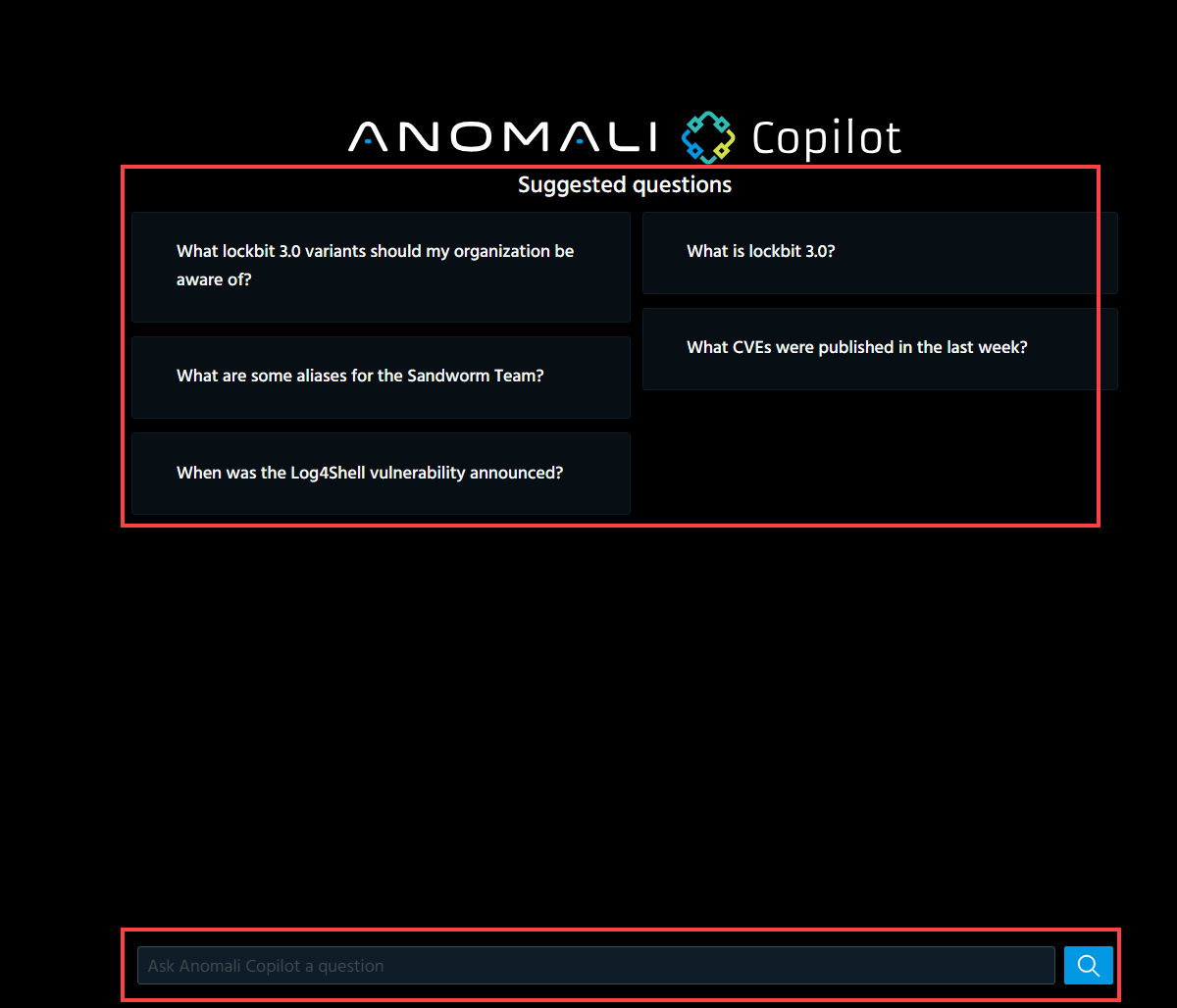
After configuring chat settings, you can start exploring suggested questions created based on your organization profile or enter custom questions in the search field.
Below is an example of the response to a custom question to Anomali Copilot.
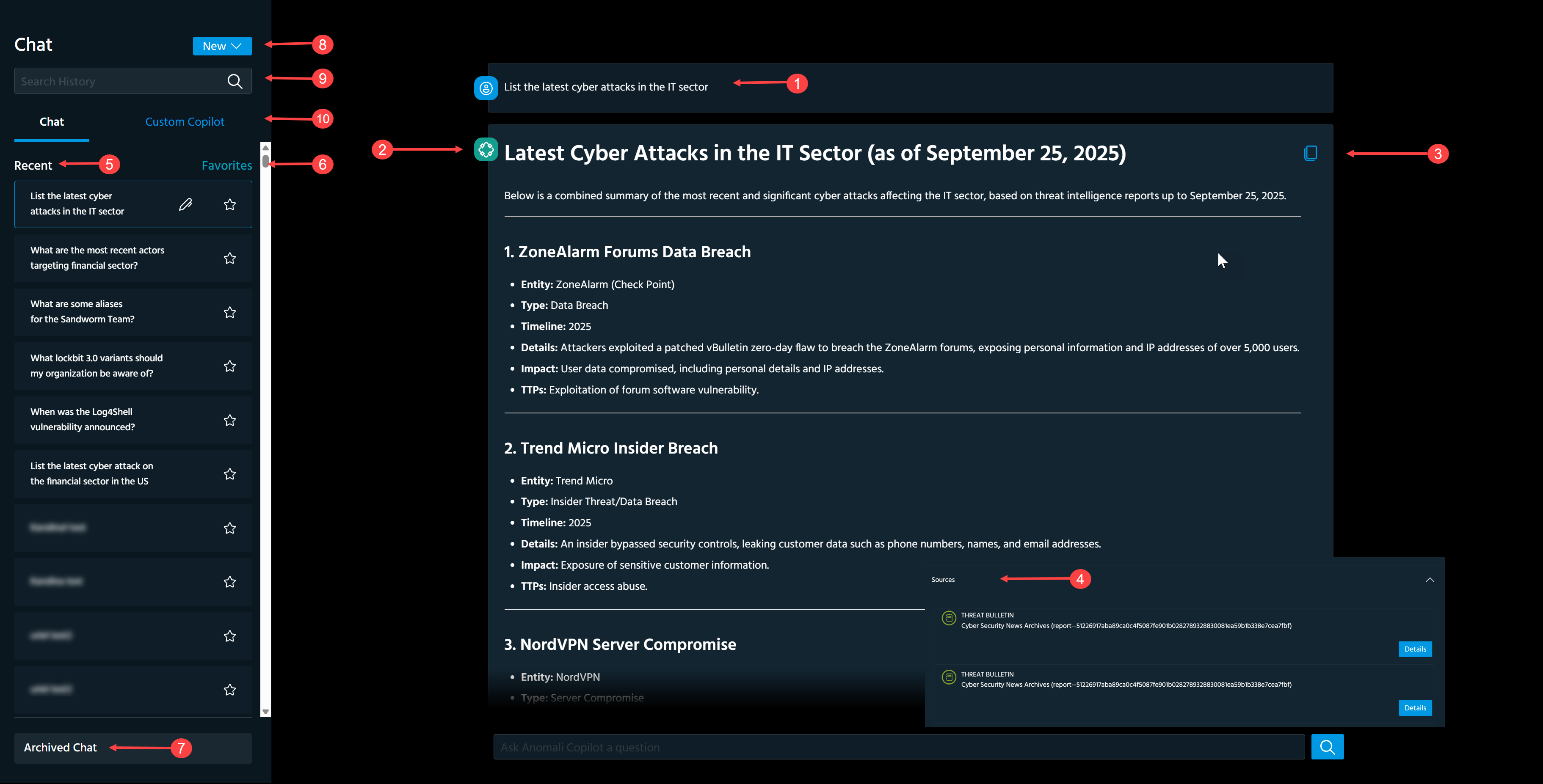
 Custom question.
 Response to a custom question generated based on Anomali-verified sources. Copilot chat responses support Markdown formatting for improved readability, including lists, tables, code blocks, and links.
 Copy a response to the clipboard.
 Sources: Sources used to create a response. Click "^" to view the list of sources.
To view details of an individual source, click Details next to the source of your interest.
 Recent: Chats with Anomali Copilot that were started over the last 30 days. You can edit chat titles but you cannot edit or delete chats for auditing purposes.
To edit a chat title:
-
Click the chat of your interest.
-
Click the edit icon (
 ).
). -
Modify the chat title.
-
Click Enter on your keyboard.
The new chat title is saved.
 Favorites: Click Favorites to access the list of favorite chat sessions. Click a star next to the chat of your interest to add it to the list of Favorites.
 Archived Chat: Chats with Anomali Copilot that are older than 30 days.
 New: Click New > Chat to start a new chat with Anomali Copilot or click New > Custom Copilot to create a Custom Copilot.
 Search History: Search for chats by entering a chat title.
 Custom Copilot: Access the list of Custom Copilots.