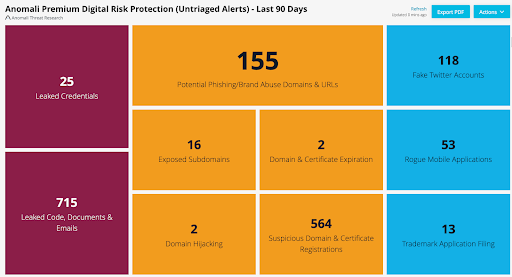
Activating the PDRP Service
After receiving your PDRP API key from the Anomali ATR team, take the following steps to activate PDRP feed:
-
Navigate to ThreatStream > APP Store>APP Store.
-
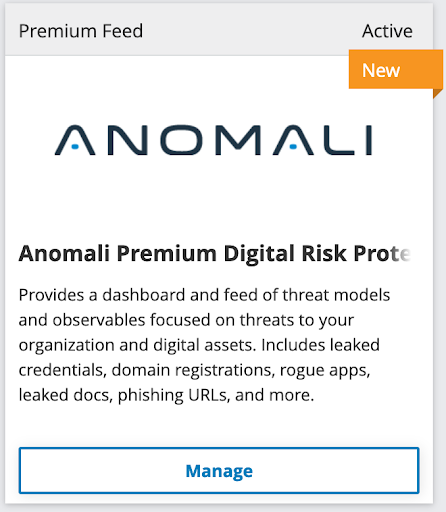
Locate the Anomali Premium Digital Risk Protection tile.
-
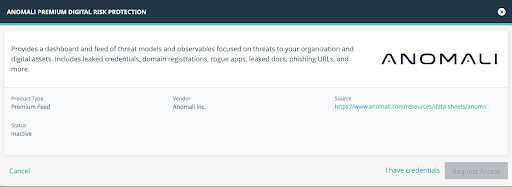
Click Manage and then click I have credentials.
-
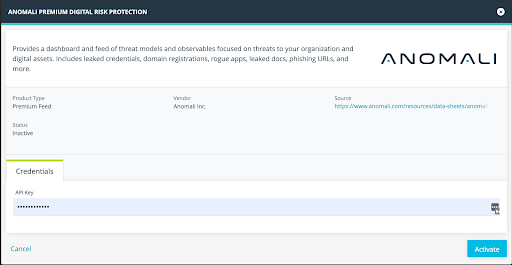
Enter the API key provided by the Anomali ATR team.
-
Click Activate. The status of the feed changes to Active on the tile.
-
Click Dashboard from the top navigation menu and click on the +Add Dashboard tab.
-
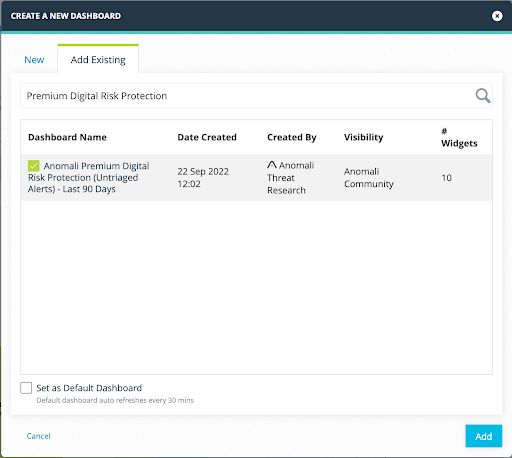
Click Add Existing.
-
Select the Anomali Premium Digital Risk Protection (Untriaged Alerts) - Last 90 Days dashboard and click Add. The dashboard will be added to ThreatStream. Within an hour, you will start receiving PDRP alerts.