Comparing Feeds with Feed Optimizer
Feed Optimizer provides valuable metrics on the relevance of open-source intelligence feeds to your organization. You can compare feeds by two parameters: Overlap and Earliest to Report. Comparing feeds by Overlap displays the number of identical observables provided by more than one feed, and Earliest to Report displays which feed provided overlapping observables first.
To view Feed Optimizer, navigate to ThreatStream > Manage > Feed Optimizer.
 Feed Selection
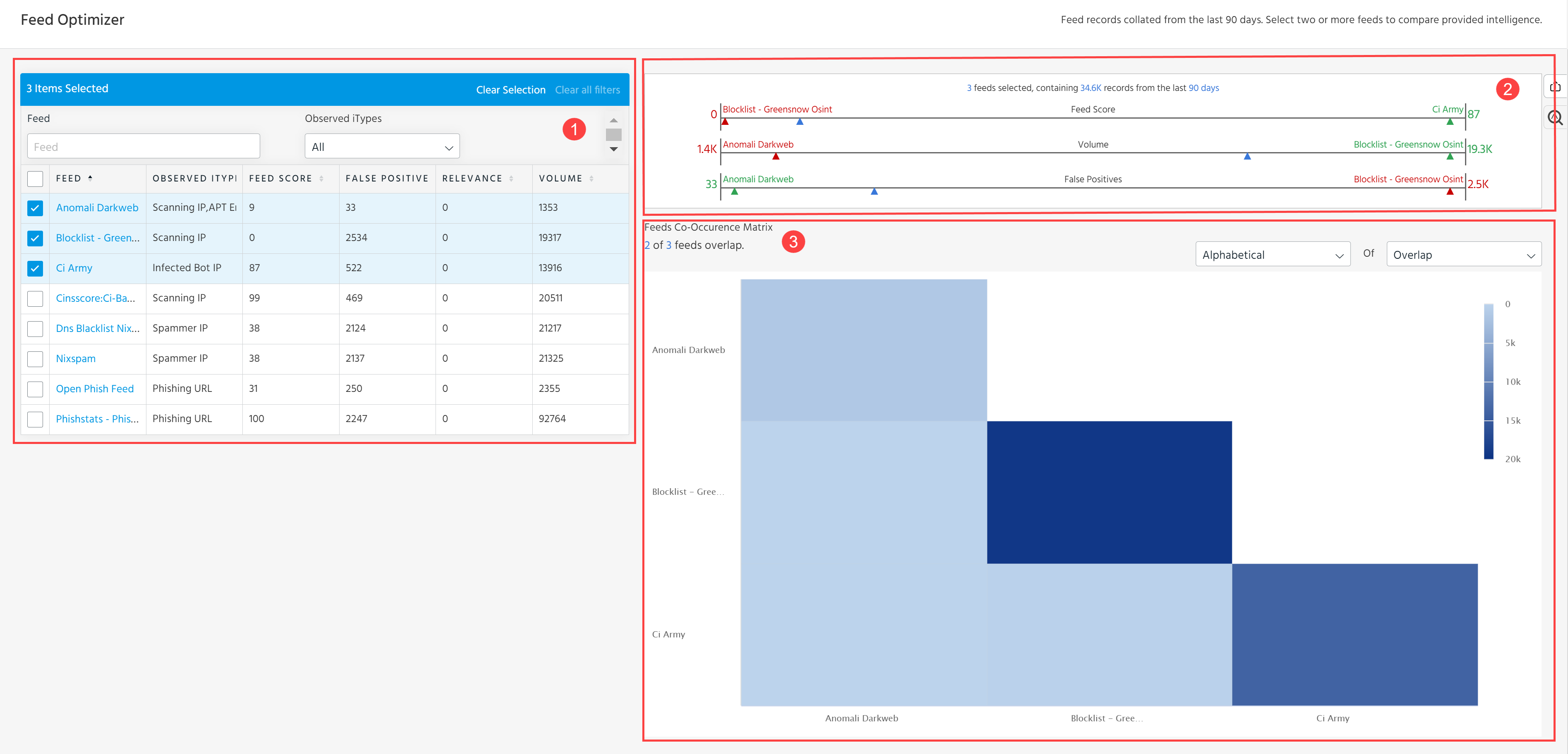
Use the checkboxes to select feeds to compare. You can select all feeds in the list by clicking the Feed checkbox in the top left corner.
Feeds can be filtered by:
- Feed: Name of the feed. Use the text box to search for feeds by name.
- ITypes: Indicator types assigned to all active observables provided by the feed. Use the drop-down menu to select an indicator type. For a complete list of observable types, see Indicator Types in ThreatStream.
- Feed Score: Average confidence score of all active observables provided by the feed.
- False Positives: Number of false positives provided by the feed.
- Relevance: Number of observables provided by the feed that appear in your My Attacks.
- Volume: Number of active observables in the feed.
You can also sort the list in ascending or descending order by any of the above parameters.
If you apply a filter that excludes a feed you have already selected, the selected feed will appear on the matrix until you manually deselect it.
To deselect all feeds, click Clear Selection.
 Comparison Overview
View the favorability of feeds based on the following metrics: Feed Score, Volume, Relevance, and False Positives. The most favorable feeds appear as green triangles, while the least favorable feeds appear as red triangles. Mouse over triangles to view the name of the feed in full.
 Co-Occurence Matrix
The Co-Occurence Matrix is a graphical representation of observable overlaps between the feeds you selected. Mouse over individual comparisons to view statistics.
There are two different views:
-
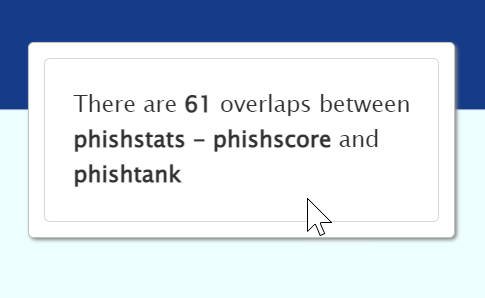
Overlap displays the number of identical active observables found in both feeds.
-
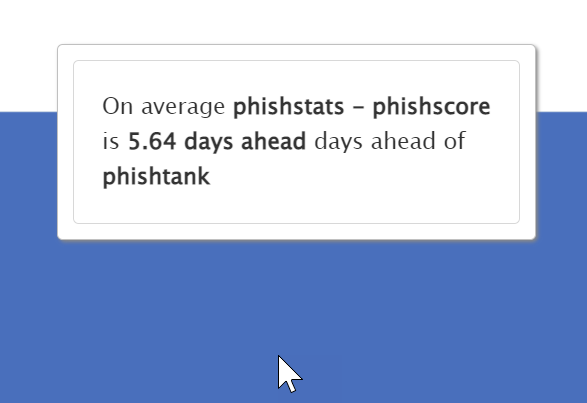
Earliest to Report displays which feeds were first to provide identical observables. This view takes the total number of days that one feed was ahead of the other and divides it by the total number of overlapping observables.