Anomali Takedown Service
The Anomali Takedown Service enrichment allows you to request takedowns of malicious or brand-infringing domains and URLs. After activating the Anomali Takedown Service enrichment in the APP Store, you can send takedown requests and track their progress.
Refer to the following sections for details:
Activating Anomali Takedown Service
Activating Anomali Takedown Service
To request takedowns of domains and URLs, you must activate the Anomali Takedown Service enrichment first. Also, to activate the service you must obtain the API Key and API Secret from an Anomali Customer Support representative.
To activate the Anomali Takedown Service enrichment:
-
Navigate to ThreatStream > APP STORE > APP Store.
-
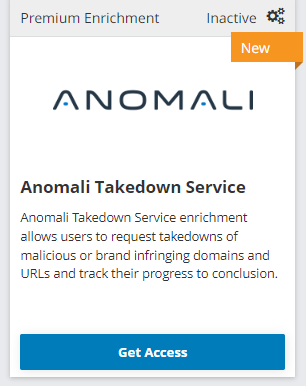
Select the Enrichment Product Type and locate the Anomali Takedown Service enrichment.
-
Click Get Access.
-
In the window that opens, click I have credentials.
- In the window that opens, click Credentials.
- Enter your API Key and API Secret.
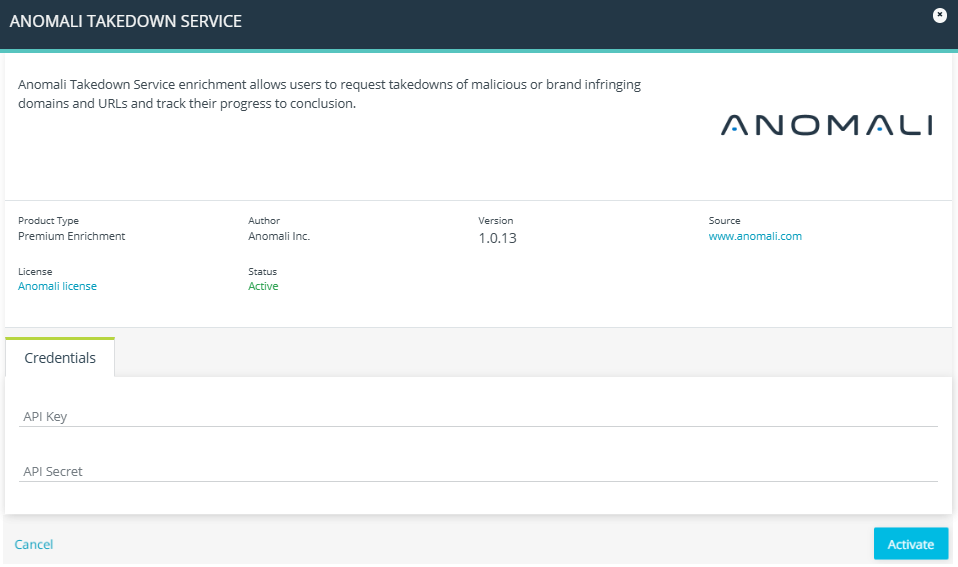
- Click Activate.
The Anomali Takedown Service is now active.
Requesting a Takedown
You can request a domain or URL takedown from observable details pages.
To request a takedown of a domain or URL:
-
Navigate to ThreatStream > Analyze > Observables.
-
Click the observable of your interest.
-
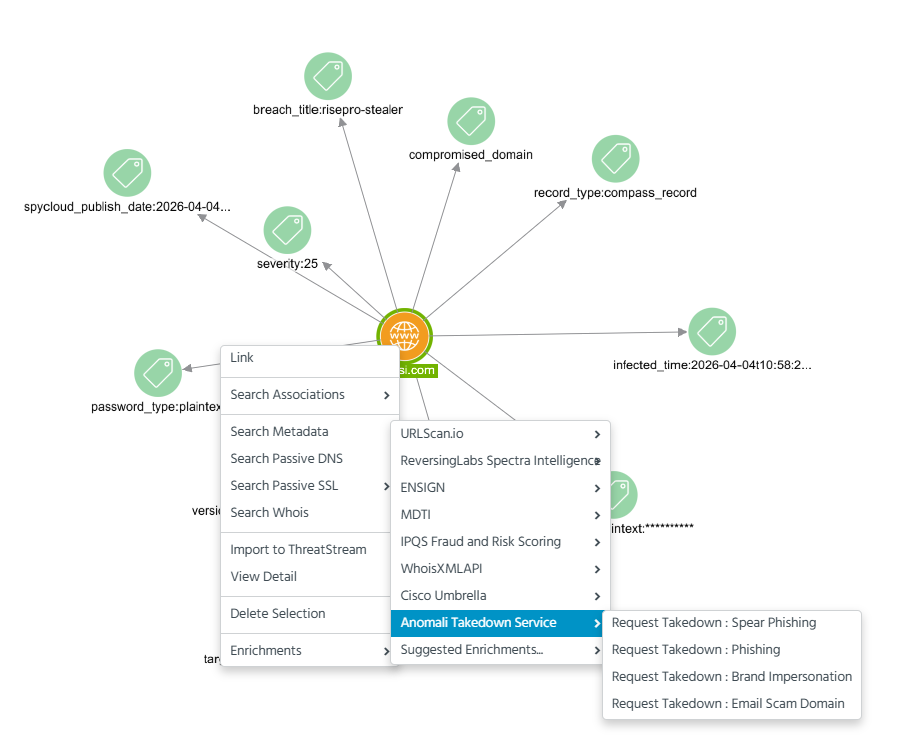
Right-click the observable node and select Enrichments > Anomali Takedown Service.
-
Select one of the following Request Takedown options:
Request Takedown: Spear Phishing
Request Takedown: Phishing
Request Takedown: Brand Impersonation
Request Takedown: Email Scam Domain
When the takedown request is processed, the following tags indicating a takedown ID, status, and type are added to the observable and Threat Bulletins associated with the observable:
-
anomali-takedown-id: <id>
-
anomali-takedown- status: <status>
-
anomali-takedown-type:<type>
Possible status options are "open", "suspended", "successful", "canceled", and "closed".
The tags are utilized for creating widgets and alerts for the Anomali Takedown Service dashboard.
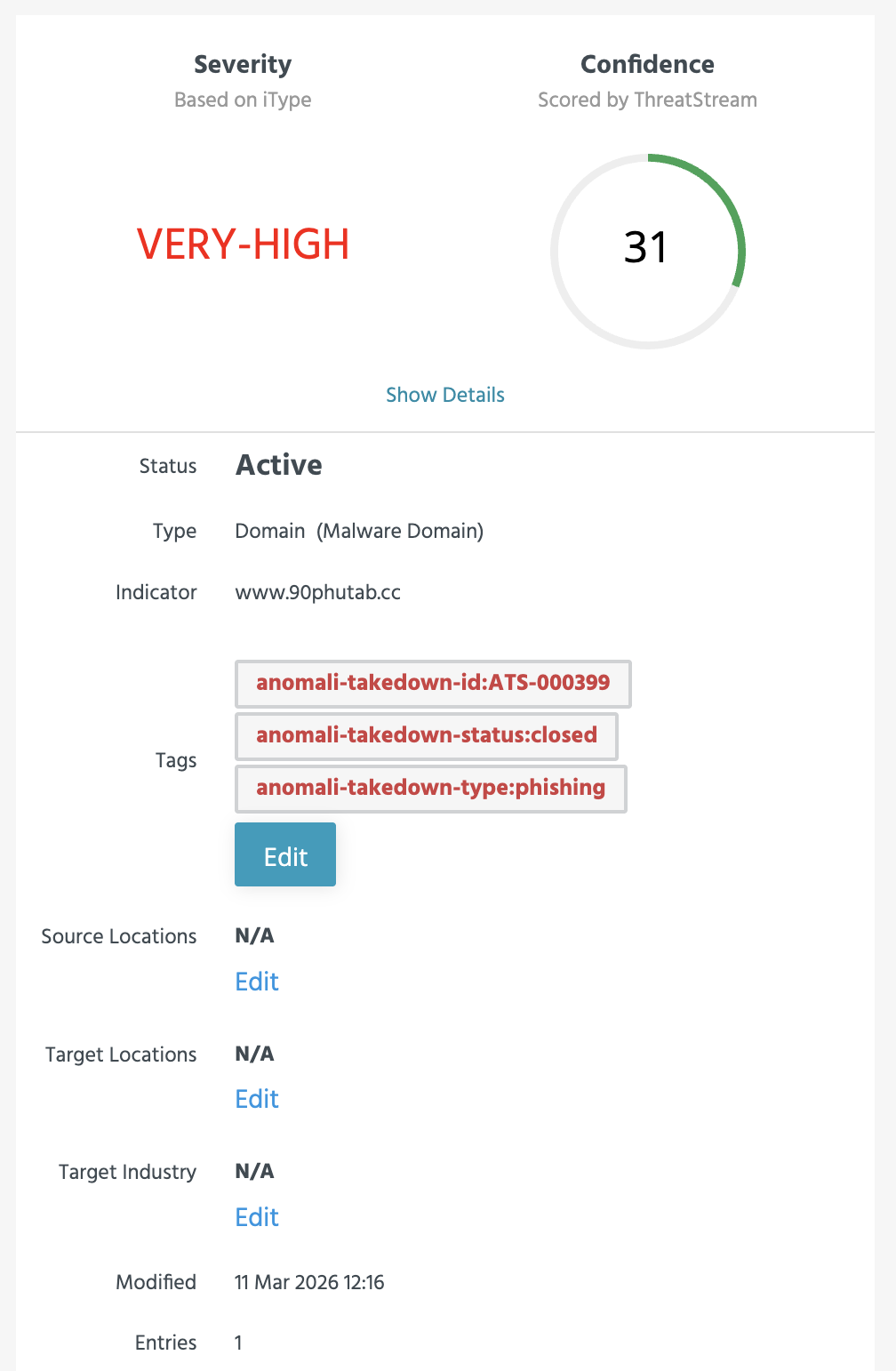
The status polling runs every 15 minutes. An in-app notification appears in ThreatStream every time a takedown request status changes. To learn more about receiving in-app notifications from ThreatStream, see Receiving In-App Notifications From ThreatStream.
When the takedown process is completed, the taken-down domain or URL no longer appears on the list of compromised domains or URLs.
Viewing a Takedown History
The takedown history of an observable can be viewed on the observable details page.
To view a takedown history:
1. Navigate to the observable that you have requested to take down.
2. In the Enrichment section, select Anomali Takedown Service.
3. View the takedown status and takedown history in the Check Takedown Status tab.
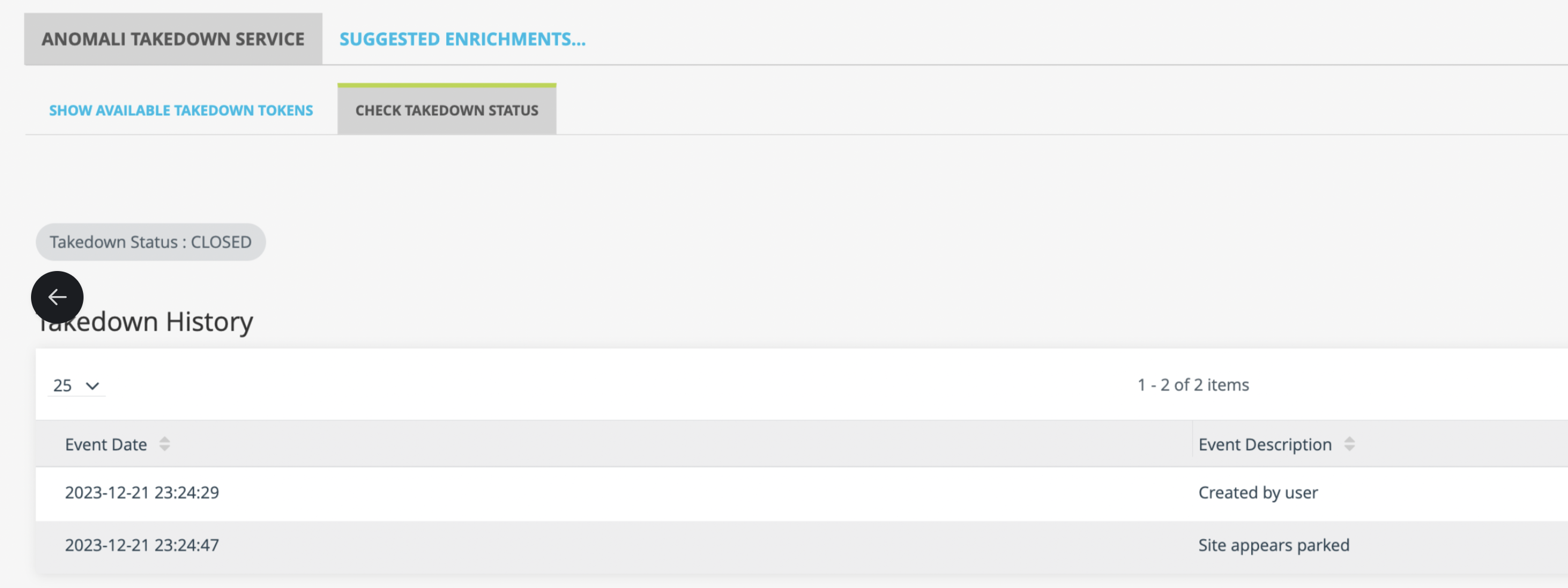
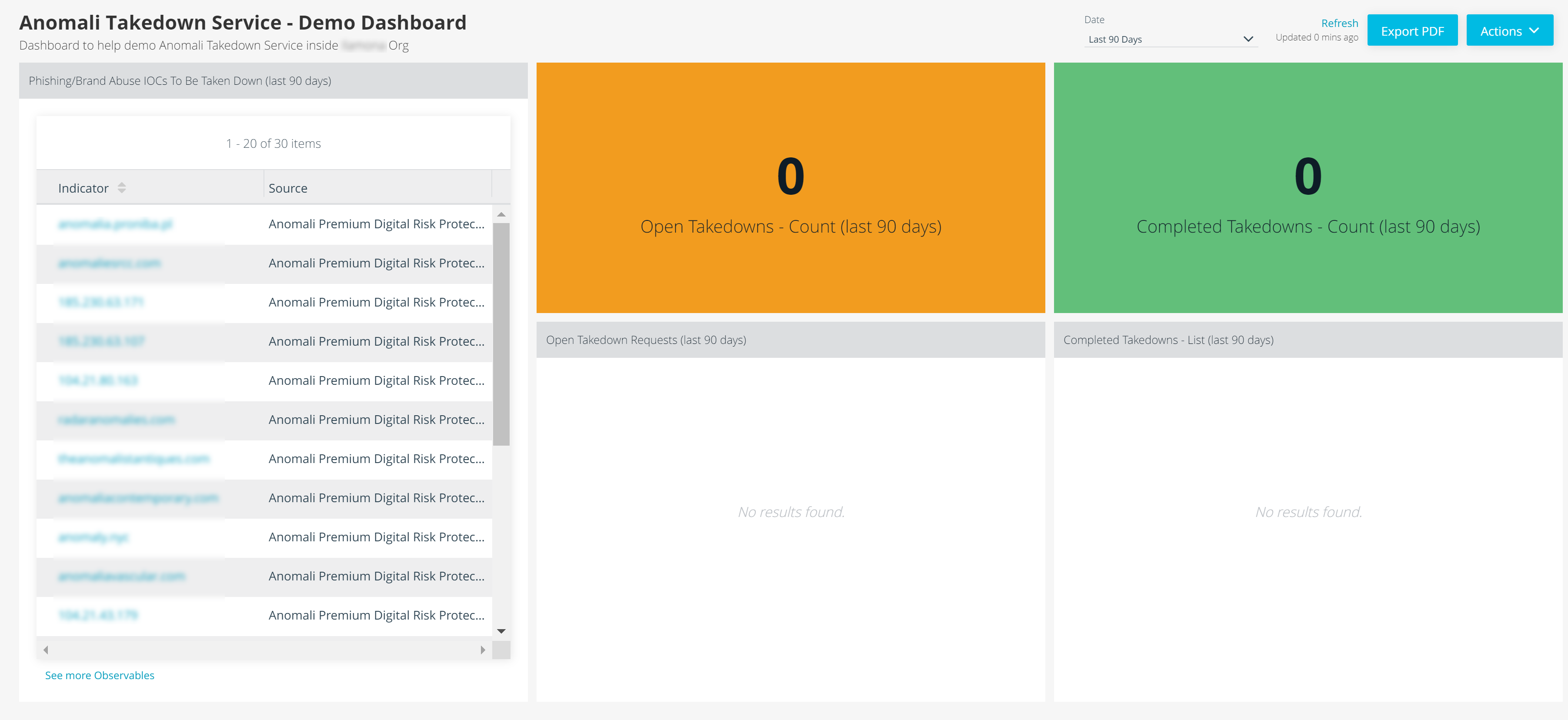
Alternatively, you can track the takedown progress of all takedown requests on the Anomali Takedown Service dashboard. See Utilizing Themed Custom Dashboards from the Anomali Threat Research Team to learn how to add existing ATR dashboards to your ThreatStream home page.
The Anomali Takedown Service dashboard includes the following widgets:
IOCs to be taken down
Open Takedowns - Count
Completed Takedowns - Count
Open Takedown Requests (over the selected timeframe)
Completed Takedowns - List (over the selected timeframe)
Below is an example of the Anomali Takedown Service dashboard: