Managing Free Feeds
Through relationships with top intelligence vendors, Anomali ThreatStream offers access to certain premium third-party feeds at no additional charge. These feeds generally contain a subset of vendor premium feeds or enrichment data. Free feeds are not trials. Therefore, access is perpetual and does not expire. You can migrate to premium versions of the vendor feed by contacting Anomali Support.
Activating Free Feeds
For the list of available free feeds, refer to Available Free Feeds.
To activate a free feed:
- Navigate to ThreatStream > APP Store > App Store.
-
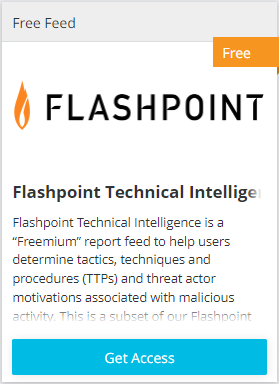
Locate the free feed of interest, as shown in the following example:
-
Click Get Access.
-
Read the evaluation agreement and select Accept Terms, then click Request Activation as in the following example:
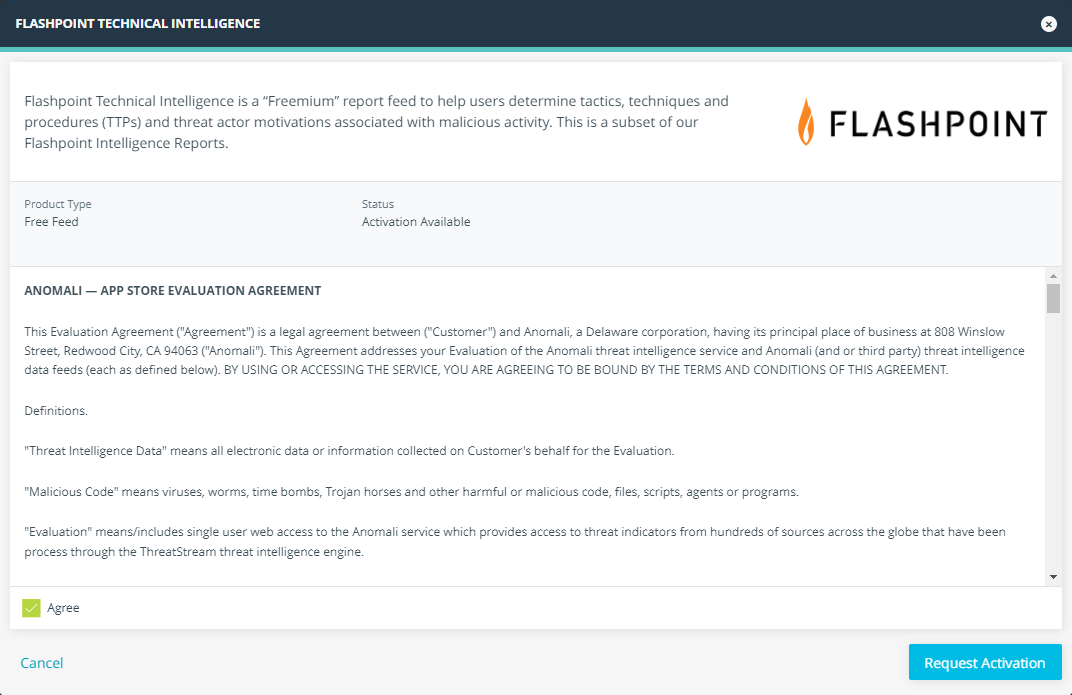
You will receive notifications regarding the status of your request via email.
Deactivating Free Feeds
If you no longer want to use a free feed, you can always deactivate it.
To deactivate a free feed:
-
Navigate to ThreatStream > APP STORE > App Store.
-
Locate the feed that you want to deactivate.
-
Click Manage.
-
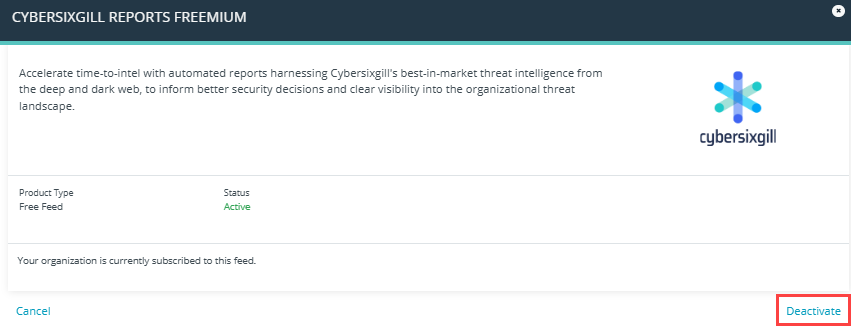
In the window that opens, click Deactivate.
-
Click Deactivate feed to confirm deactivation.
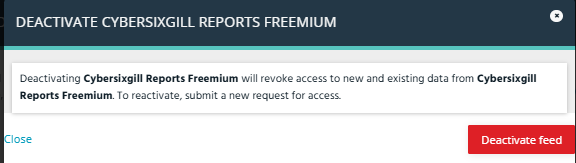
The feed is now deactivated. Your access to new and existing data from this feed will be revoked within 24 hours.